Discreet Flame 9.5

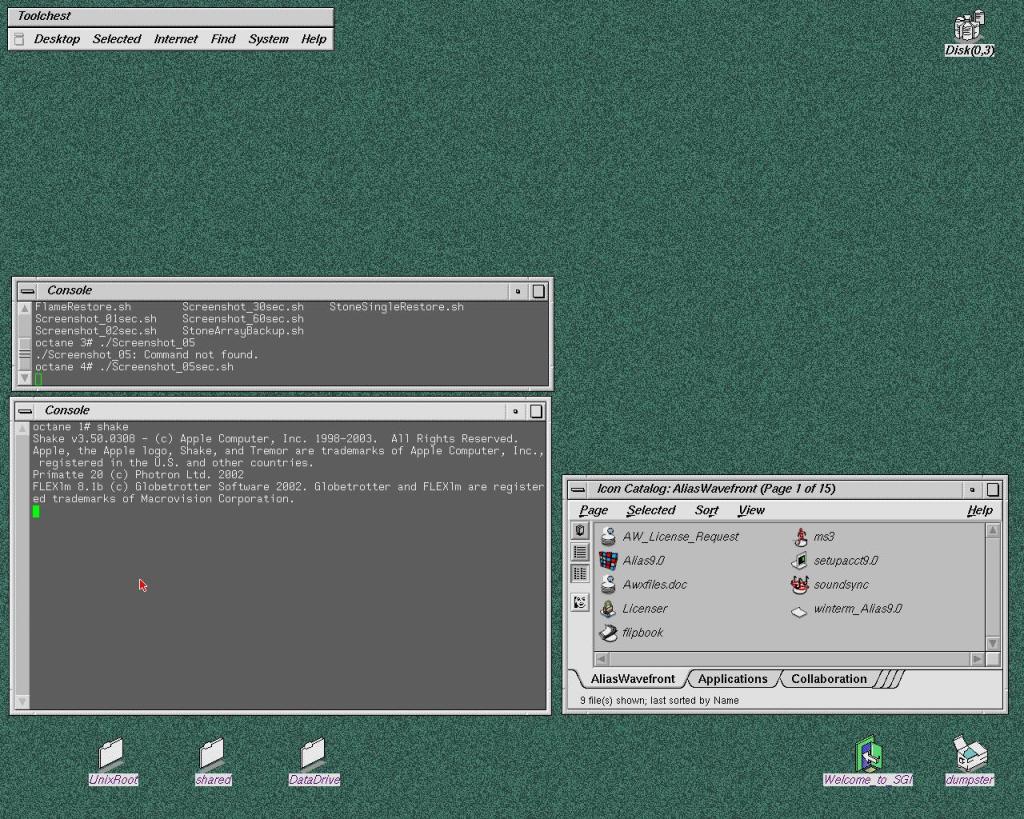
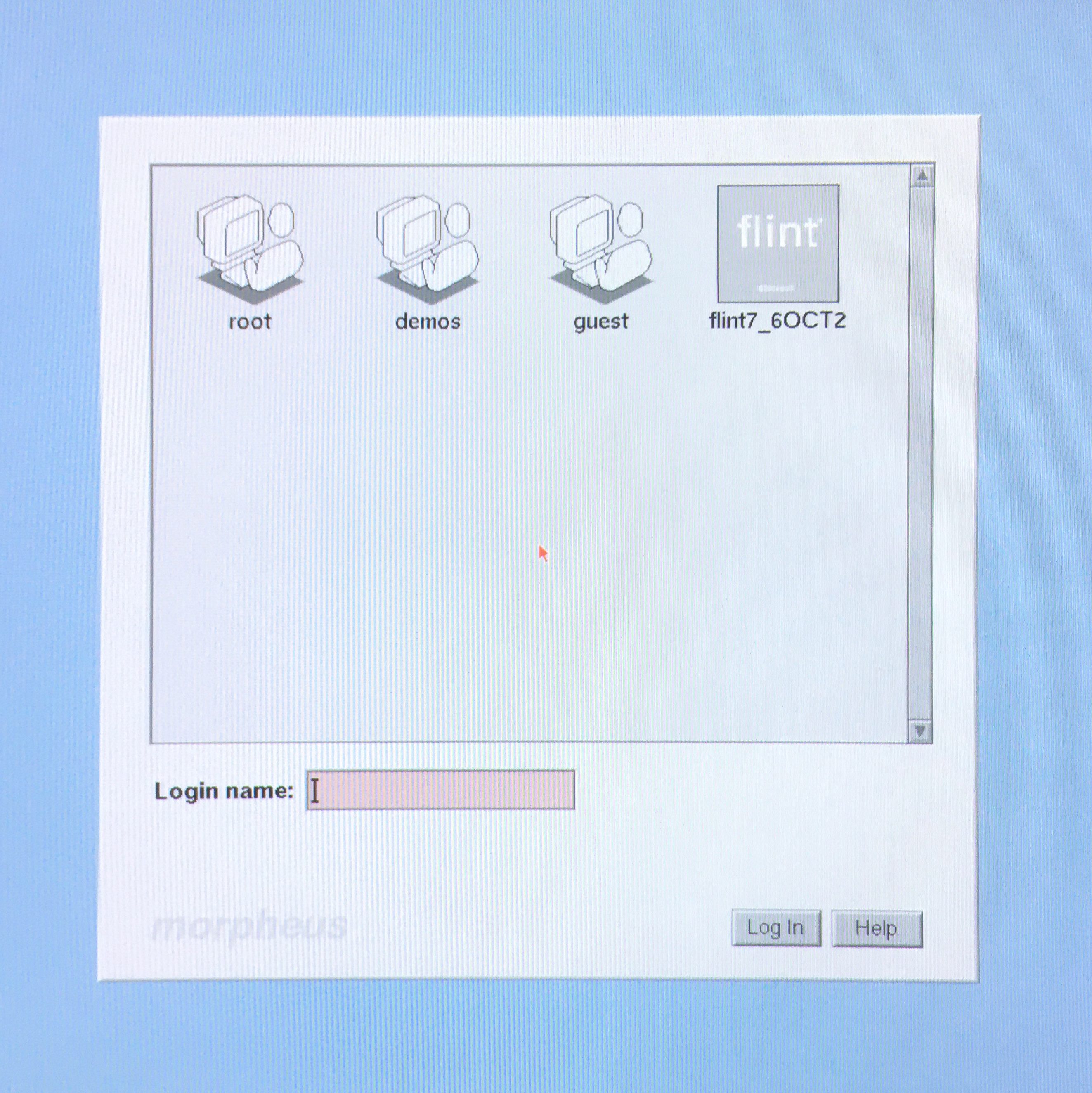
Behold the mighty Flame. After days of attempts I managed to install the software and have all the hardware and drives properly recognised and functioning. I can’t thank enough the people of the Irix NETWORK forum. Special thanks to gijoe77, def13 and irikinus for their direct help and support.

As a professional compositing supervisor it’s amazing to be able to play again with this software on the original SGI hardware.. actually in this case the very same machine I used 20 years ago.
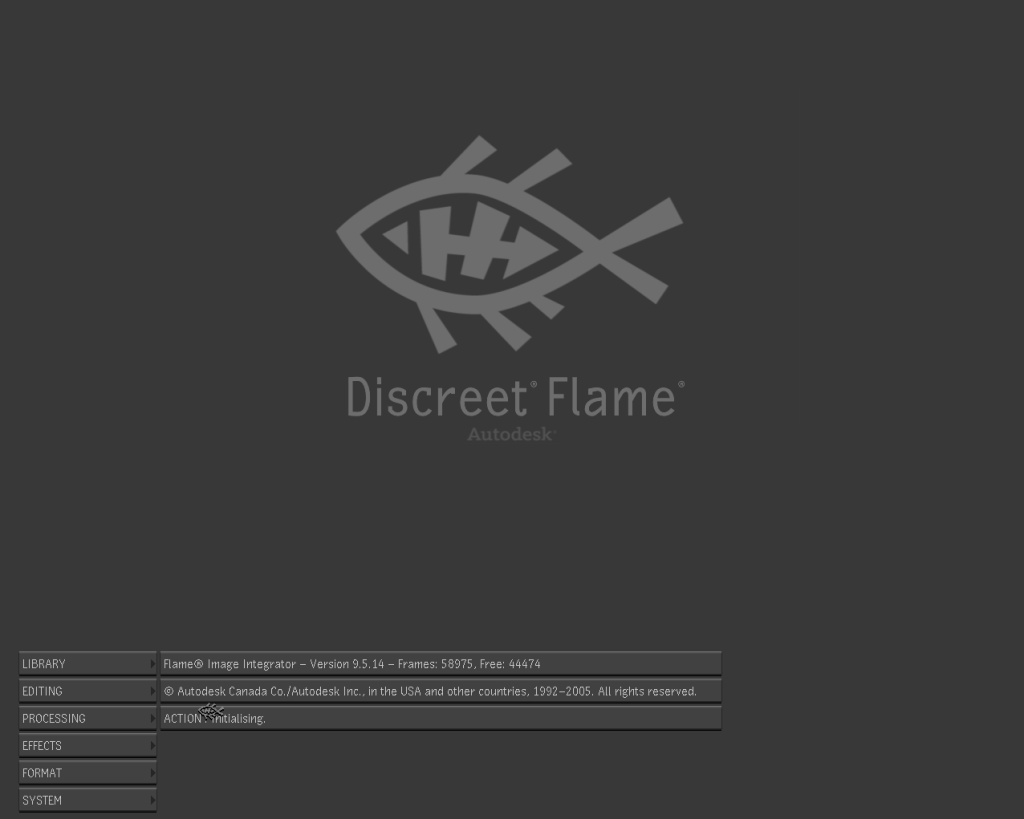
The original workstation came with Flint 7.6 installed, after some testing and consideration the best version of a discreet product that can run well on my Octane is Flame 9.5 from 2005. Finally with the version 8 they introduced resolution independent projects management and v 9 was completely rewritten as a 64 bit application. After this release Discreet launched another 2 versions of Flint / Flame for Silicon Graphics hardware, the last one named Flame 2008. Sadly I would need more memory and a V12 graphic card instead of my V10… soon or later I will upgrade : P
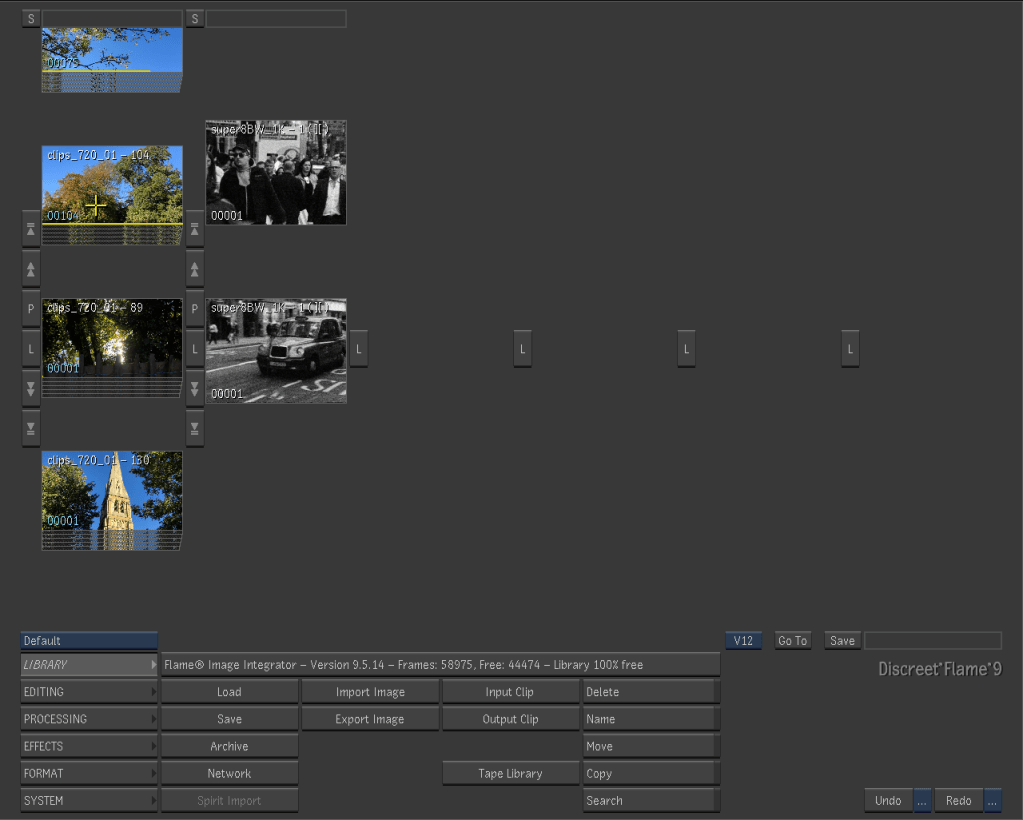
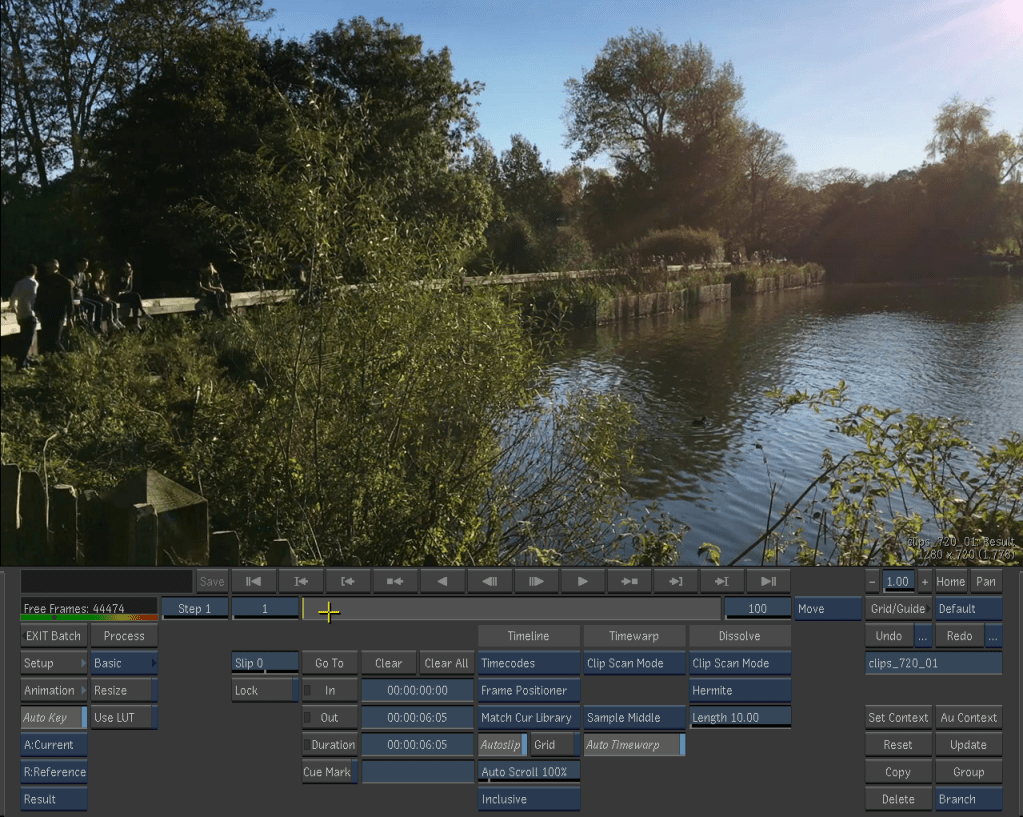
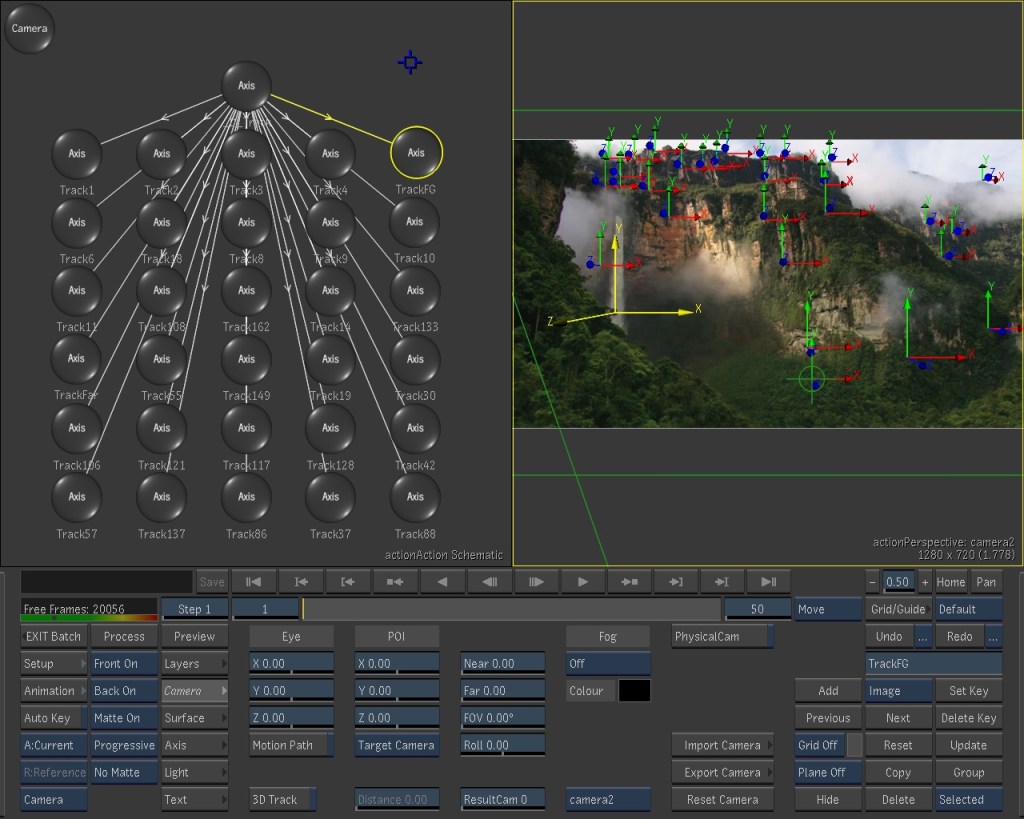
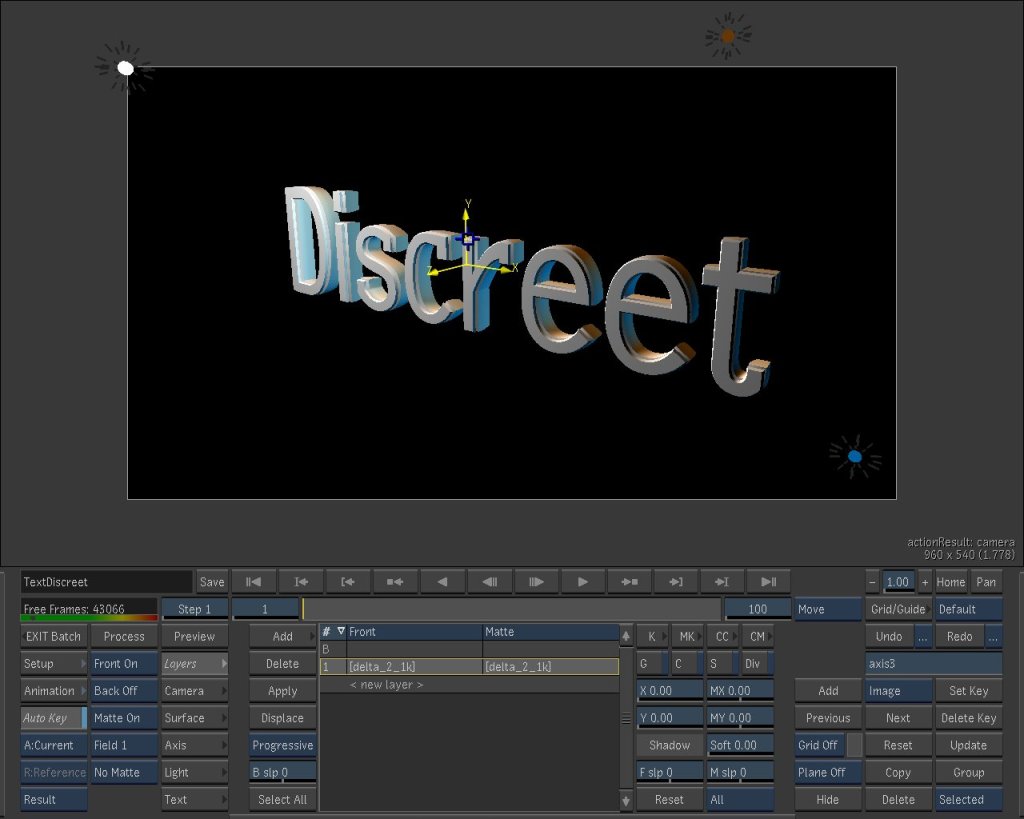
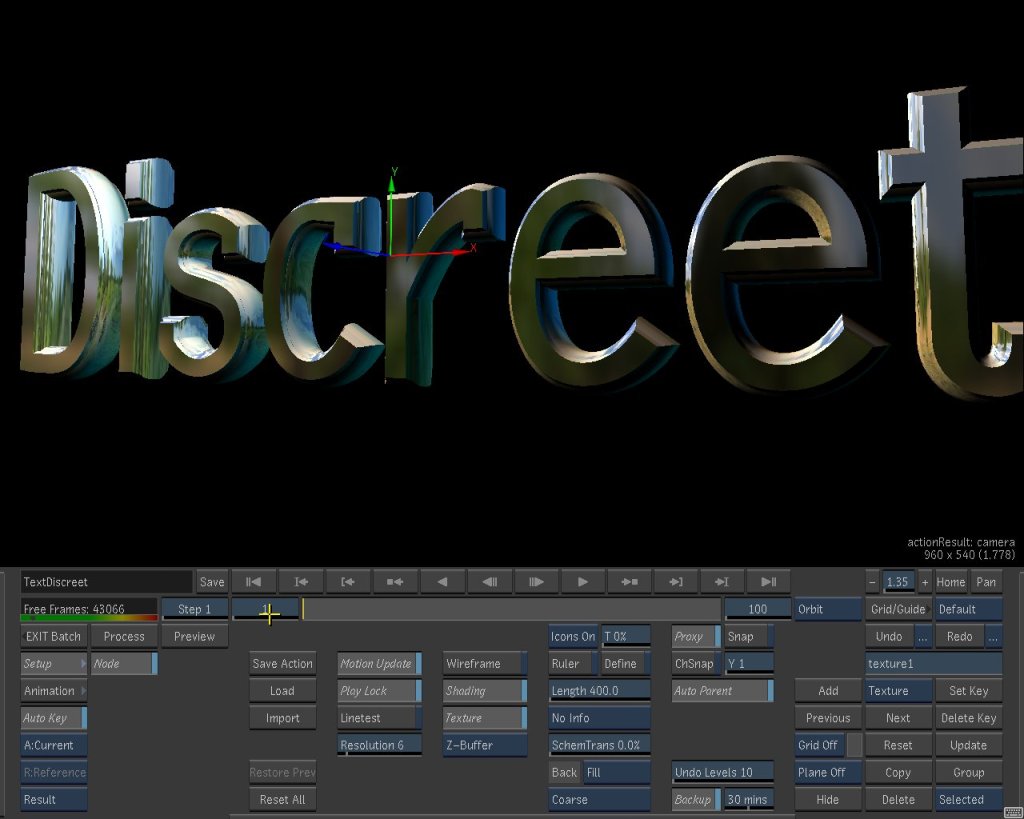
I copied via FTP a bunch of clips that I had in my photo library just to play a bit with the software. I am still quite impressed by the smoothness and responsiveness of playback, 3d space and painting tools.

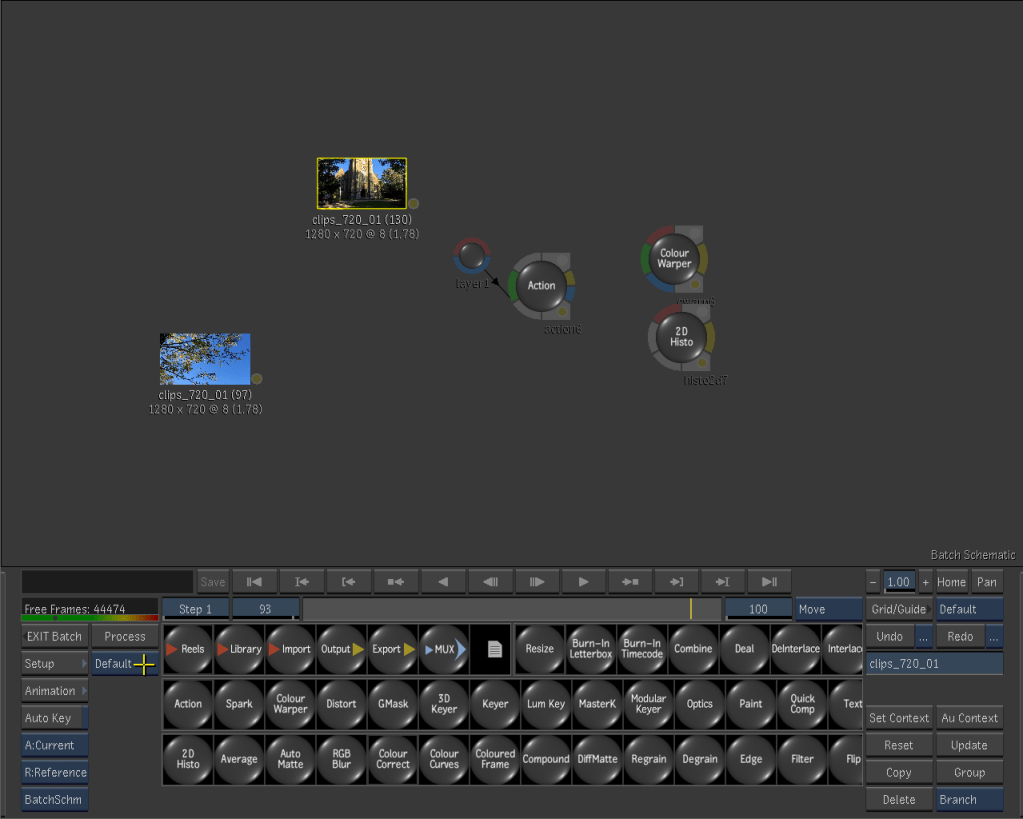
Quite shocking how the system handles real time reflections on a 3d object… on a video card with 32 Mb of memory of which only 8 dedicated to textures.. yes megabyte!
Irix 6.5.22

And after many hours of study and attempts I finally installed a clean Irix 6.5.22 on the Octane 2 : )

Step one: get some new SCSI2 drives to backup the current and ONLY functioning system I have. Eventually I bought 5 drives and relative sleds.. just to experiment a bit.

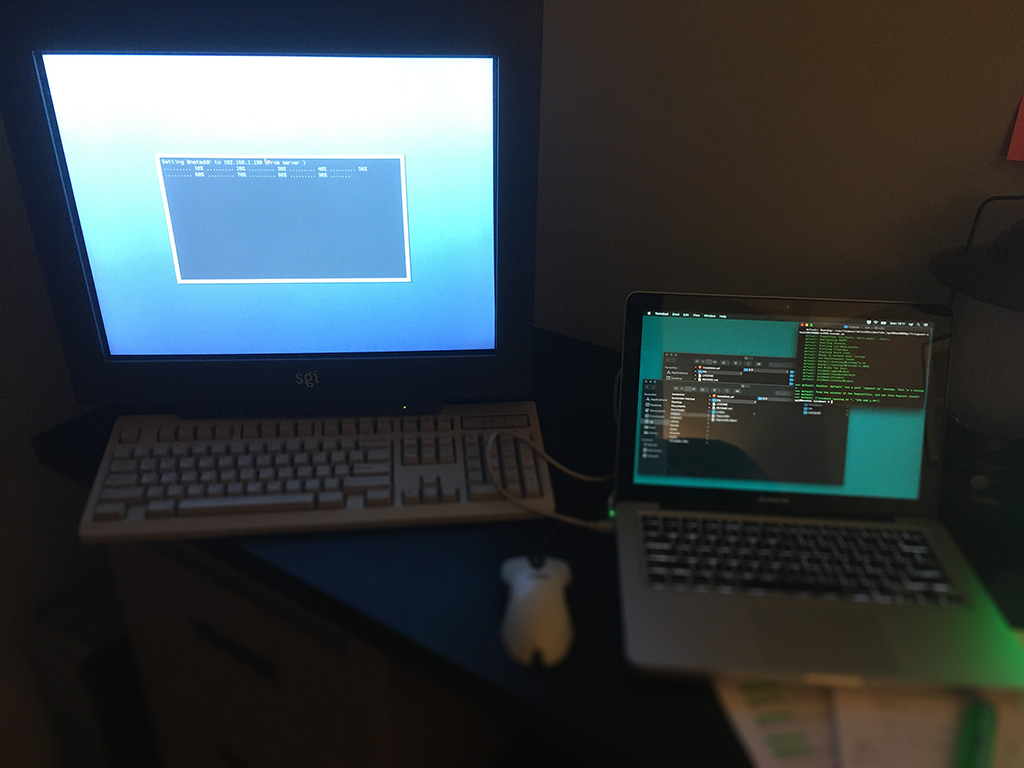
Step two: get the Octane on my network with setenv netaddr

Step three: on my Mac install the virtual box Vagrant and retrieve all the necessary Irix disk images required. Here’s the great IrixBoot by “halfmanhalftaco”. The easiest prepackaged vm installer you can find online.

Step four: patiently go through all the steps to install Irix. NOTHING is with a graphical interface, be patient and typo those commands. Recommended resource: Irikinus youtube channel.

Step five: After 40 minutes Irix is installed! Finally I can clone the original drive and save the data, mount it as second disk, access it and remove the damn forgotten password of those ancient accounts!

Step six: Tweak the OS at will. Configure the accounts, change the interface settings and make sure that the connection via FTP is running. That’s the easiest way to exchange data with any Sgi machine.

It sounds easy, but it took me several attempts to have a nice conflict free installation that will work with all the softwares I want to test.

Finally I can play with this workstation, install all sort of abandonware and test all the hardware that came with, from the video I/O box to the fibre channel array 😀

Mission Octane 2

When I heard that one of the first studio where I worked shut down I needed to investigate since there was something I was looking for. Back in 2002 I started my vfx career learning Discreet Flint on a Silicon Graphics computer. I was still in contact with my boss and after a few calls I managed to acquire this beauty…

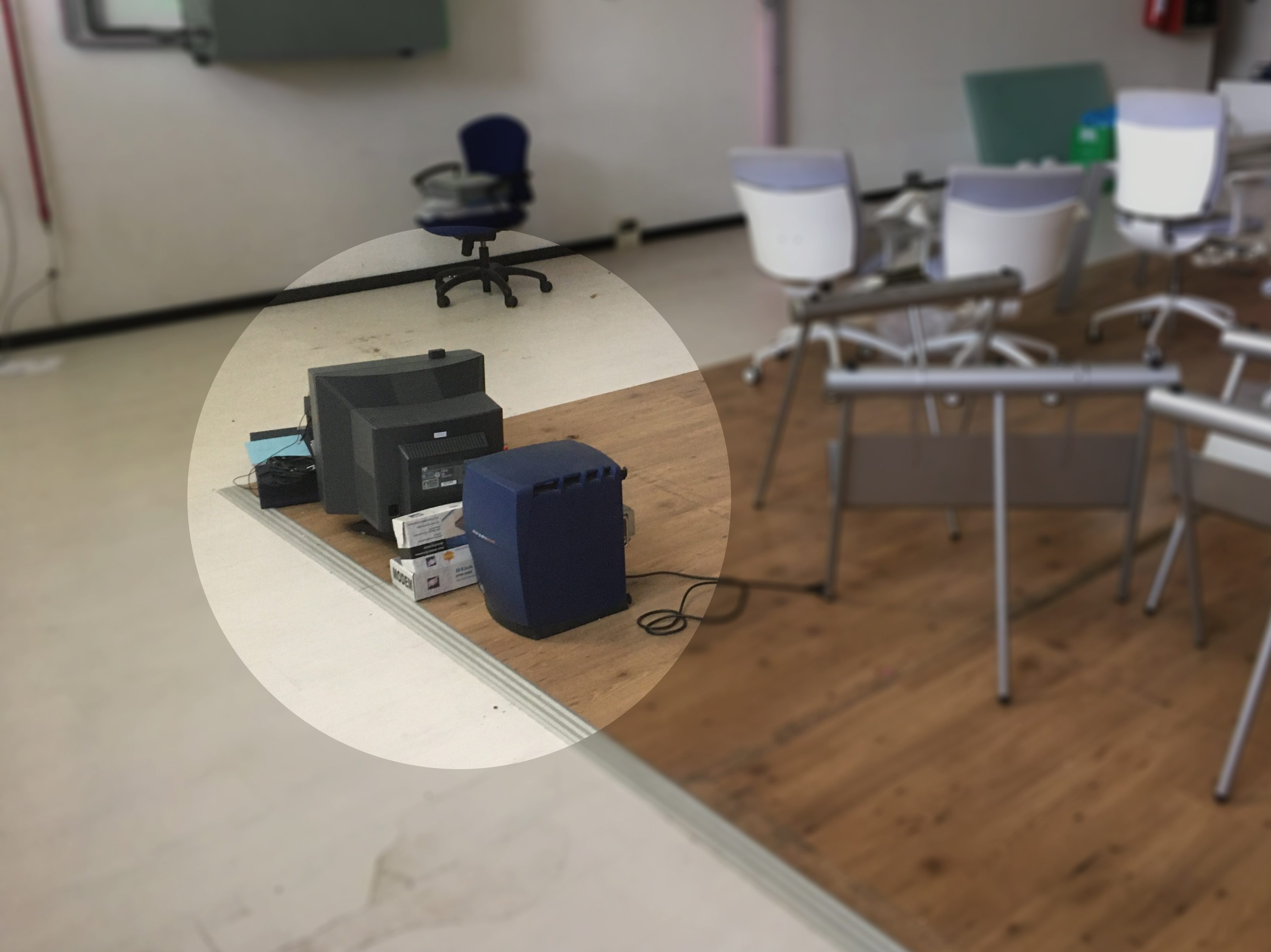
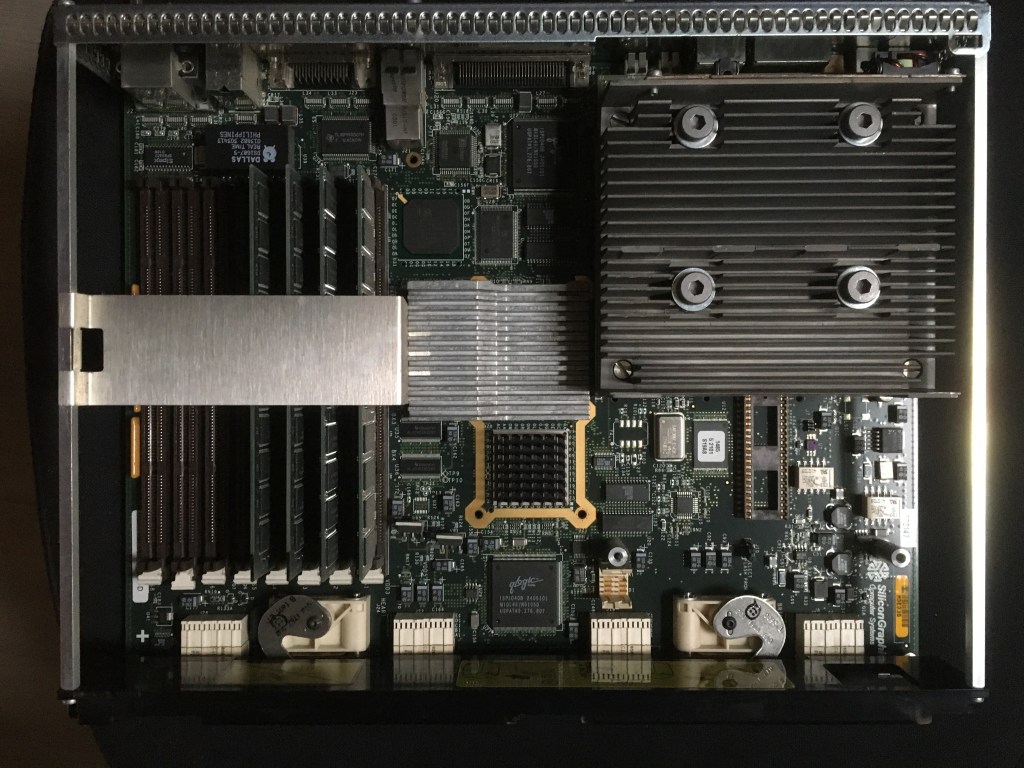
The poor abandoned sgi has been sitting in this warehouse for a few years. After loading almost a 100 Kg of hardware in the car, once at home I inspected all the components. Despite 15 years of inactivity the logic board was simply immaculate.

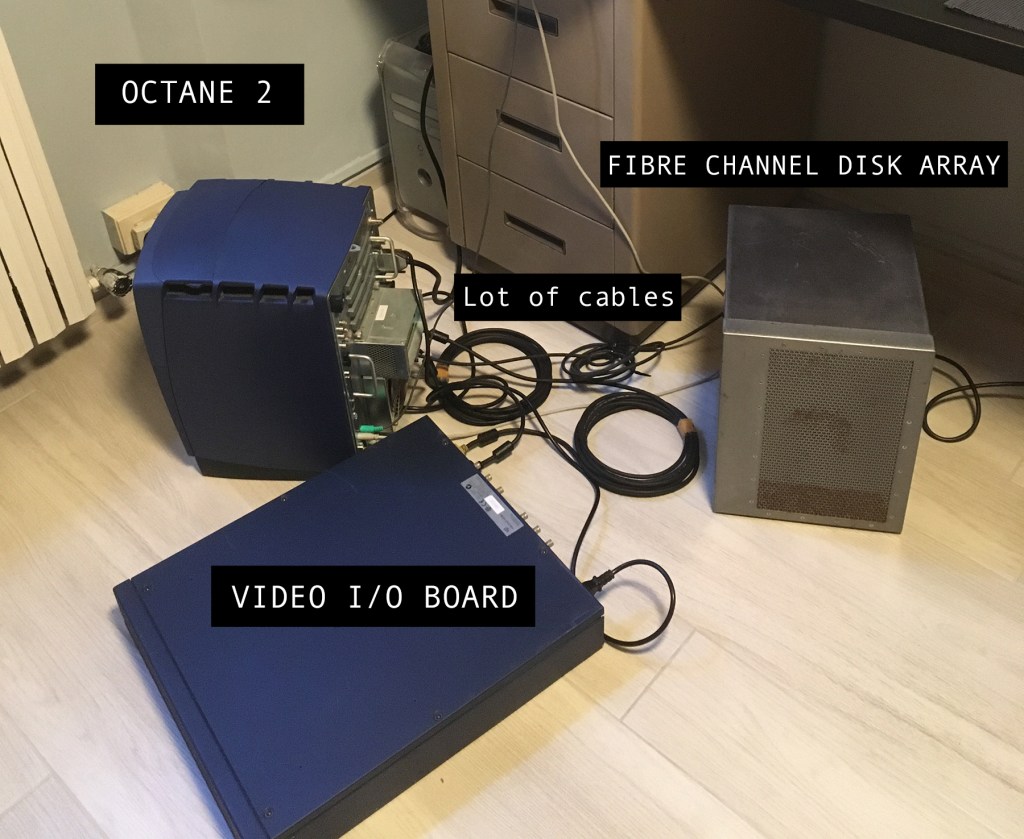
And here we are, all cabled for a first test. Octane 2, the Video breakout box, fibre channel disk array and, out of frame, the SGI Crt display. A couple of things have been lost, but I will hunt for an original keyboard and mouse on eBay.

And… here we are. The machine was up and running perfectly. Well lost the root password, lost the hardware key for Flint, external CD drive not working, couldn’t set up the network.. basically a brick. But it was the first step : )