![[ 512 Lab ]](https://fivetwelvelab.uk/wp-content/uploads/2022/09/cropped-logo.jpg)

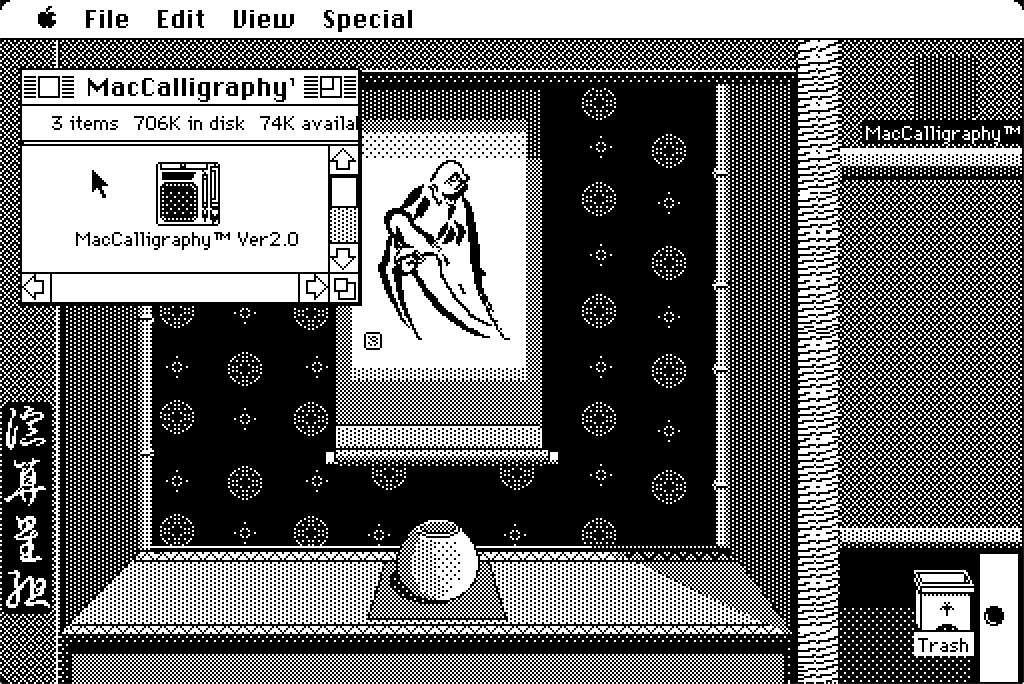
Here’s a quick sketch inspired by a cave painting.
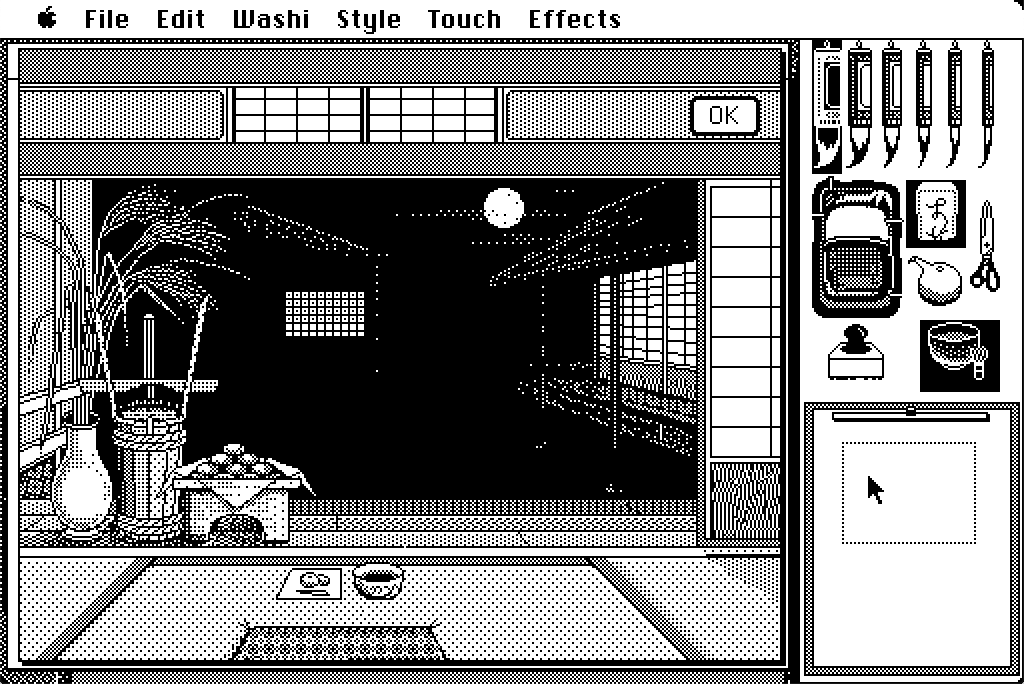
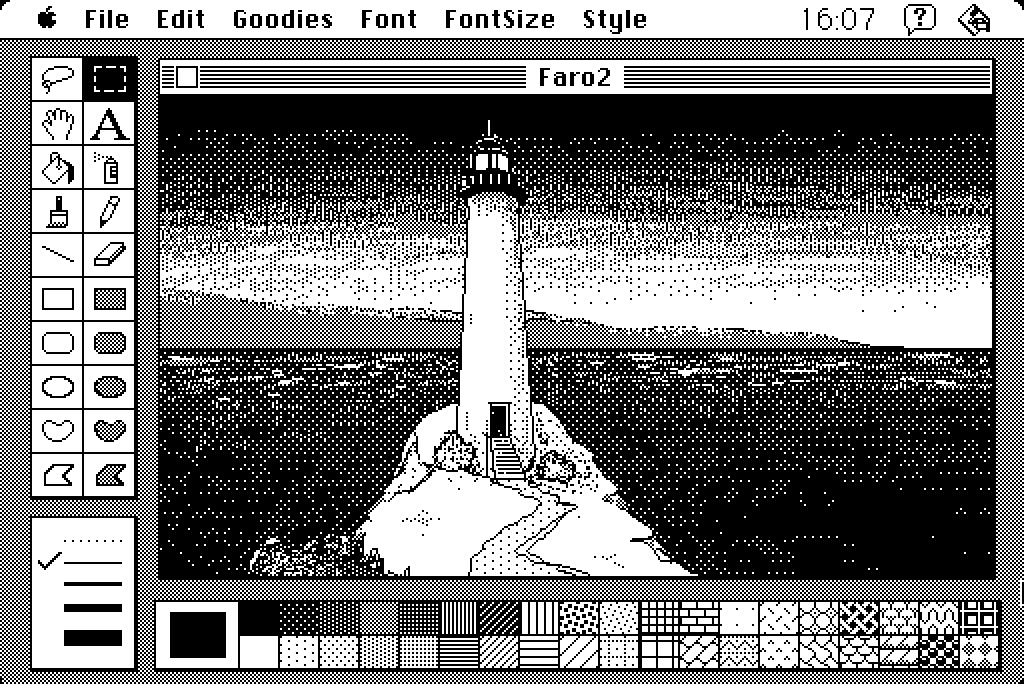
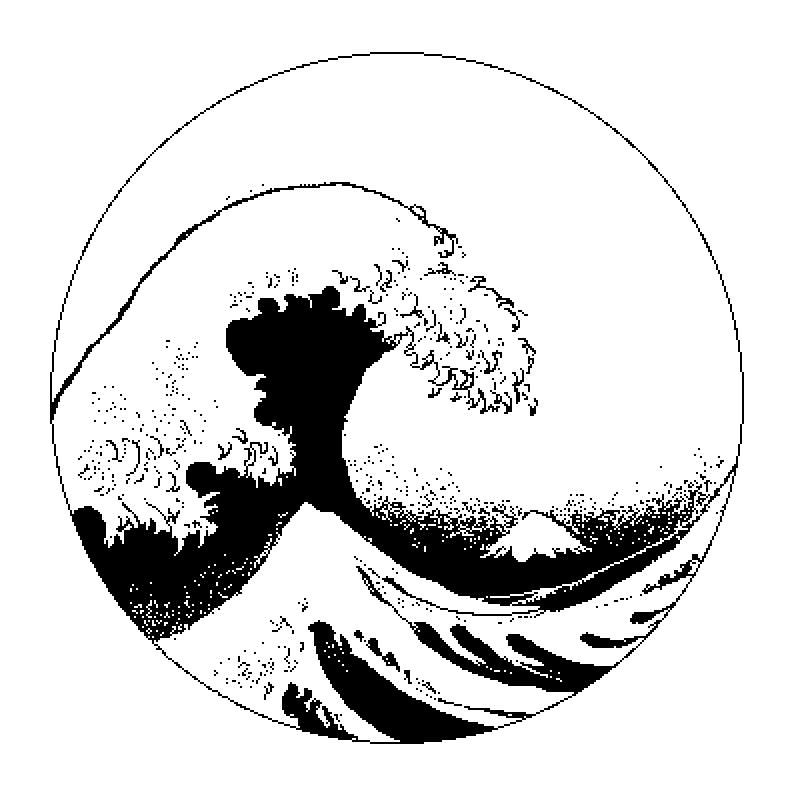
Mac Calligraphy is one of my favourite software on classic Macs. It is basically a Japanese version of MacPaint that allows you to modulate the “ink quantity” in an ingenious way. Drag you mouse fast enough and the brush will release just a little bit of ink. Go with slower movements and the stroke will be thicker. A very detail review by James Wages can be found at this link. Take your time and visit his channel!
To enjoy the full Mac Calligraphy experience boot your 68 Mac directly from the floppy disk, you will be welcomed with a custom System, with themed icons and desktop background. So far tested on a Mac SE. Something newer like a Classic or Classic II won’t boot from the disk.


 [ 512 Lab ]