![[ 512 Lab ]](https://fivetwelvelab.uk/wp-content/uploads/2022/09/cropped-logo.jpg)
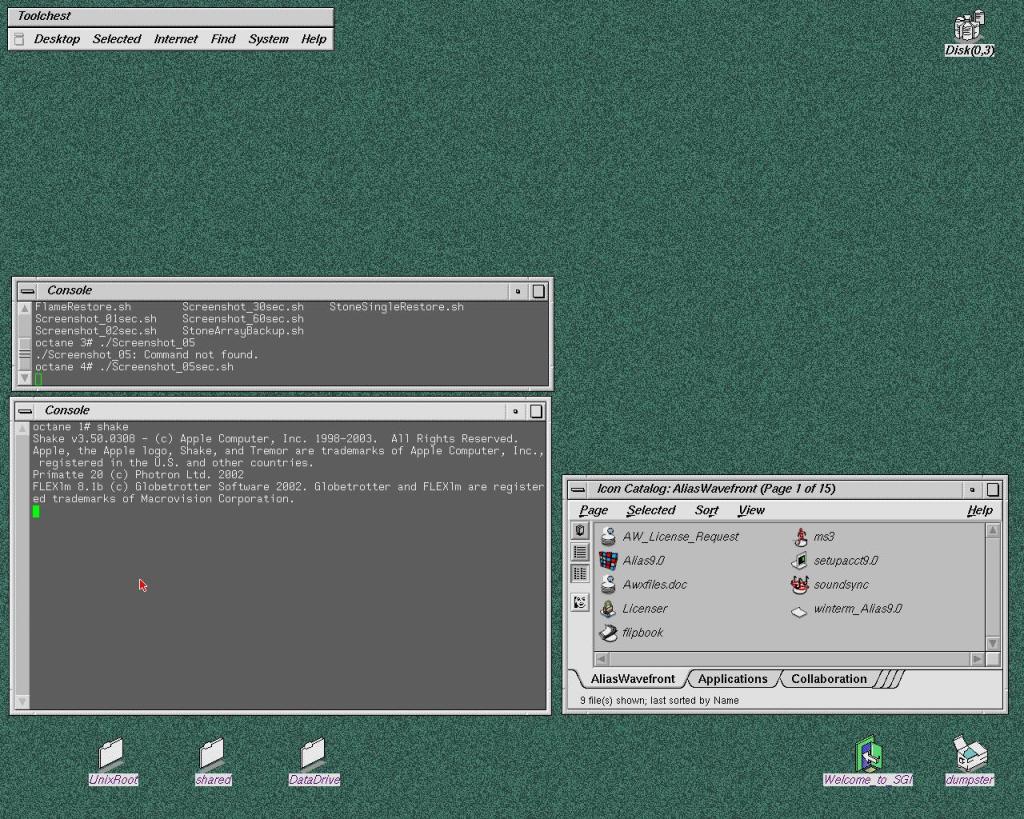
And after many hours of study and attempts I finally installed a clean Irix 6.5.22 on the Octane 2 : )
Step one: get some new SCSI2 drives to backup the current and ONLY functioning system I have. Eventually I bought 5 drives and relative sleds.. just to experiment a bit.
Step two: get the Octane on my network with setenv netaddr…
Step three: on my Mac install the virtual box Vagrant and retrieve all the necessary Irix disk images required. Here’s the great IrixBoot by “halfmanhalftaco”. The easiest prepackaged vm installer you can find online.
Step four: patiently go through all the steps to install Irix. NOTHING is with a graphical interface, be patient and typo those commands. Recommended resource: Irikinus youtube channel.
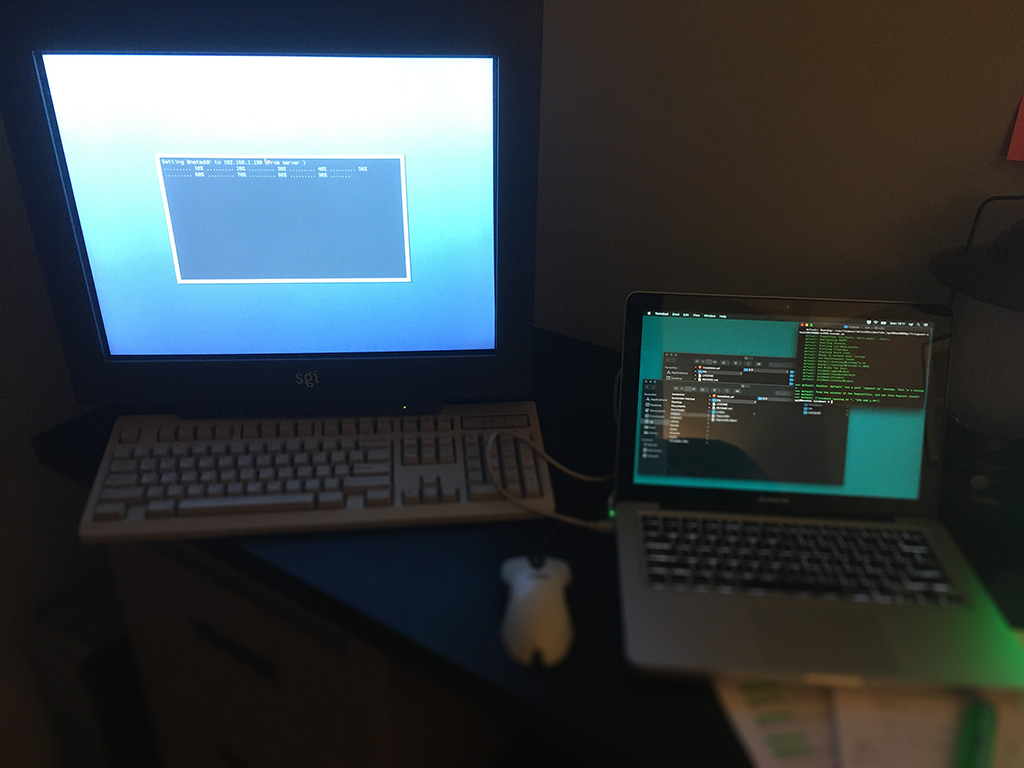

Step five: After 40 minutes Irix is installed! Finally I can clone the original drive and save the data, mount it as second disk, access it and remove the damn forgotten password of those ancient accounts!
Step six: Tweak the OS at will. Configure the accounts, change the interface settings and make sure that the connection via FTP is running. That’s the easiest way to exchange data with any Sgi machine.
It sounds easy, but it took me several attempts to have a nice conflict free installation that will work with all the softwares I want to test.
Finally I can play with this workstation, install all sort of abandonware and test all the hardware that came with, from the video I/O box to the fibre channel array 😀
 [ 512 Lab ]