Mac SE 30 Repair

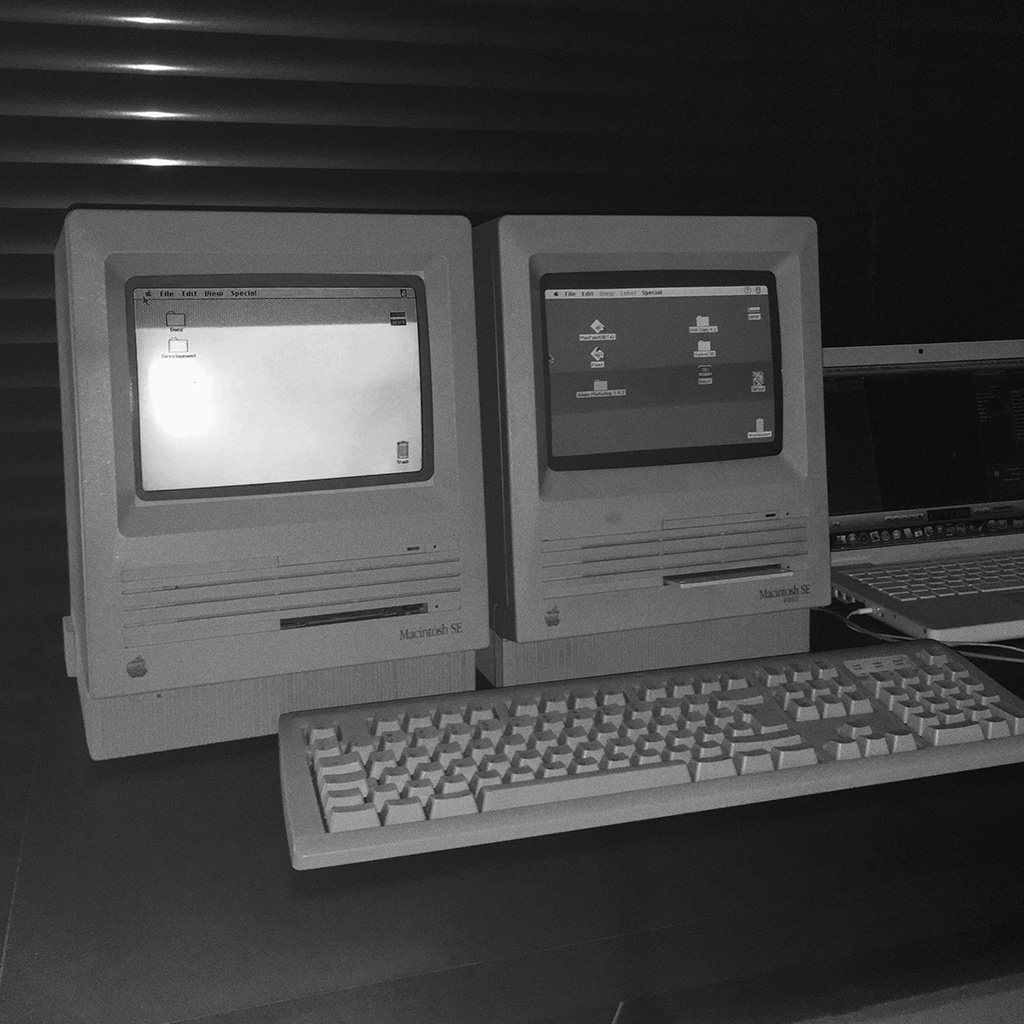
I found this Mac Se 30 on eBay, not the cheapest of my finding considering the seller stated it was broken, but looking at the pictures I knew I could probably repair it.. and accepted the challenge.

I already repaired Macs with similar issues, and also had a few spare chips in case the problem was the horizontal sync on the logic board…
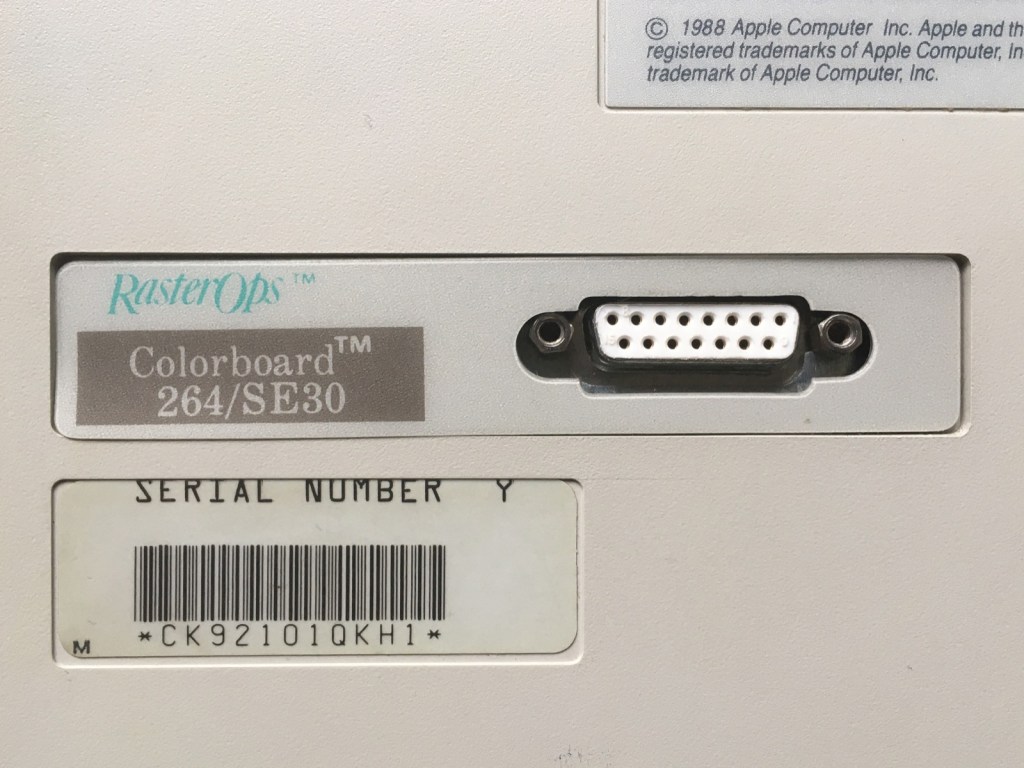
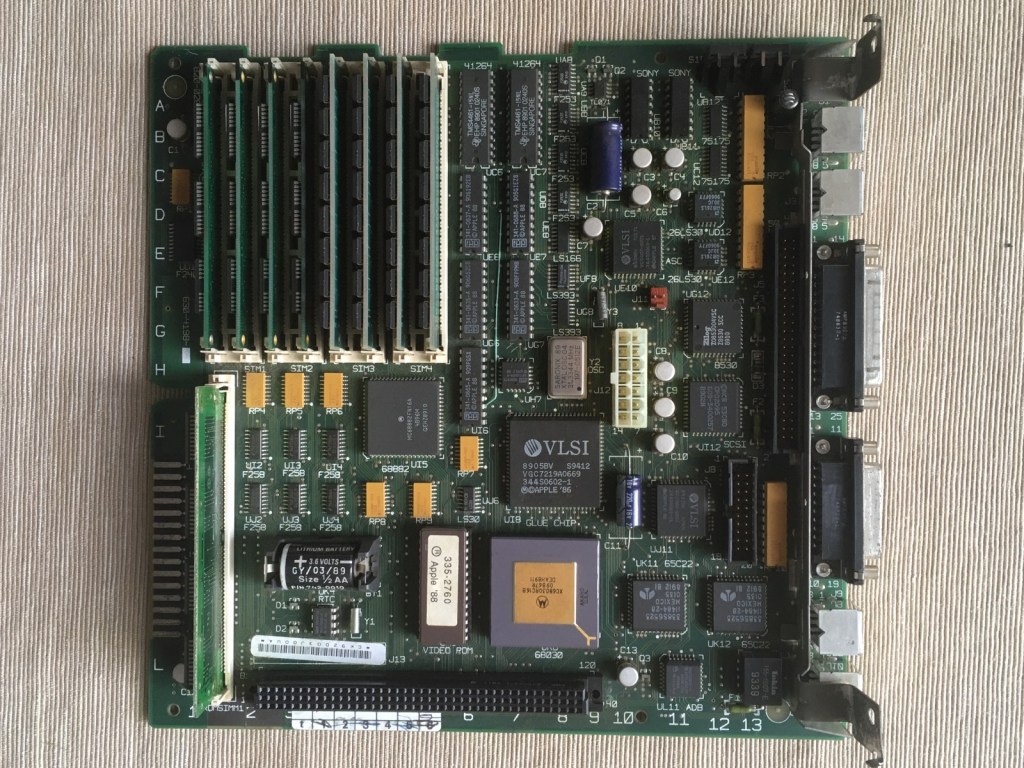
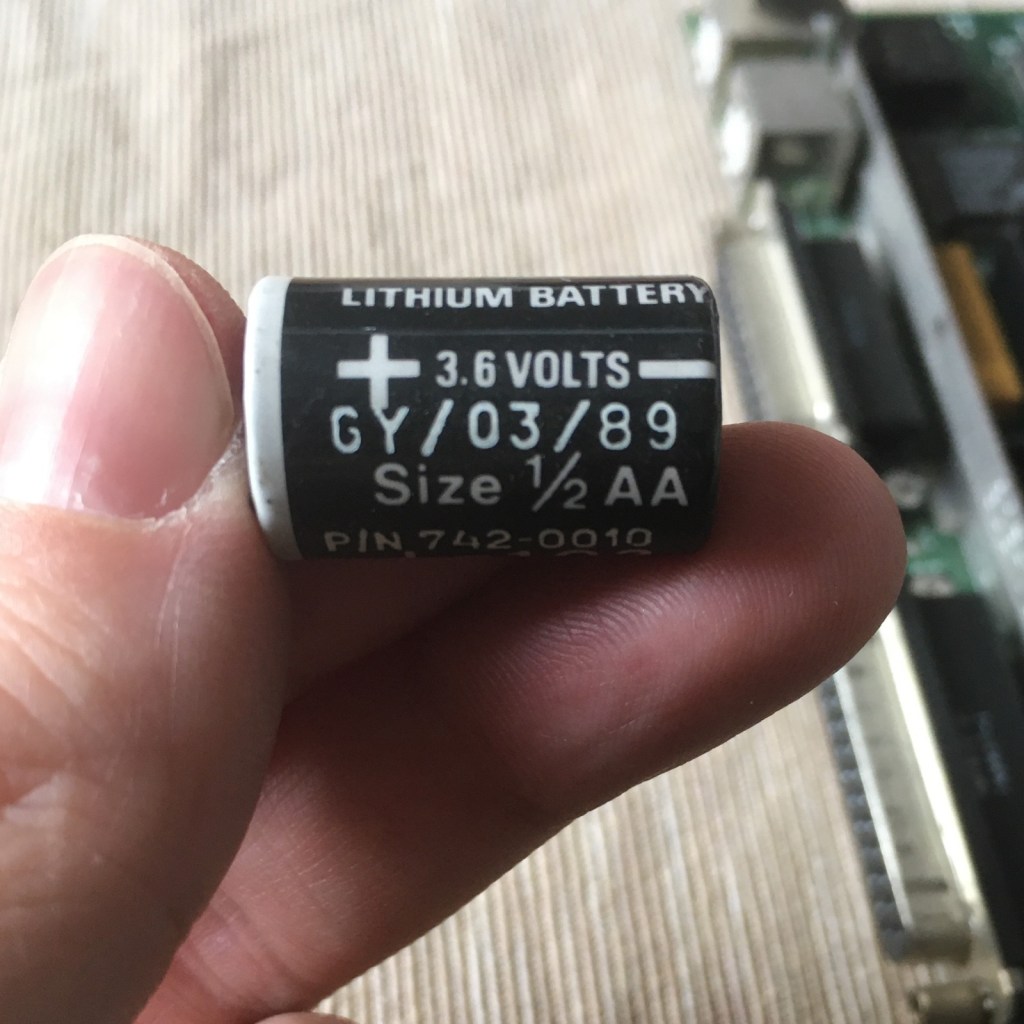
It arrived in a few days sitting on a bunch of cozy bubble wrap. Great cosmetic conditions! No scratches or labels, minimal yellowing. Once opened I noticed that the motherboard was almost in impeccable shape. The Mac had also a radeon Colorboard installed.. and the usual expired battery.
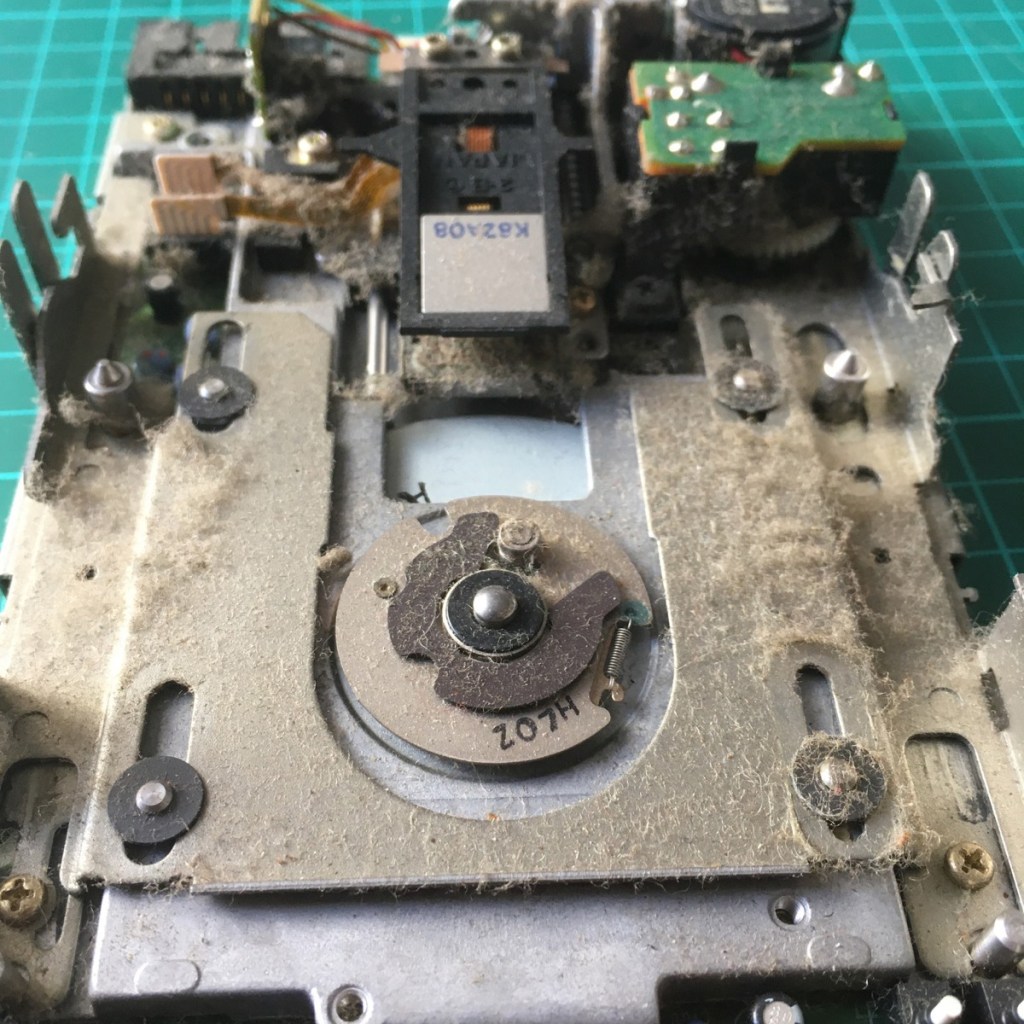
The floppy drive was in poor conditions, and with a system disk stuck in. I took it apart and patiently remove all the dust, clean the (extremely dirty) heads and lubricate again the slides and moving parts. Always disassemble and clean the drive before insert any floppy! The risk of damaging both the drive and the magnetic support is quite high when you have 30 years of dust stuck in the unit.
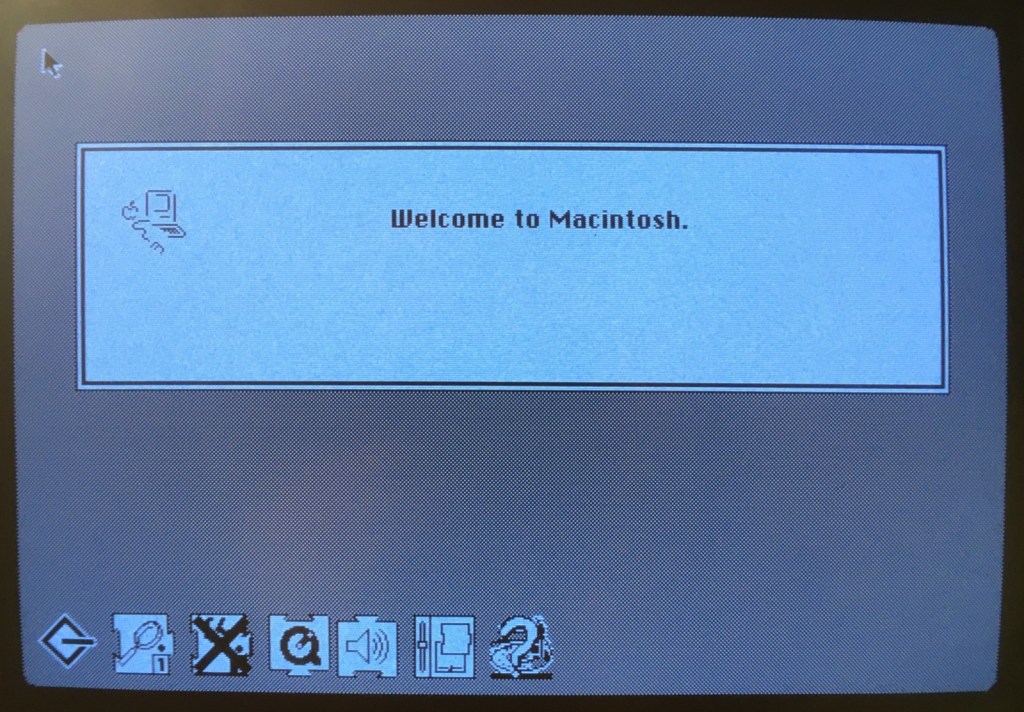
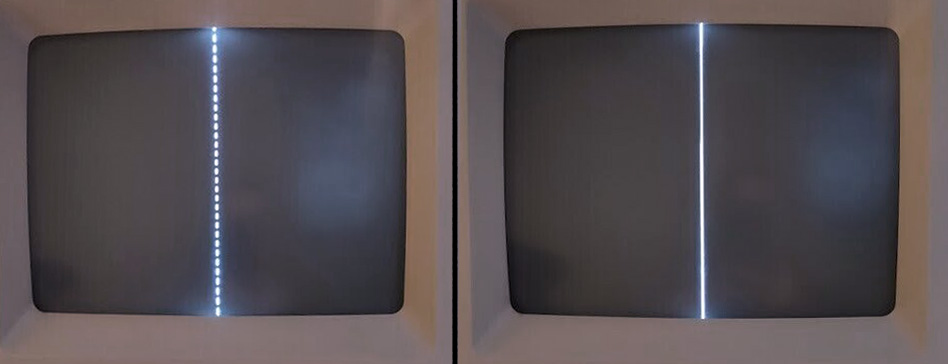
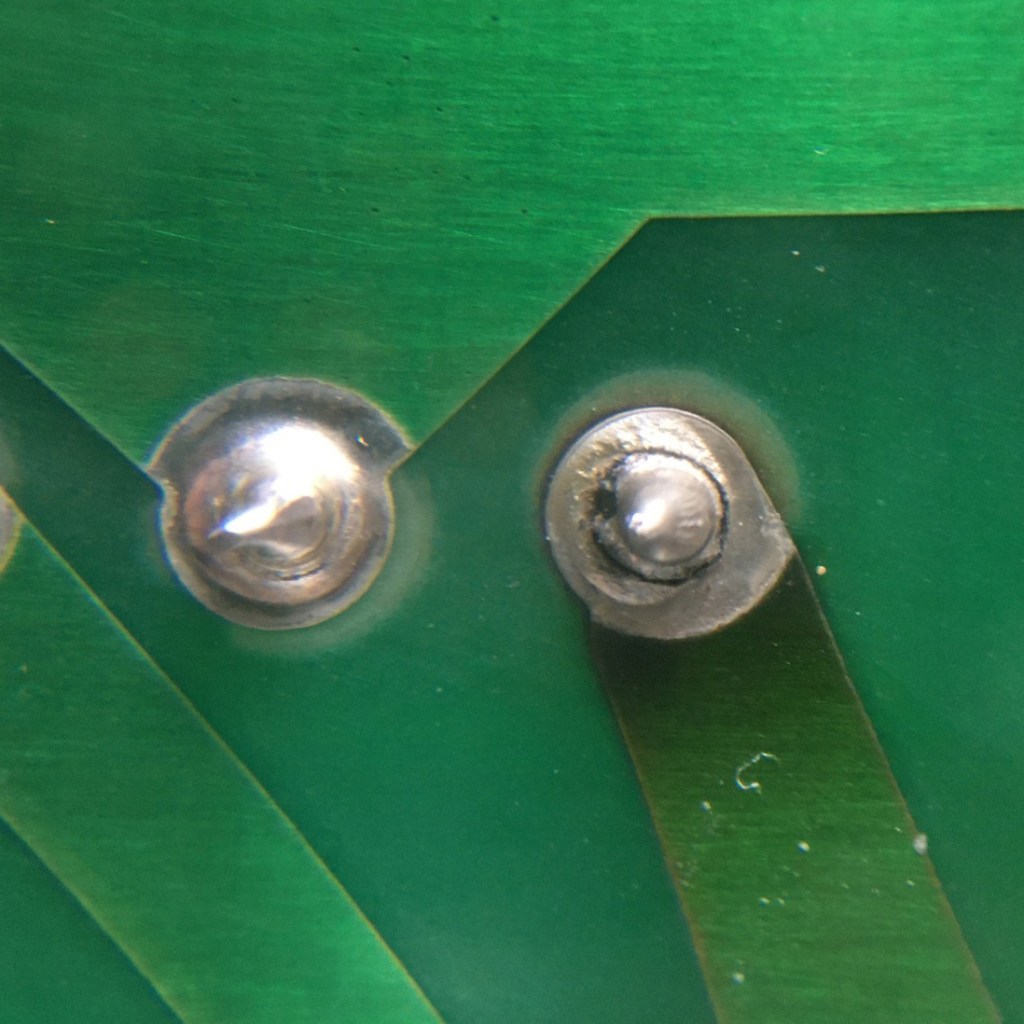
Moving on… The issue with the display has been quite easy to find, some solder joints on the analog board were cracked. After reflowing the joints I tried to turn on the machine and the screen was working.. showing the annoying checkerboard pattern, this happen with all the SE30 I tried. I simply replaced all the capacitor on the logic board and the machine worked properly.

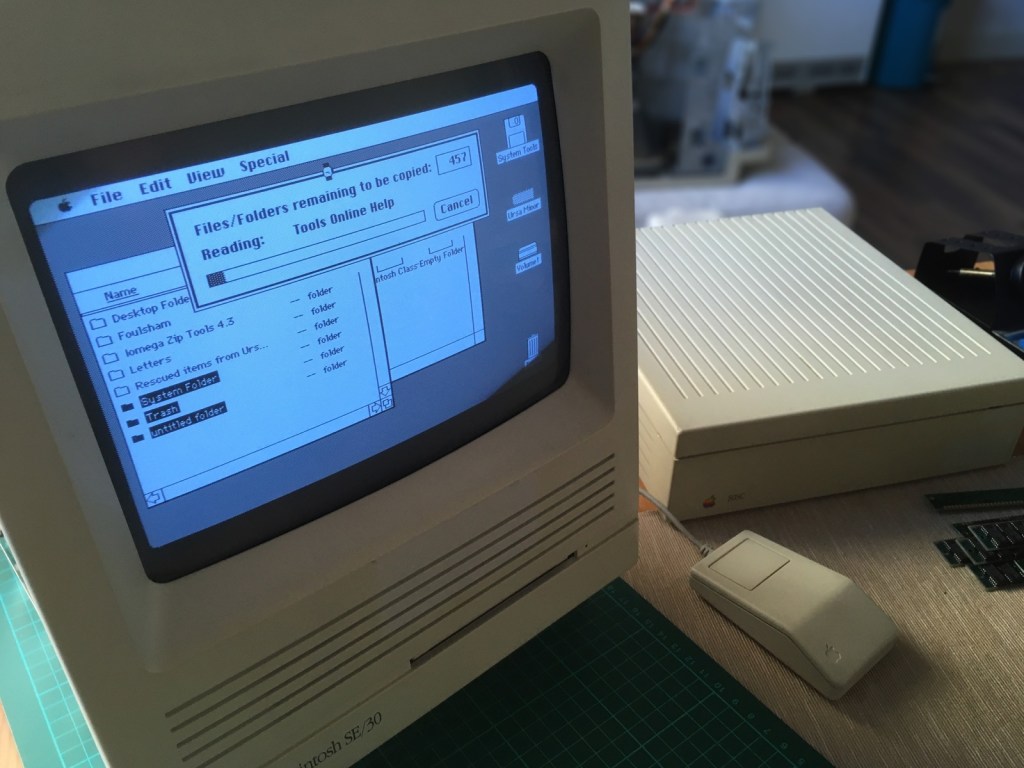
The entire process took around 3 hours. Once booted I discovered a nice 20Mb of memory installed in the system! I backed up all the files on my external drive and contacted the owner. I think he was surprise to find something this old still on the hard disk : )

Voyager Explorer

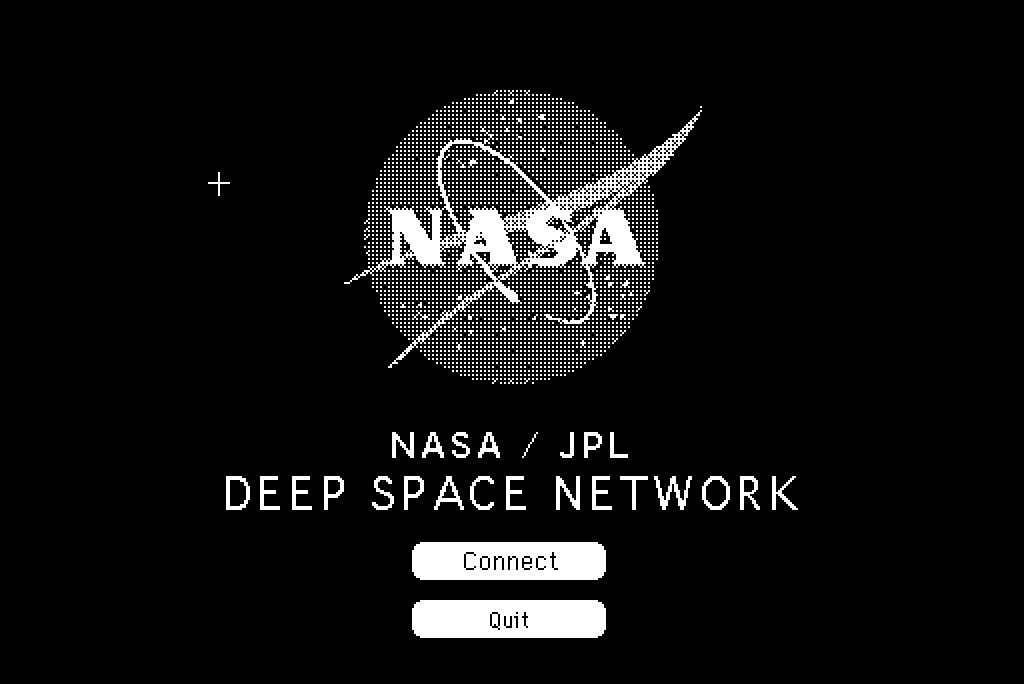
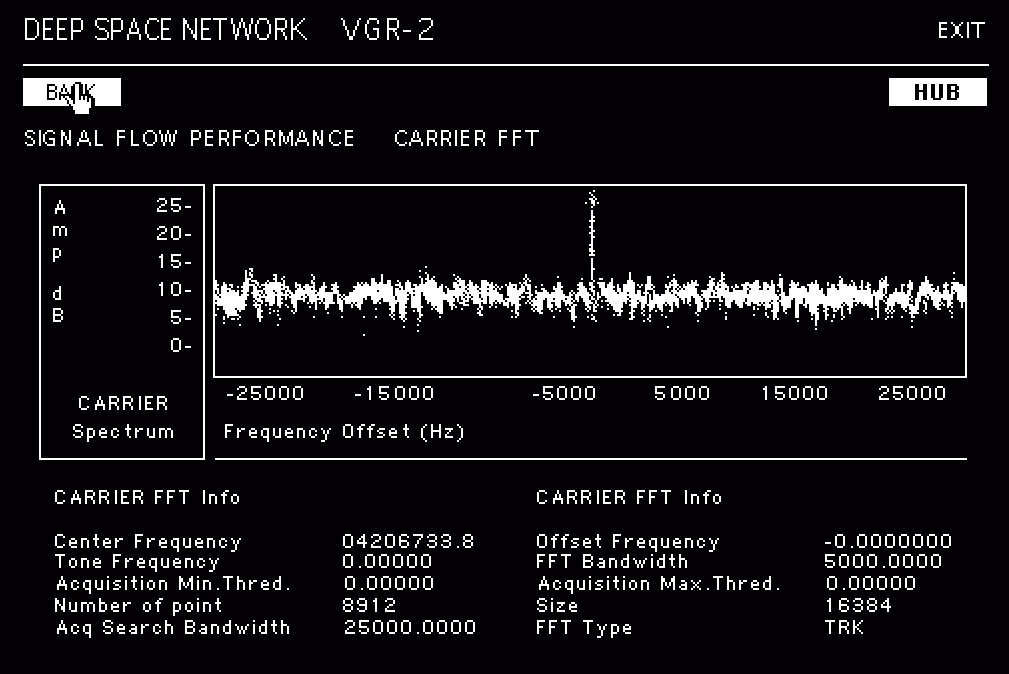
This is the kind of “game” I would have loved as a kid in the early 90s, pretending that a 68K Mac can connect to the deep space network and download images from it : P

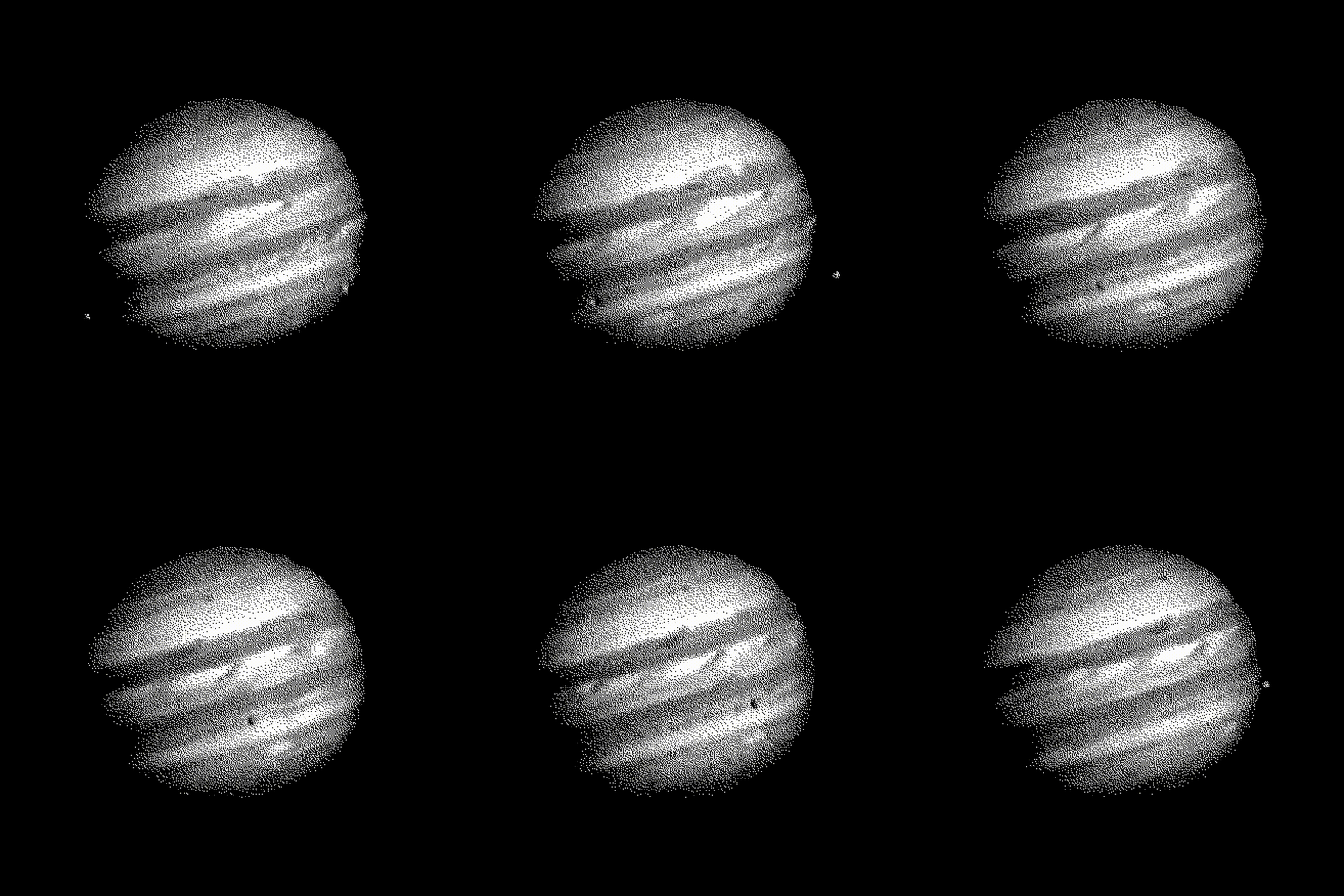
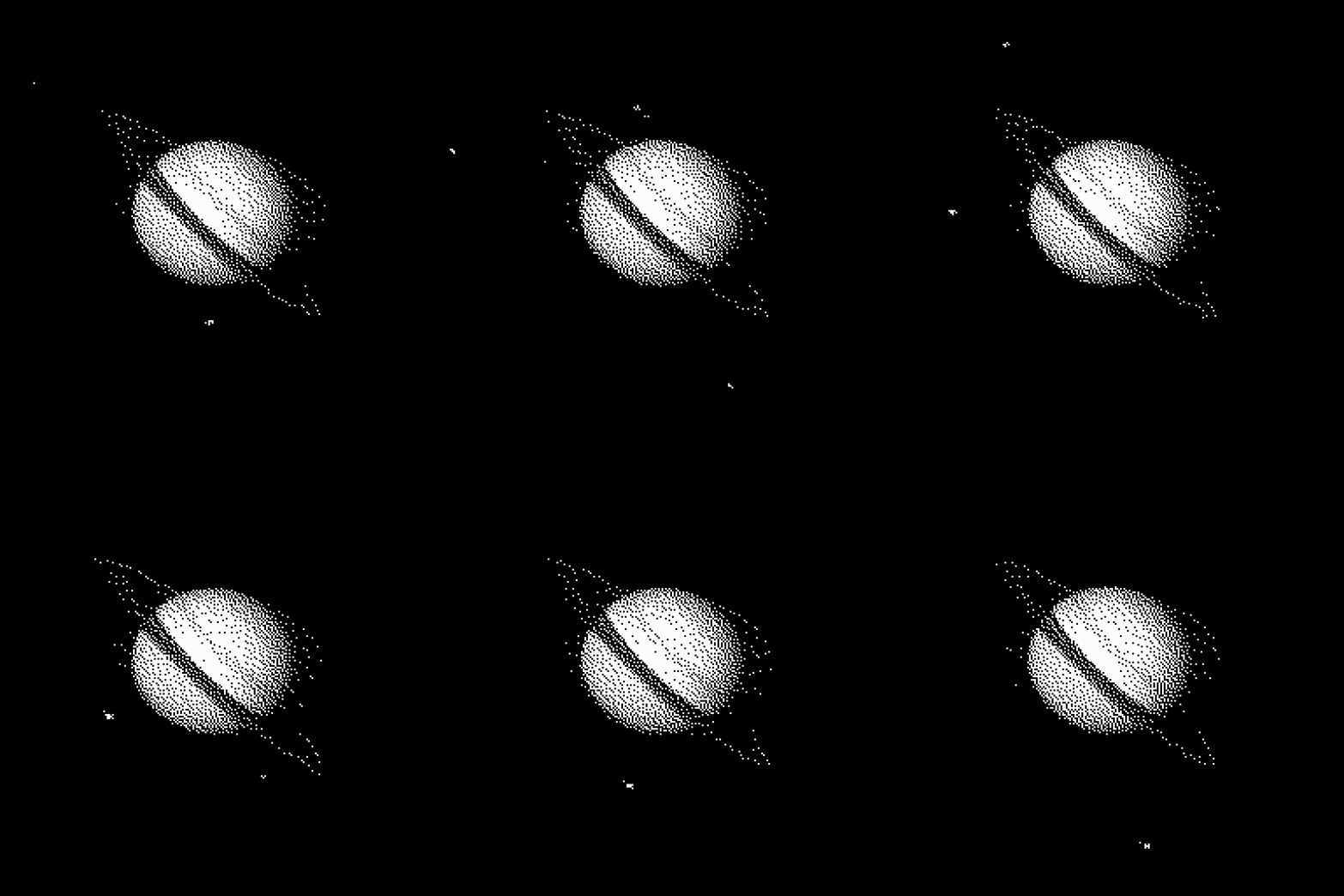
Starting from the raw images sent by the Voyager II probe I designed this simple educational game using Hypercard.

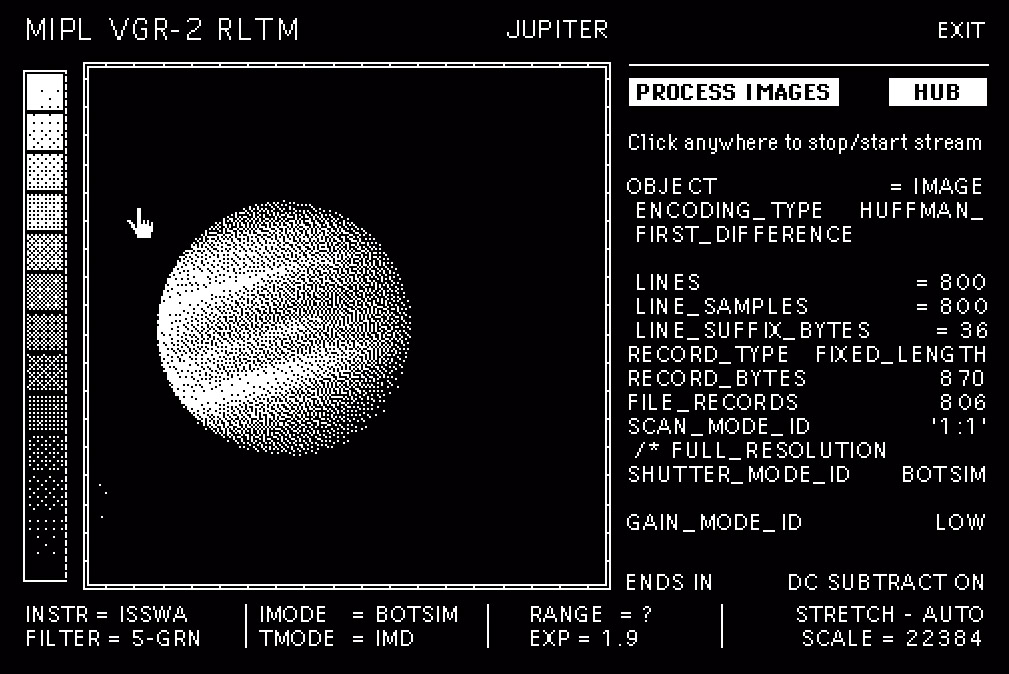
The idea is very simple, a library of animations and an interface to navigate different sections of this fictional hub. You can directly access the library , or “download” the data via a satellite uplink, and monitor the status of the signal. The interface is not completely fictional, it is actually inspired by the real calibration grids. VICAR (Video Image Communication And Retrieval) is the actual software that Nasa used to process the raw data from the probes.

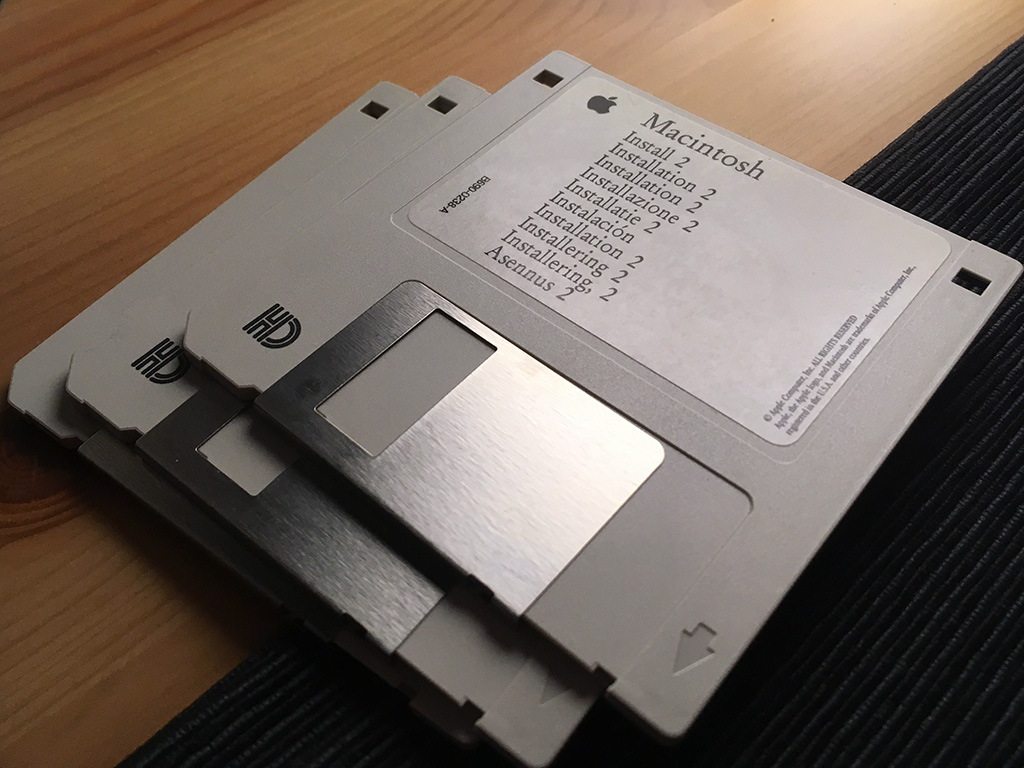
For a “realistic” experiences I added loading screens and fake terminal logs as well.. and yes, it does fit in a 1.4Mb floppy.

All the text is not complete nonsense. For example the lingo and frequencies in the “deep space network” interface are all real. If you are curious about the tech behind the communication between Earth and the Voyager have a look at this video.

Hypercard is an amazing software, a hypertext editor where you can mix images, animations and buttons. Its scripting language called HyperTalk is very easy to learn, write and understand. The potential was (and is) infinite, you can write a simple database for your telephone numbers or a complete, interactive game with animated graphic. Just for reference the game Mist (1993)… yep! Originally developed with Hypercard.

If you are interested in the use of hypercard in game development check this Video. A great interview with Rand Miller on how Mist and his “predecessor” The Manhole has been created .

For more information about the Voyager missions please visit the Nasa and Jet Propulsion Lab websites. On the Planetary Data System website all the data sent to Earth by the probe is available for download in its raw format.

Power Book 170

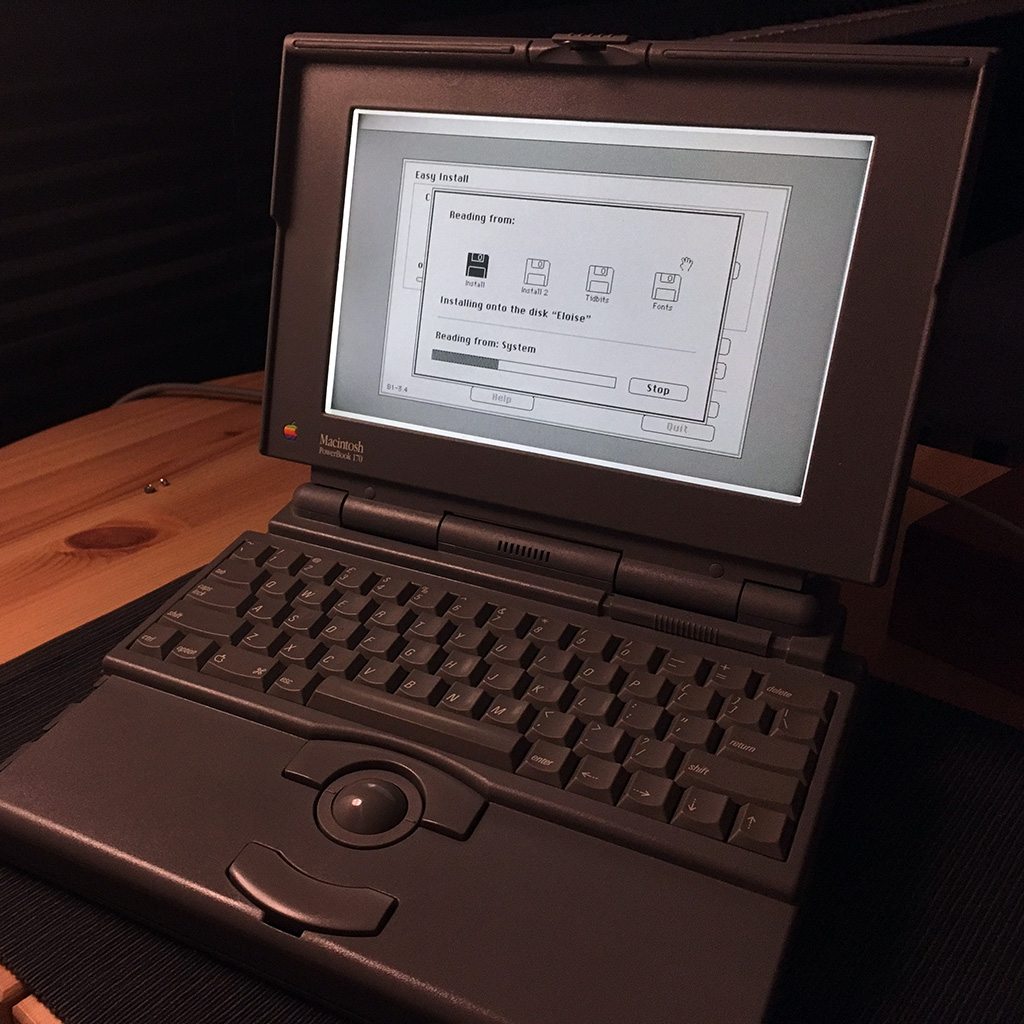
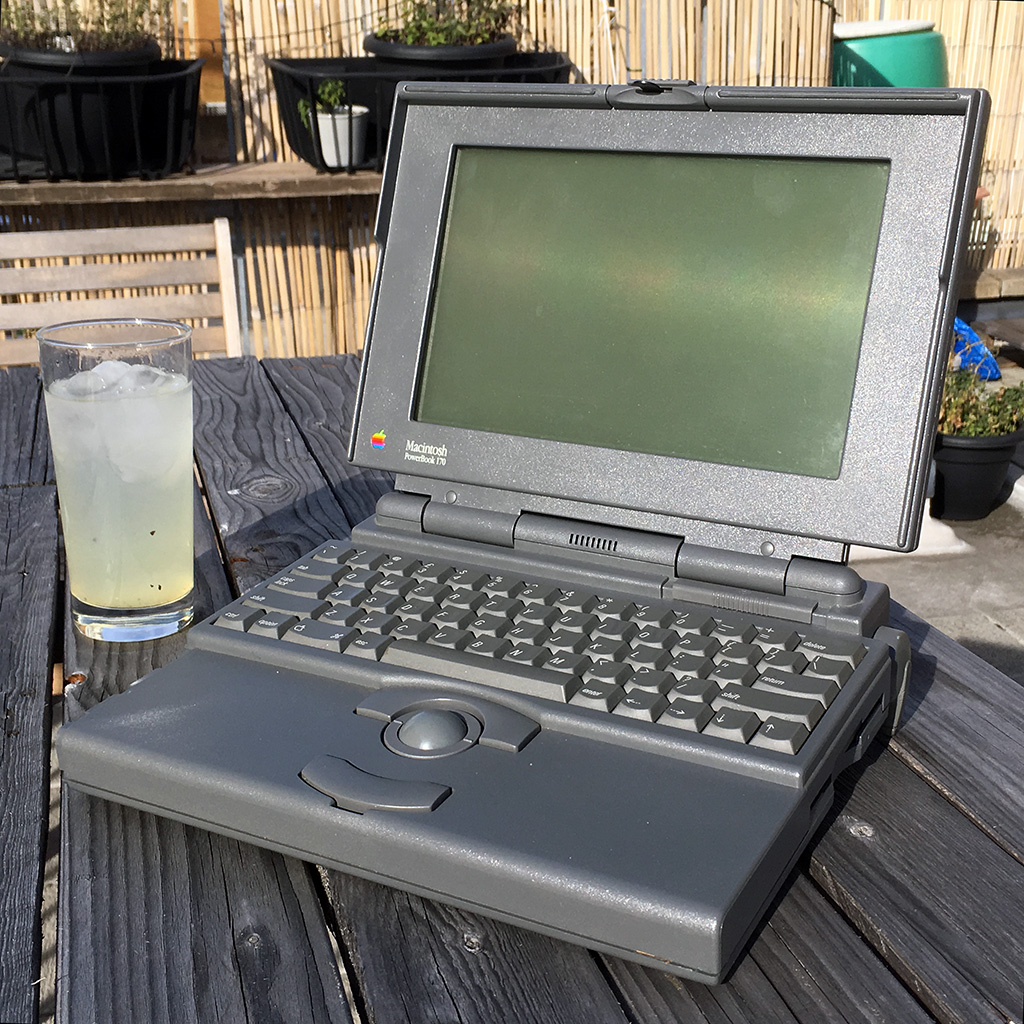
I found this PowerBook 170 a few years ago on eBay. Put a bid of 50£, forgot about it and discovered after a day that I won . The laptop is in great shape but the screen after some use gets darker around the corners, a well known issue with such old active matrix panels.

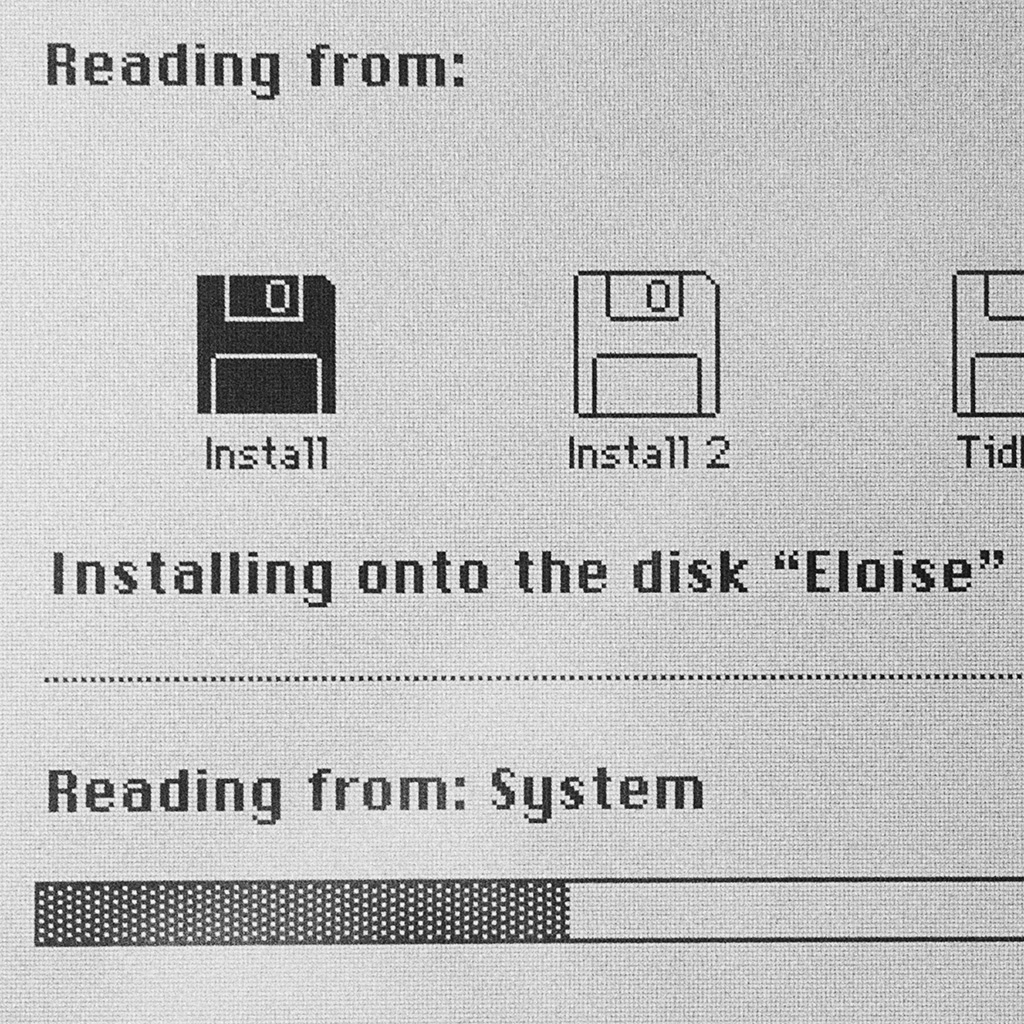
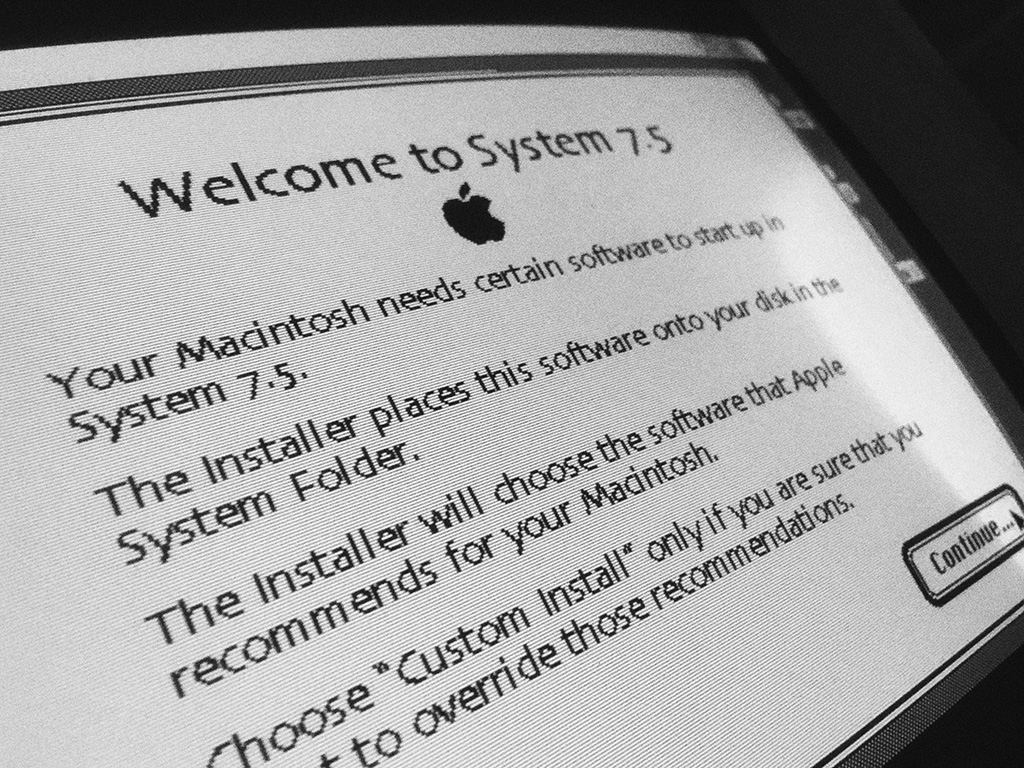
Apparently this Mac has been used in some university, I’ve backed up the content of the hard drive labelled “Eloise” and installed a fresh copy of MacOS 7.5 on the partially glitchy hard drive.

This configuration has an expanded 6Mb of ram and a 40Mb hard drive. With a 25Mhz 68030 cpu this is by far the fastest Mac classic I own.

Solar System Simulator

I always been obsessed with space exploration and astronomy, and since I was a child I played with telescopes and optical instruments.

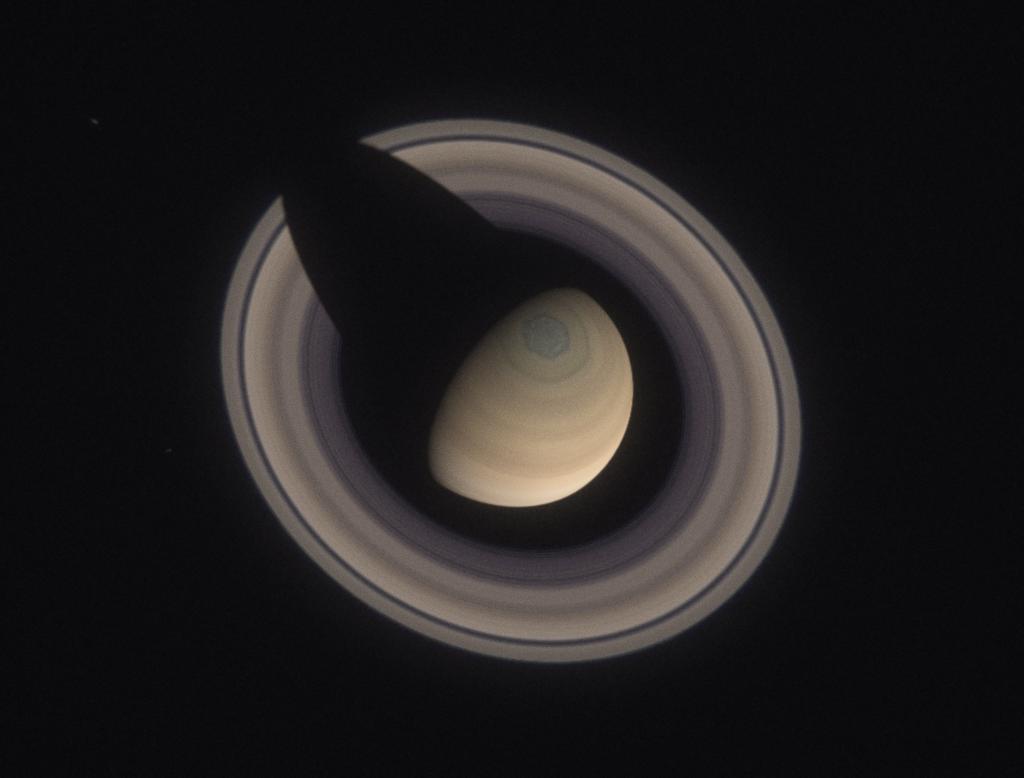
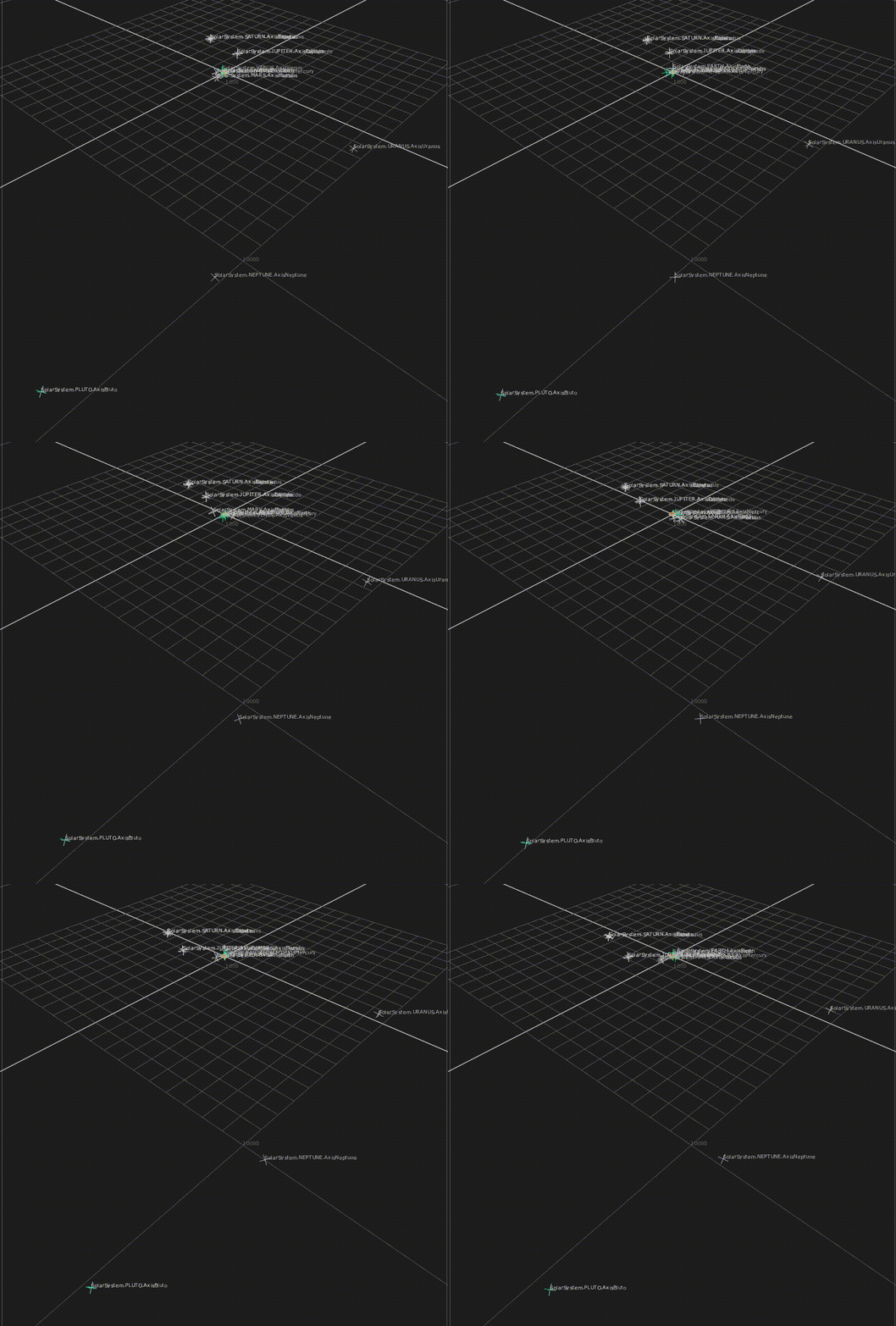
I was just trying to show to a friend what you can expect from a cheap telescope when looking at the planets. I quickly downloaded an image of Saturn and set up in Nuke a simple comp to get the scale right and the view from the ocular. Then I tried the same with an image of Jupiter… and another one… Obviously I went a bit too far and after a couple of days I ended up with a complete 3D solar system / telescope simulator in Nuke.

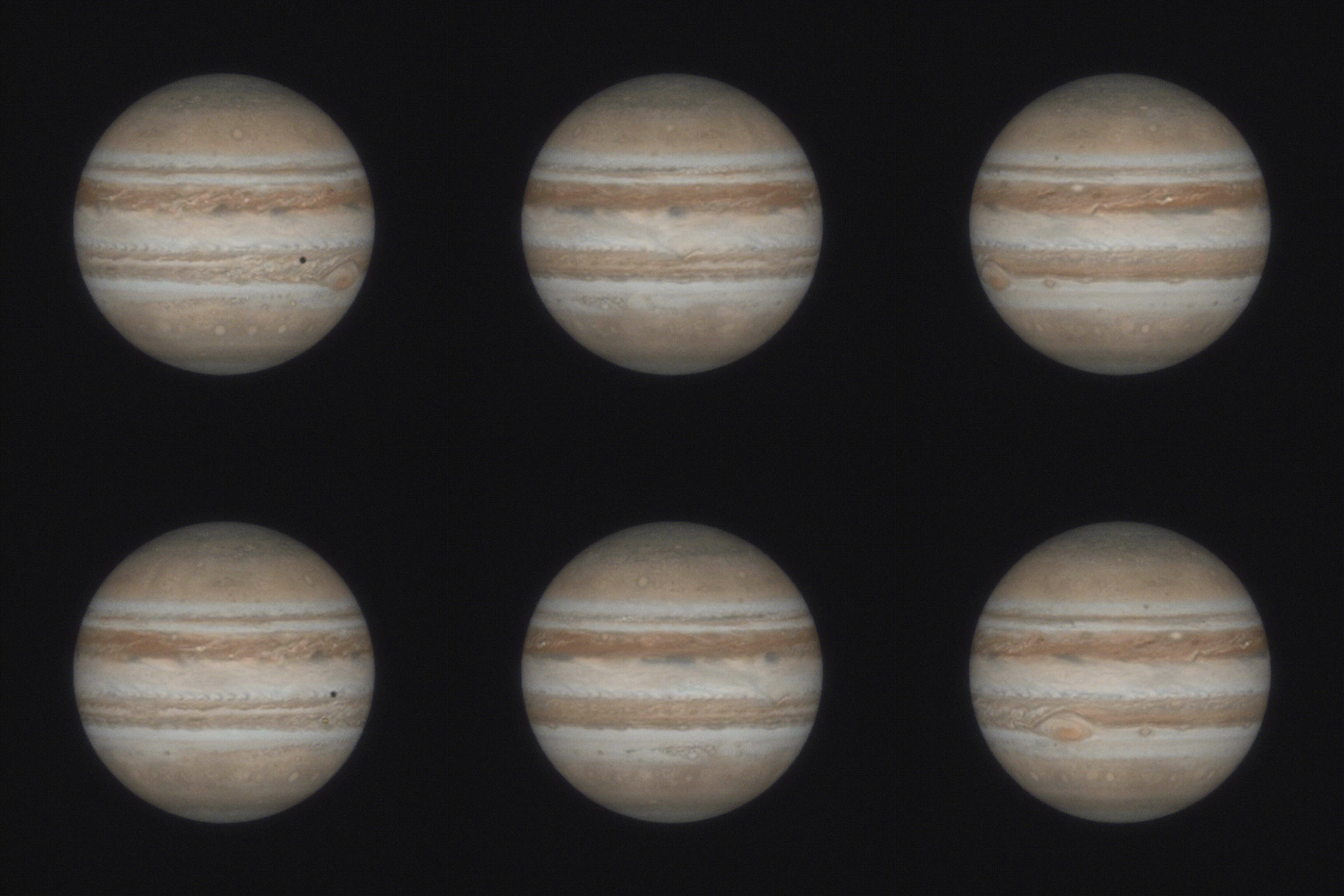
The tool is designed to mimic the view from earth of the planets through a telescope. You can play with the focal length, oculars and Barlow lenses. Tweaking other parameters it is able to render a view from a “probe” in Voyager style. This is Mars with a 2.000 mm focal length and a 2x Barlow lens.

Clearly I had to be precise. Each planets has his own rotation, axis tilt and satellites. Please note the transit of Io in front of Jupiter and its shadow.

The entire system has also the correct scale. Each unit in nuke equals 1.000 Km, and each frame of the animation 1 hour. A bit of patience with some expressions and everything moves automatically. And yes, I also added Pluto, I felt sorry and re-introduced it in my solar system.

Mac Calligraphy

Here’s a quick sketch inspired by a cave painting.

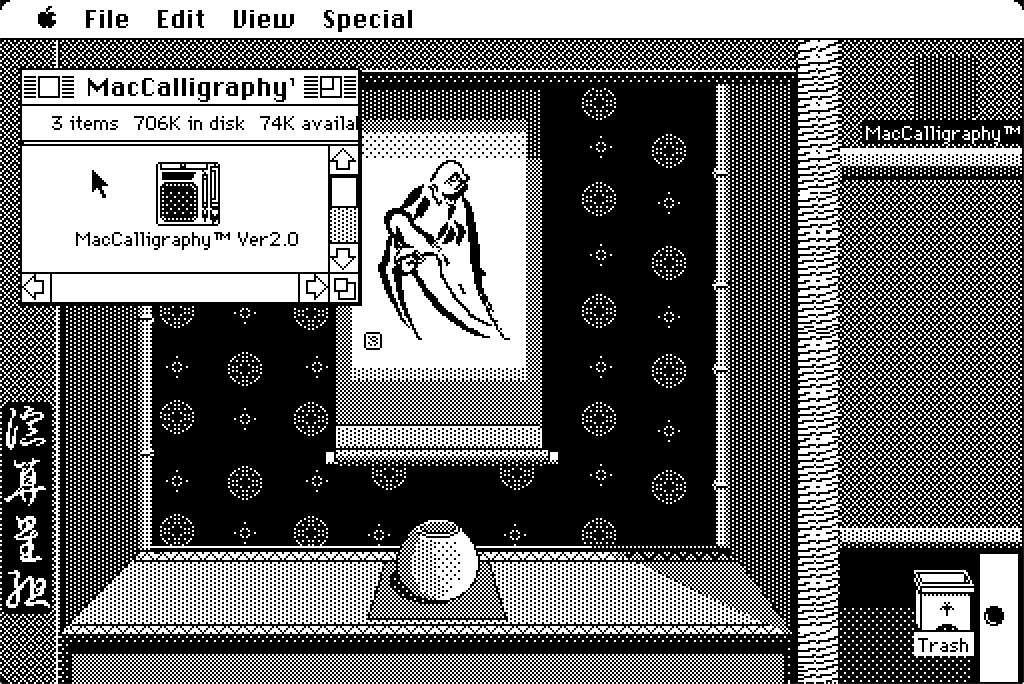
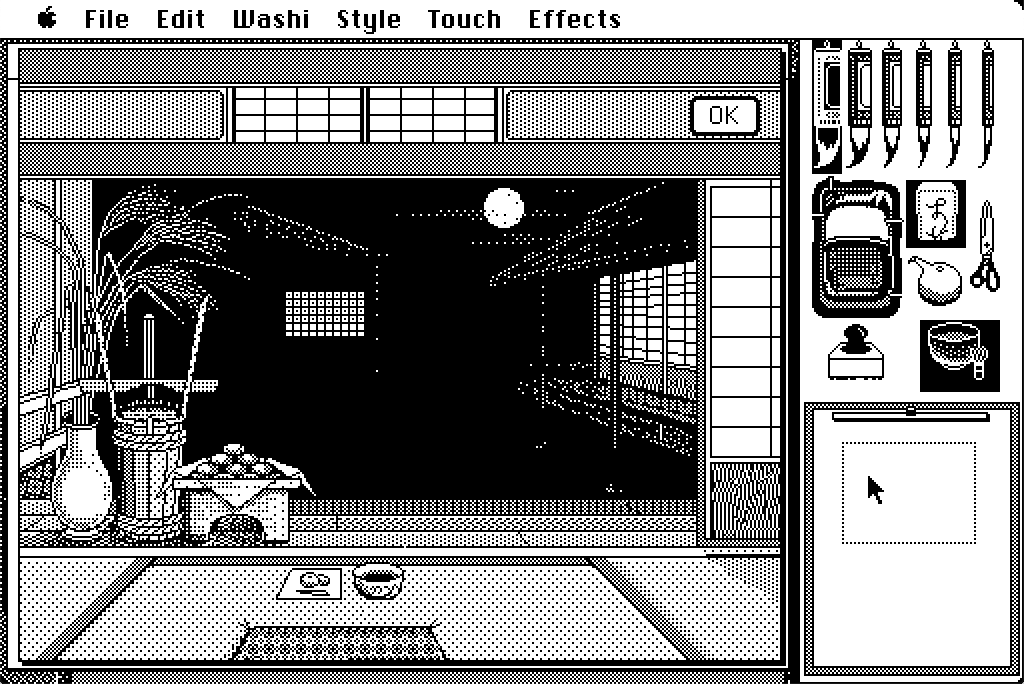
Mac Calligraphy is one of my favourite software on classic Macs. It is basically a Japanese version of MacPaint that allows you to modulate the “ink quantity” in an ingenious way. Drag you mouse fast enough and the brush will release just a little bit of ink. Go with slower movements and the stroke will be thicker. A very detail review by James Wages can be found at this link. Take your time and visit his channel!

To enjoy the full Mac Calligraphy experience boot your 68 Mac directly from the floppy disk, you will be welcomed with a custom System, with themed icons and desktop background. So far tested on a Mac SE. Something newer like a Classic or Classic II won’t boot from the disk.

3D Solids

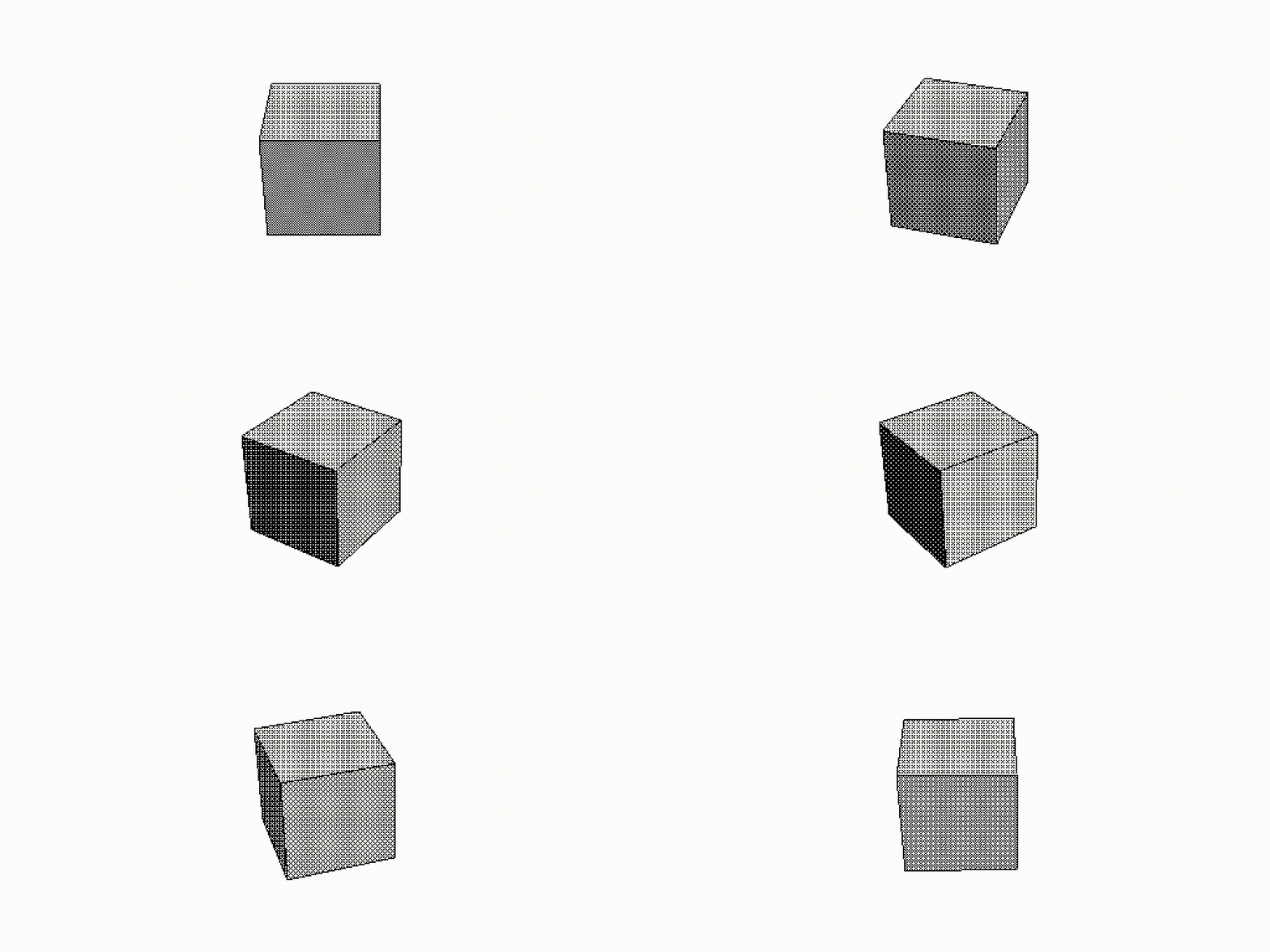
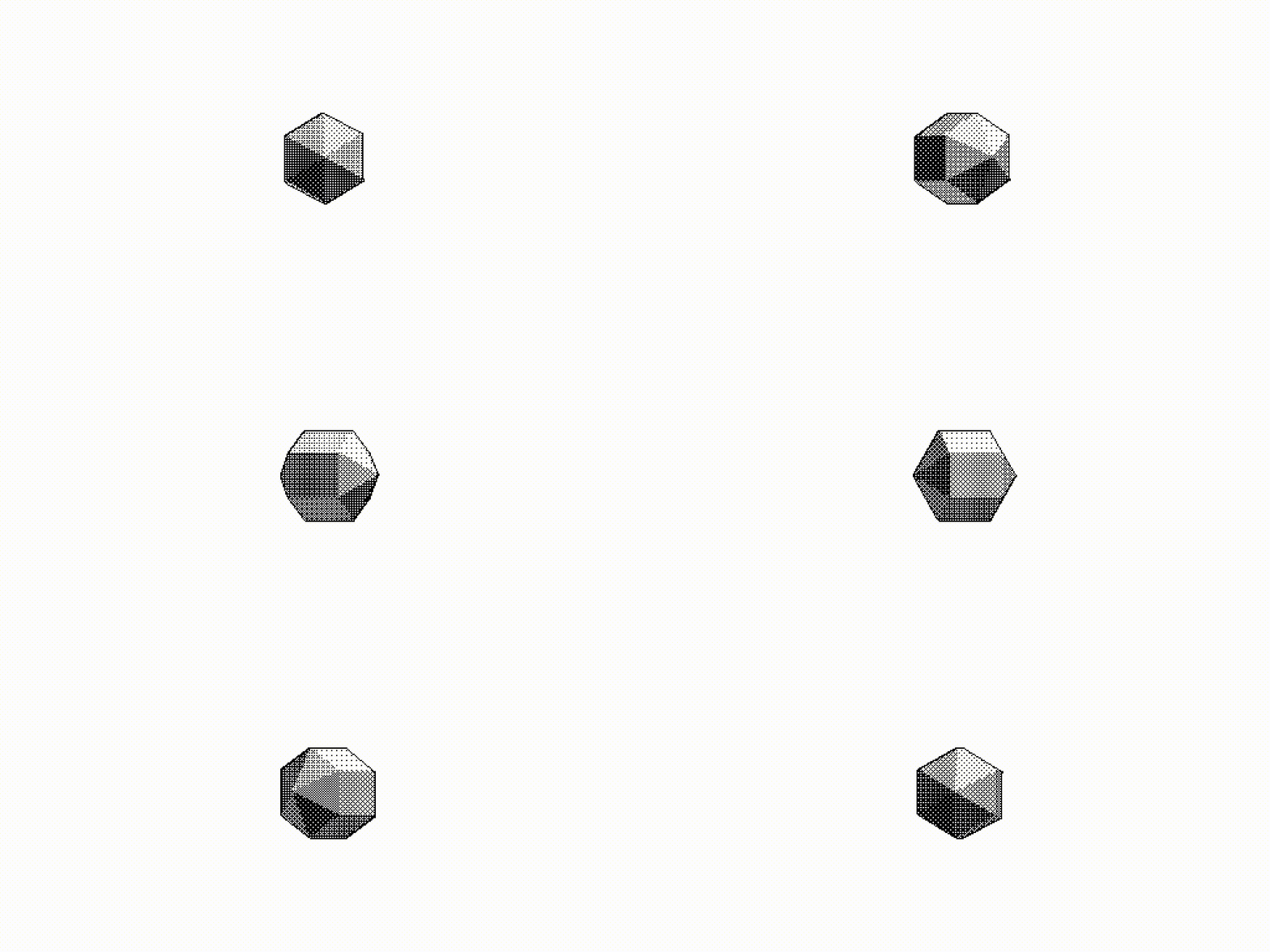
Yes. Just a couple of spinning 3d objects. Rendered with Swivel 3D on a 1987 Mac. The software is quite convoluted but it was one of the first tools for the non professional market. Odd coordinates system, worse keyframe editor, can’t rotate something more than 180 degrees without messing up the axis order… But still, quite fun : )