![[ 512 Lab ]](https://fivetwelvelab.uk/wp-content/uploads/2022/09/cropped-logo.jpg)

Realised with the drawing module of Claris Works. Basically a tad more advanced MacPaint with a couple of extra tools… slowly drew with the mouse : )
Realised with the drawing module of Claris Works. Basically a tad more advanced MacPaint with a couple of extra tools… slowly drew with the mouse : )

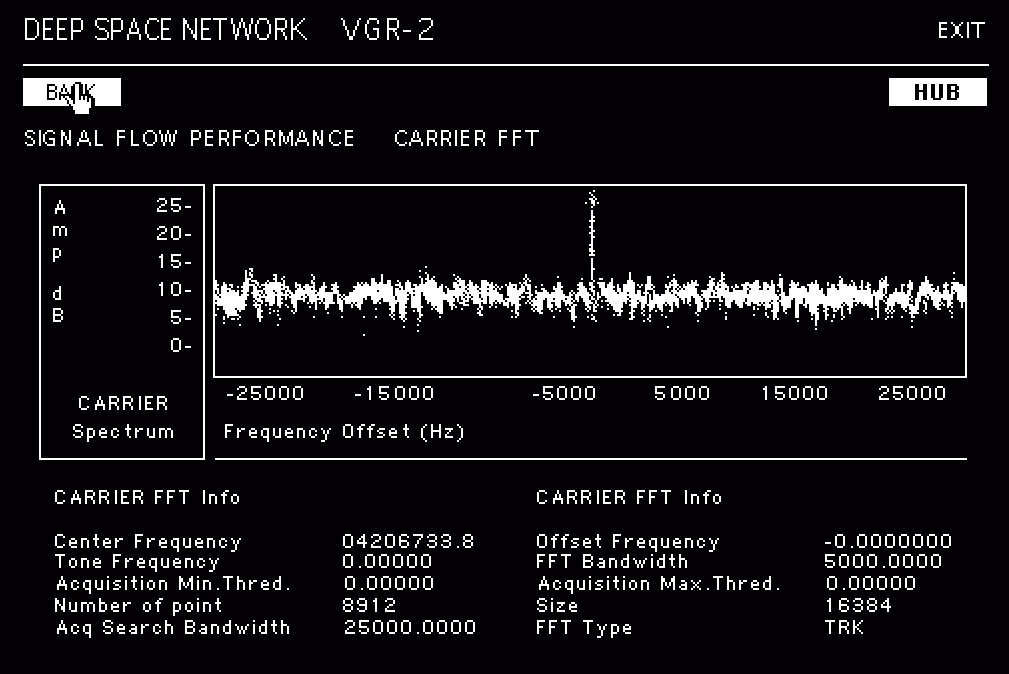
This is the kind of “game” I would have loved as a kid in the early 90s, pretending that a 68K Mac can connect to the deep space network and download images from it : P
Starting from the raw images sent by the Voyager II probe I designed this simple educational game using Hypercard.
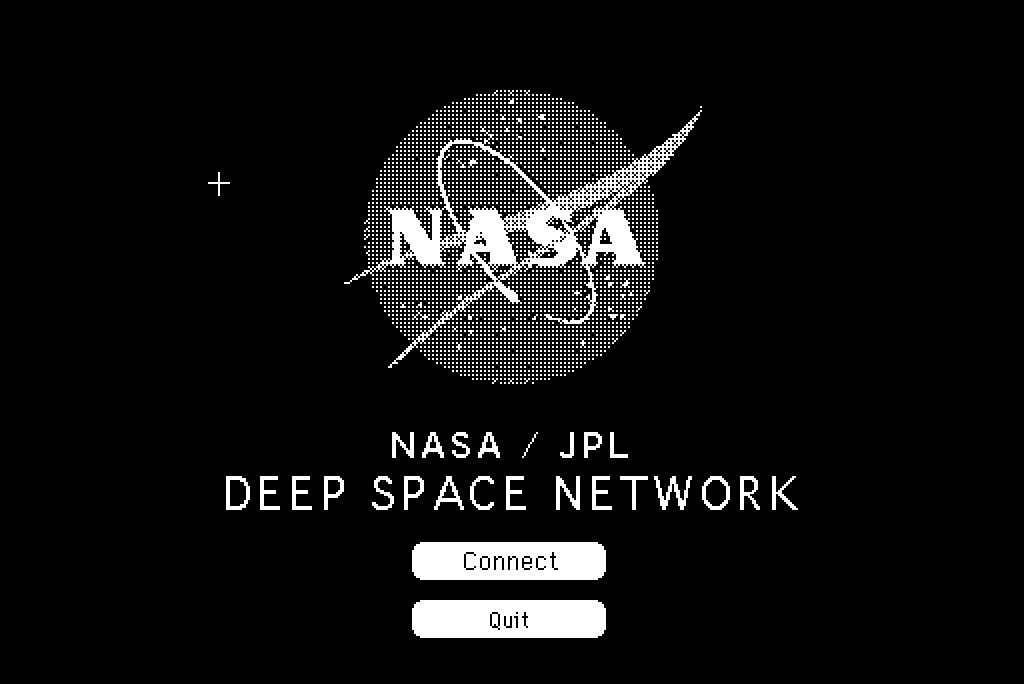


The idea is very simple, a library of animations and an interface to navigate different sections of this fictional hub. You can directly access the library , or “download” the data via a satellite uplink, and monitor the status of the signal. The interface is not completely fictional, it is actually inspired by the real calibration grids. VICAR (Video Image Communication And Retrieval) is the actual software that Nasa used to process the raw data from the probes.
For a “realistic” experiences I added loading screens and fake terminal logs as well.. and yes, it does fit in a 1.4Mb floppy.
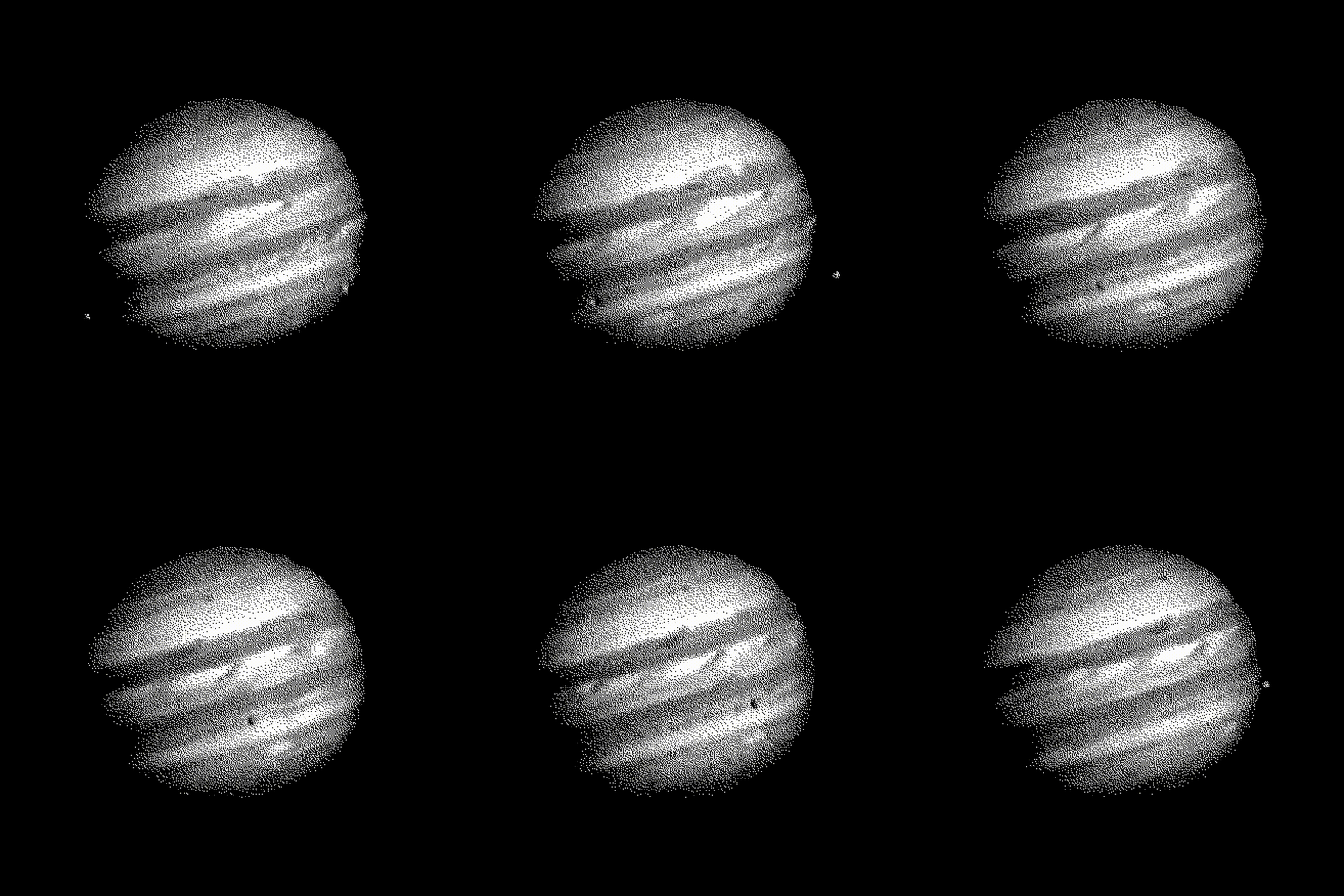
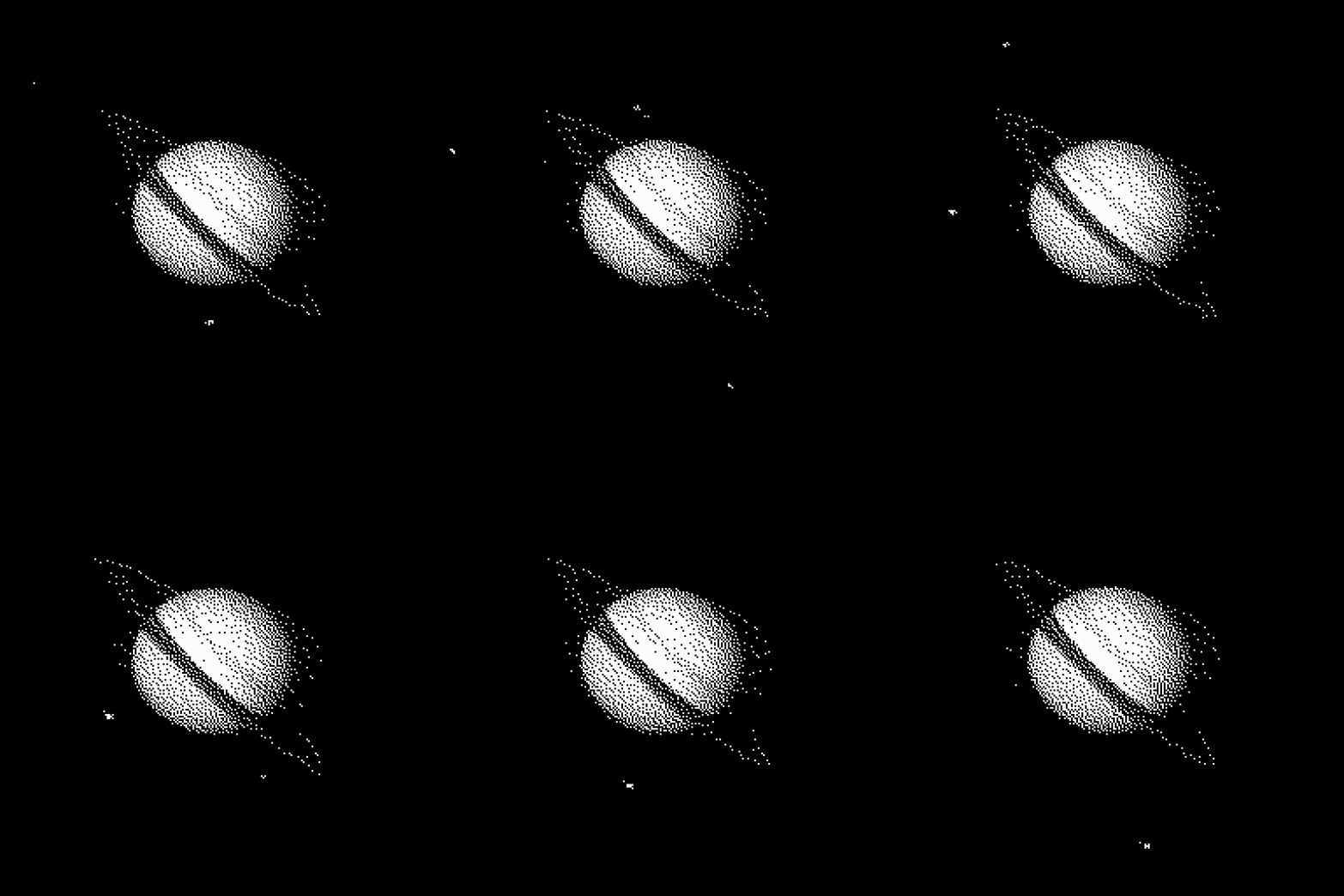
All the text is not complete nonsense. For example the lingo and frequencies in the “deep space network” interface are all real. If you are curious about the tech behind the communication between Earth and the Voyager have a look at this video.
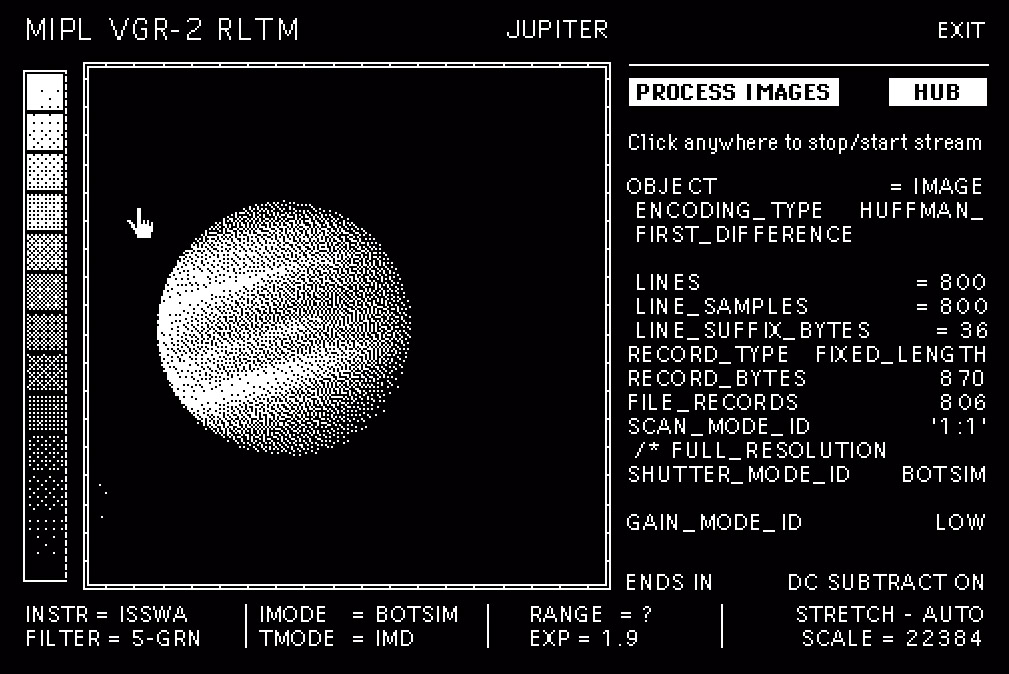
Hypercard is an amazing software, a hypertext editor where you can mix images, animations and buttons. Its scripting language called HyperTalk is very easy to learn, write and understand. The potential was (and is) infinite, you can write a simple database for your telephone numbers or a complete, interactive game with animated graphic. Just for reference the game Mist (1993)… yep! Originally developed with Hypercard.
If you are interested in the use of hypercard in game development check this Video. A great interview with Rand Miller on how Mist and his “predecessor” The Manhole has been created .
For more information about the Voyager missions please visit the Nasa and Jet Propulsion Lab websites. On the Planetary Data System website all the data sent to Earth by the probe is available for download in its raw format.
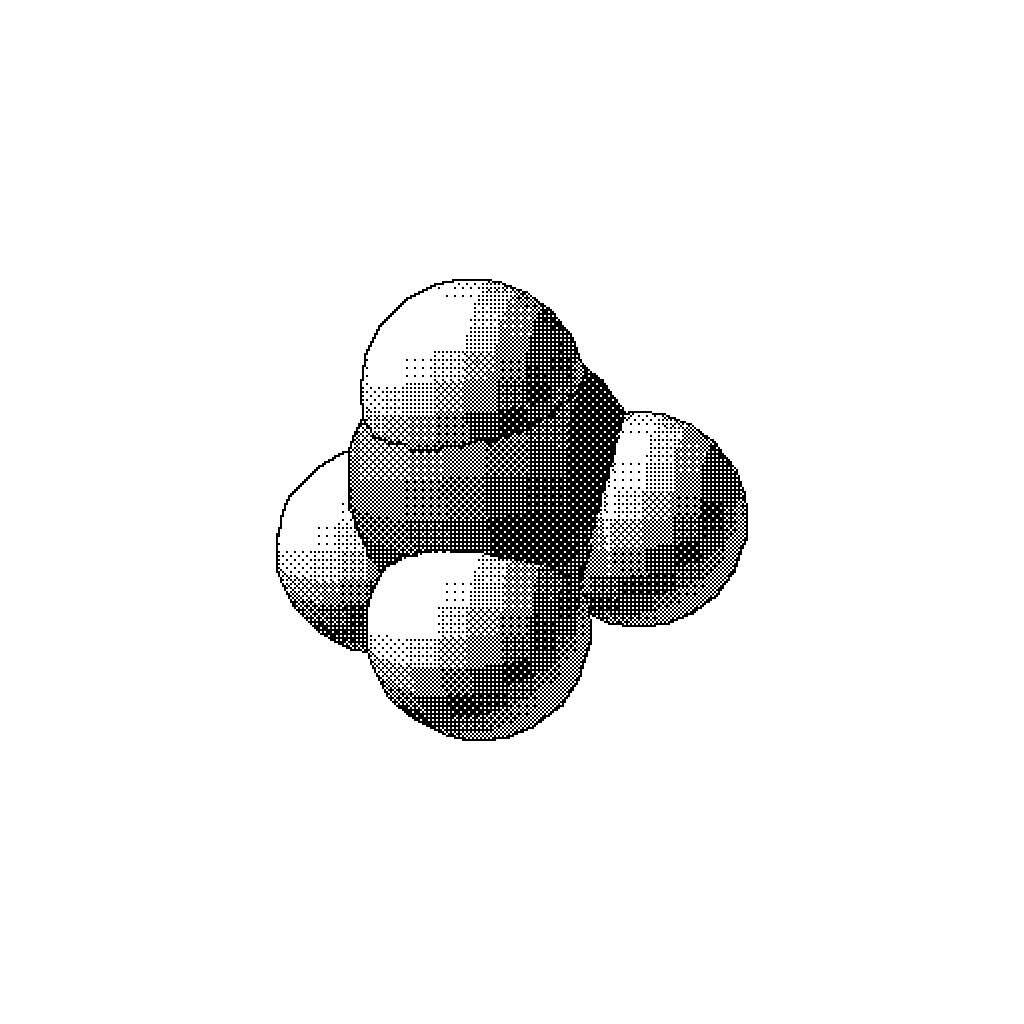
Methane molecule. Swivel 3D on MacSE.

Some fun with MacPaint. Mouse only on a MacSE.


Here’s a quick sketch inspired by a cave painting.
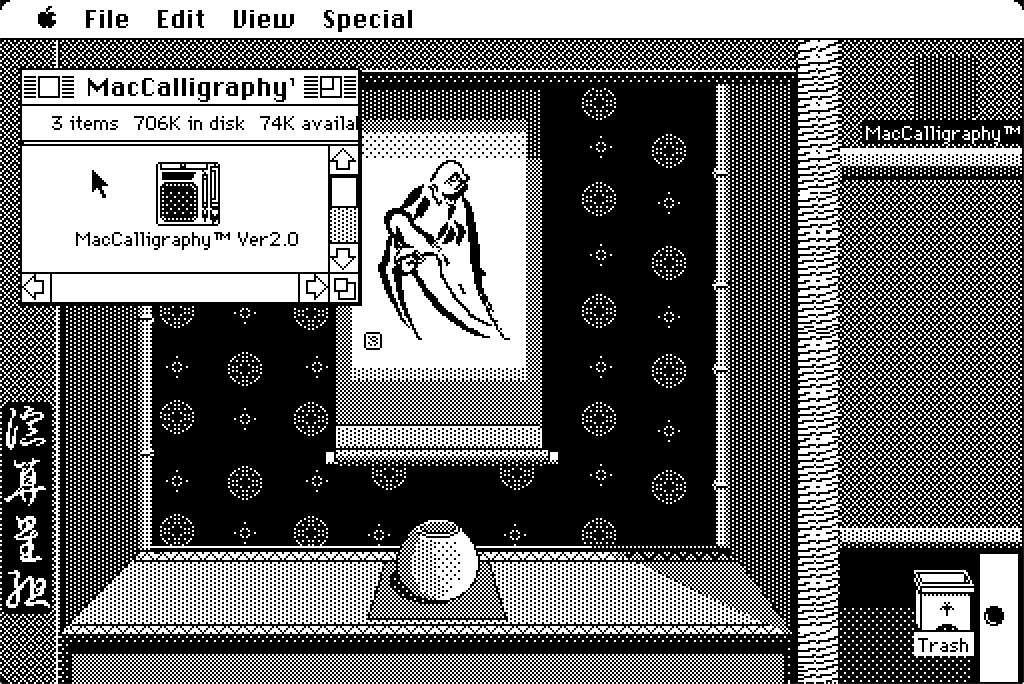
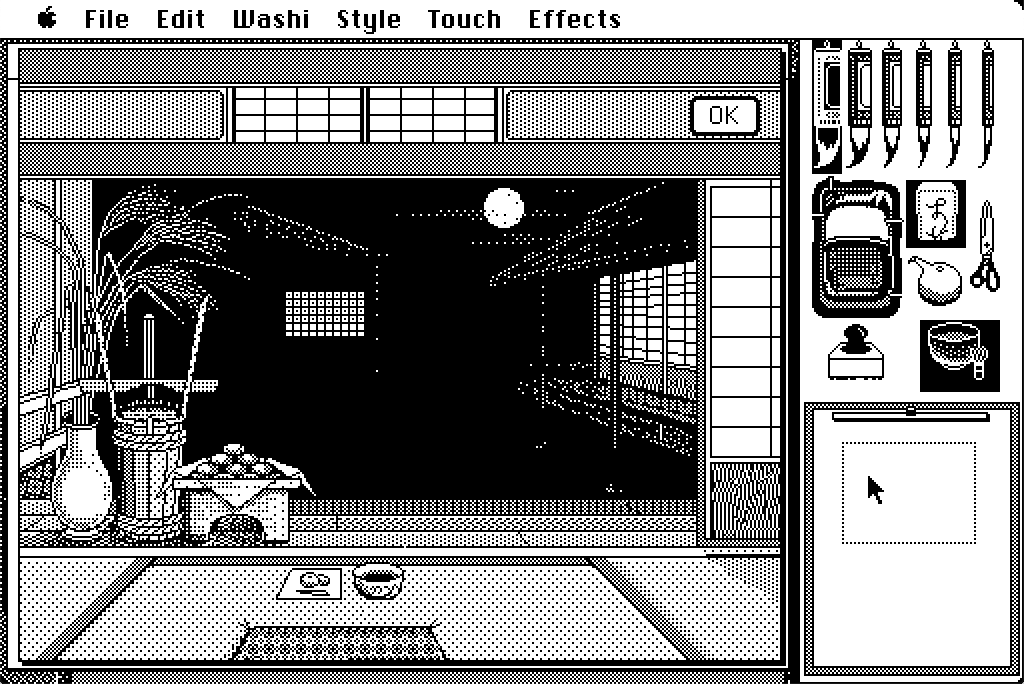
Mac Calligraphy is one of my favourite software on classic Macs. It is basically a Japanese version of MacPaint that allows you to modulate the “ink quantity” in an ingenious way. Drag you mouse fast enough and the brush will release just a little bit of ink. Go with slower movements and the stroke will be thicker. A very detail review by James Wages can be found at this link. Take your time and visit his channel!
To enjoy the full Mac Calligraphy experience boot your 68 Mac directly from the floppy disk, you will be welcomed with a custom System, with themed icons and desktop background. So far tested on a Mac SE. Something newer like a Classic or Classic II won’t boot from the disk.

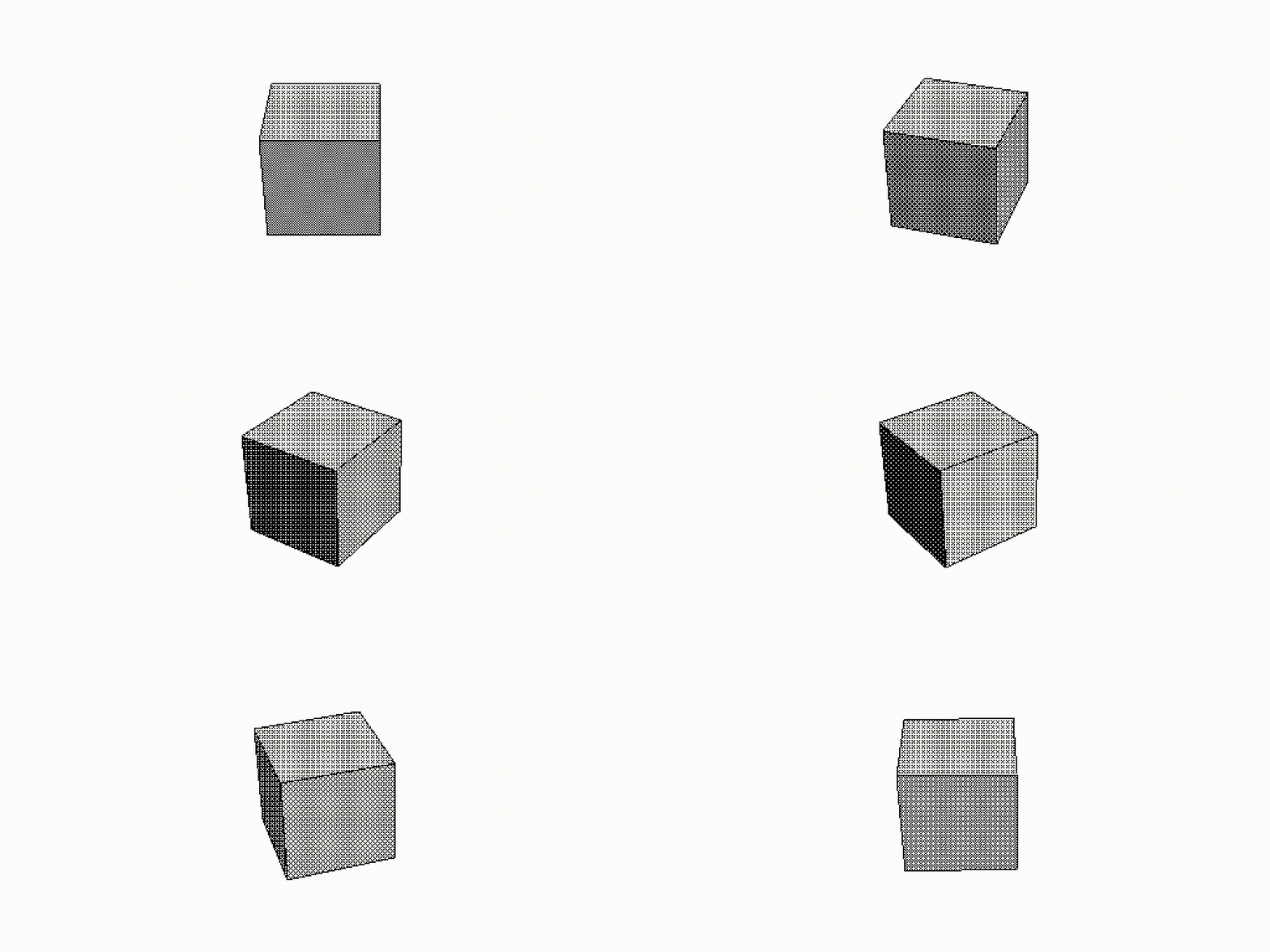
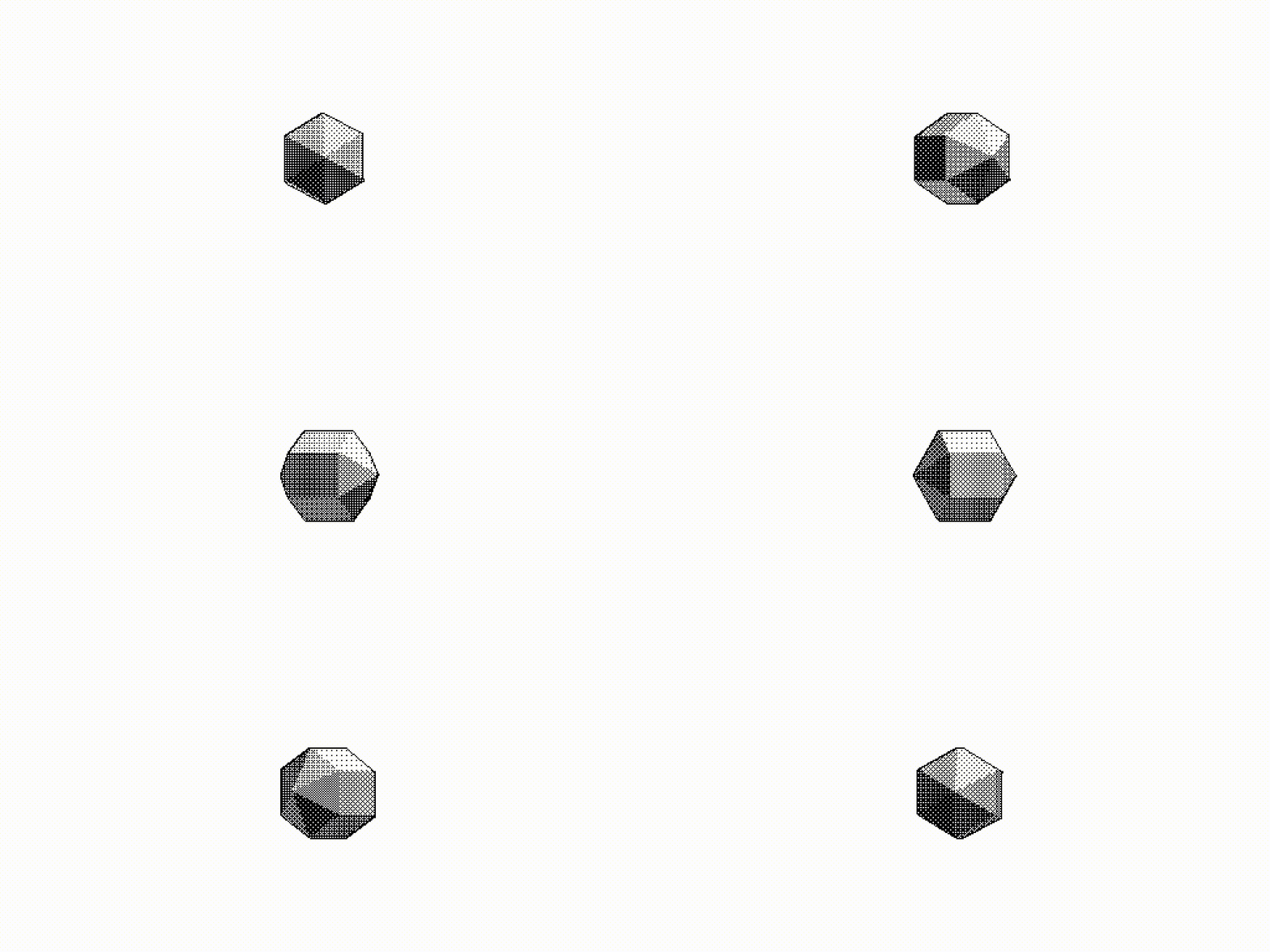
Yes. Just a couple of spinning 3d objects. Rendered with Swivel 3D on a 1987 Mac. The software is quite convoluted but it was one of the first tools for the non professional market. Odd coordinates system, worse keyframe editor, can’t rotate something more than 180 degrees without messing up the axis order… But still, quite fun : )
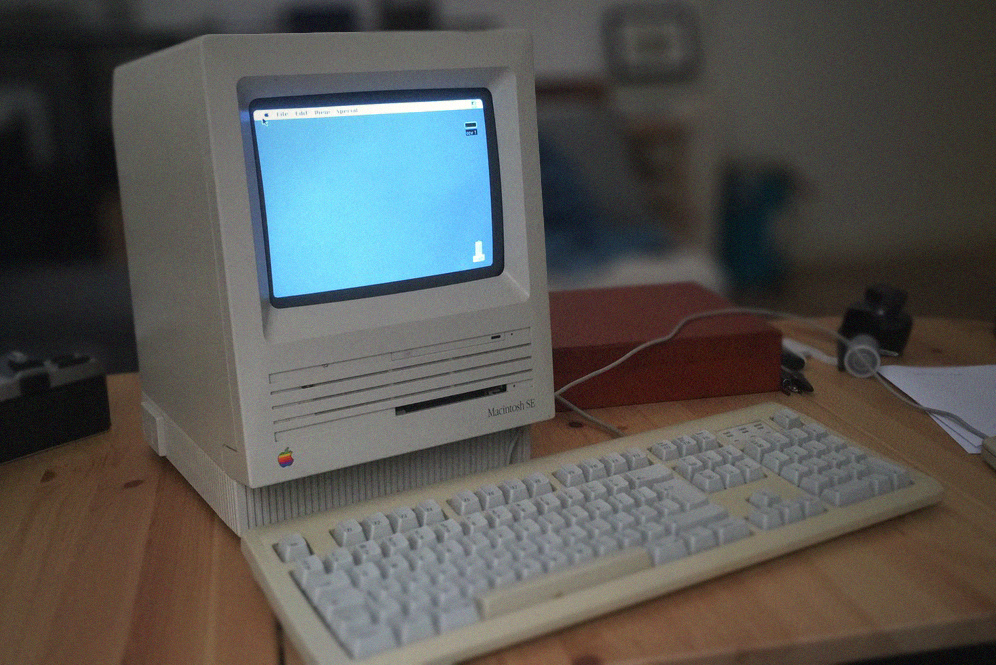
This Mac SE from 1987 is the first 68k Mac I acquired a few years ago.. and the one that sent me down the rabbit hole. 8Mhz cpu, maxed out with 4 Mb of ram and a 20 Mb hard drive. Yes megabyte.
The machine was in perfect working condition, but I am glad that I decided to open the case and have a look at the board. This is what a 30 years of dust looks like. Despite that not a single capacitor leaked.

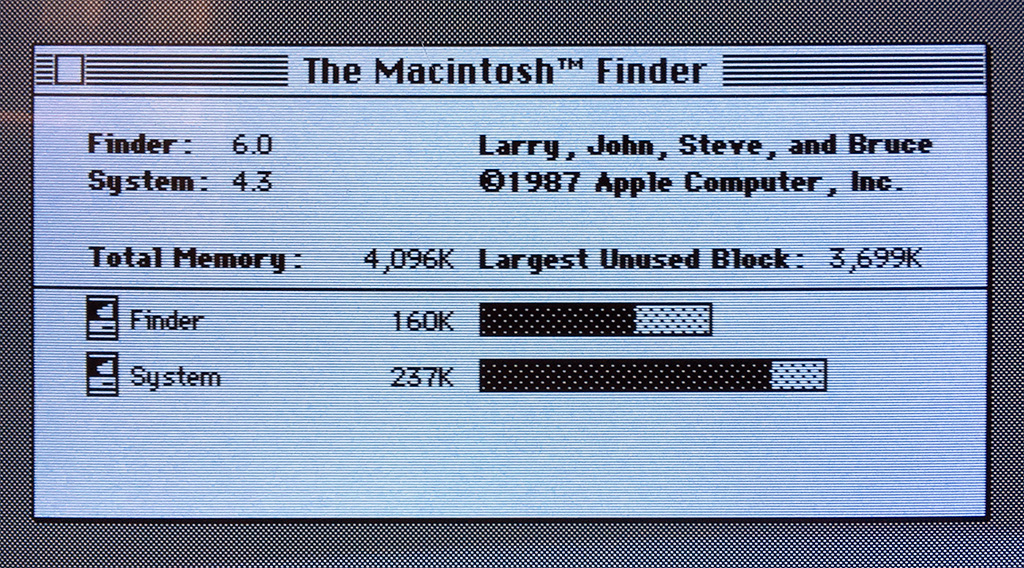
“About this Mac”. The original system 4.3 was still there, plus a bunch of files from the previous owner. I backed up everything.. one floppy at the time and updated the OS to System 6 : )
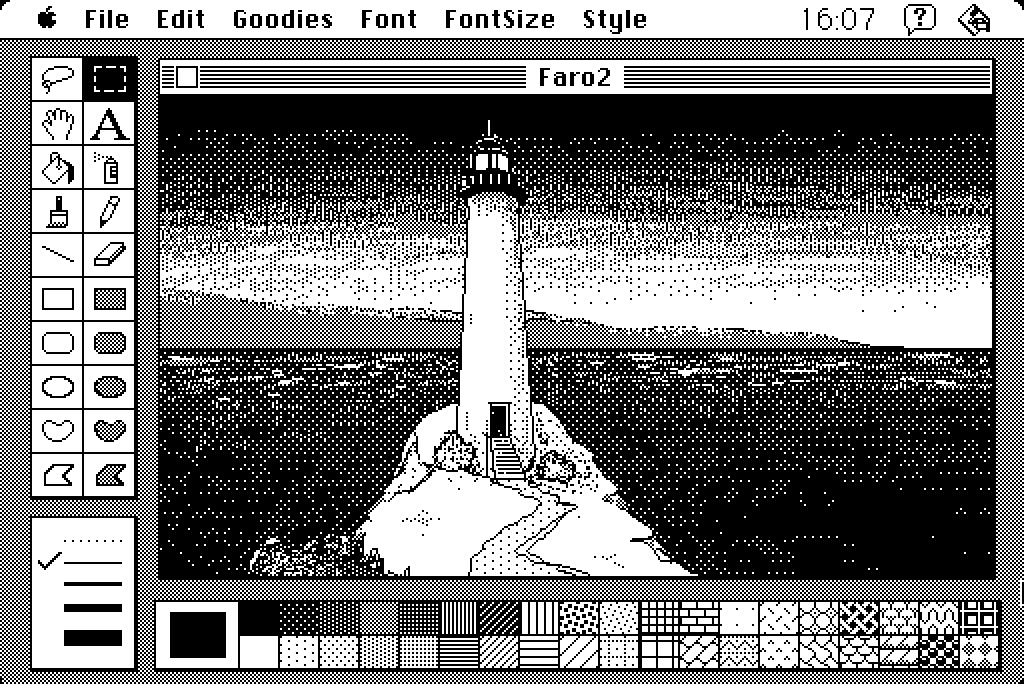
“Lighthouse” inspired by the game “World of horror”. Slowly painted with the mouse on a Macintosh Classic with MacPaint. Such a simple software but a real joy to use. I work at the very top of the visual effects industry and it’s so fascinating going back to something so essential. Black and white, 512 pixels on your screen, 4Mb of memory if lucky.
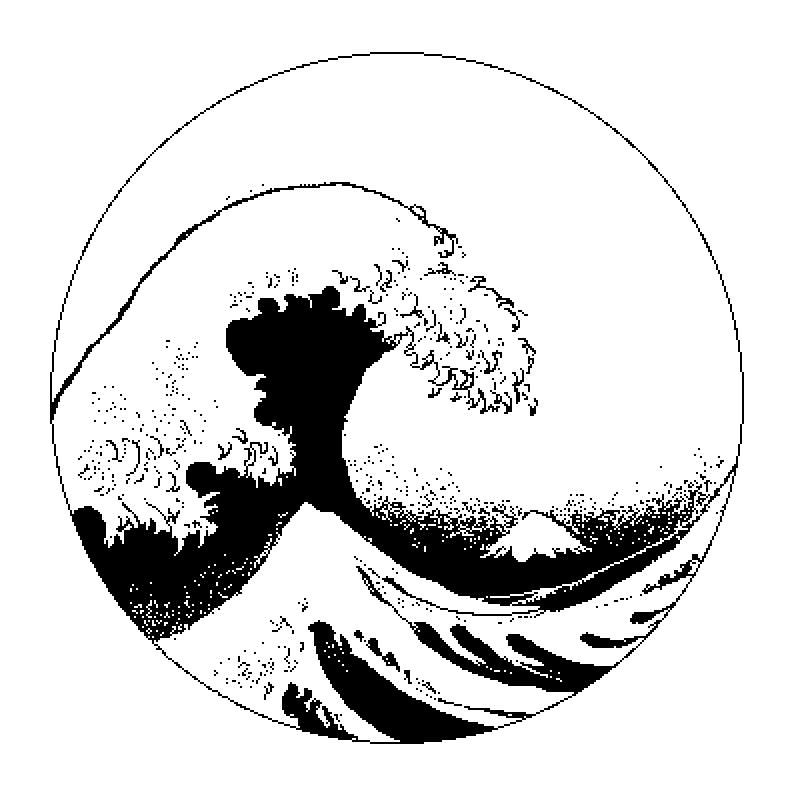
The great wave. Mouse only on a Macintosh SE.

Experimenting with some pattern. Since the only possible interpolation is “near” pixel, using the rotation tool it is possible to degrade the image and achieving interesting, organic results.
 [ 512 Lab ]