![[ 512 Lab ]](https://fivetwelvelab.uk/wp-content/uploads/2022/09/cropped-logo.jpg)
Behold the mighty Flame. After days of attempts I managed to install the software and have all the hardware and drives properly recognised and functioning. I can’t thank enough the people of the Irix NETWORK forum. Special thanks to gijoe77, def13 and irikinus for their direct help and support.
As a professional compositing supervisor it’s amazing to be able to play again with this software on the original SGI hardware.. actually in this case the very same machine I used 20 years ago.
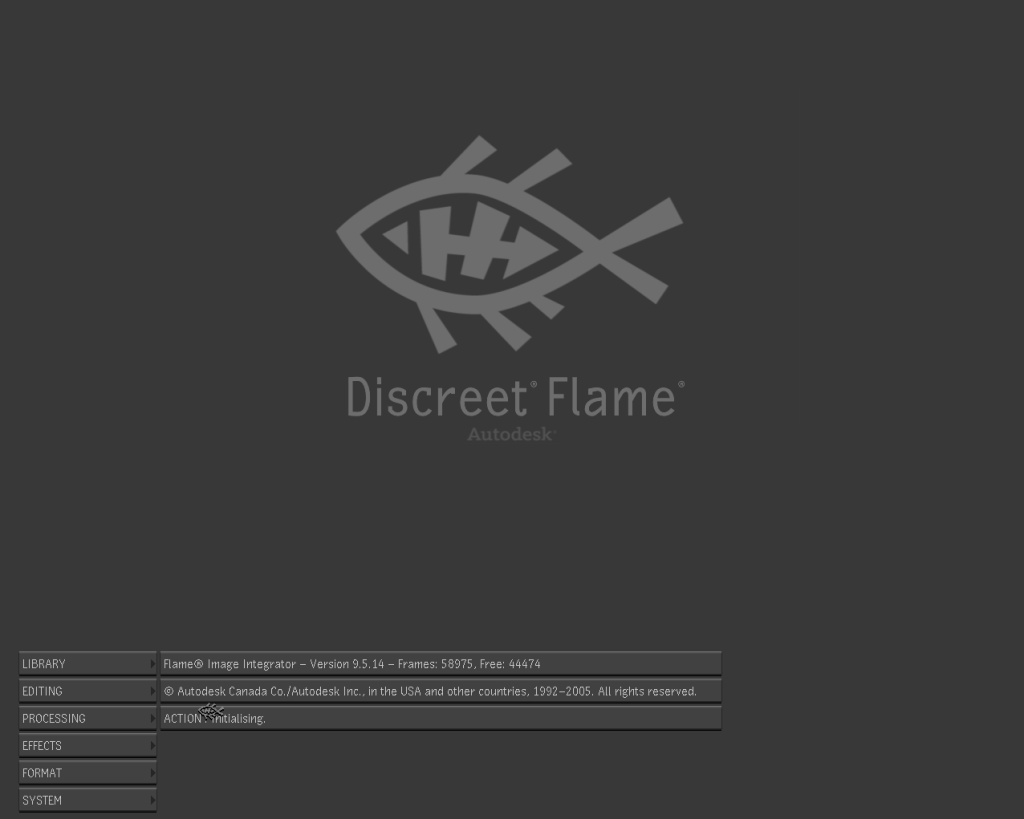
The original workstation came with Flint 7.6 installed, after some testing and consideration the best version of a discreet product that can run well on my Octane is Flame 9.5 from 2005. Finally with the version 8 they introduced resolution independent projects management and v 9 was completely rewritten as a 64 bit application. After this release Discreet launched another 2 versions of Flint / Flame for Silicon Graphics hardware, the last one named Flame 2008. Sadly I would need more memory and a V12 graphic card instead of my V10… soon or later I will upgrade : P
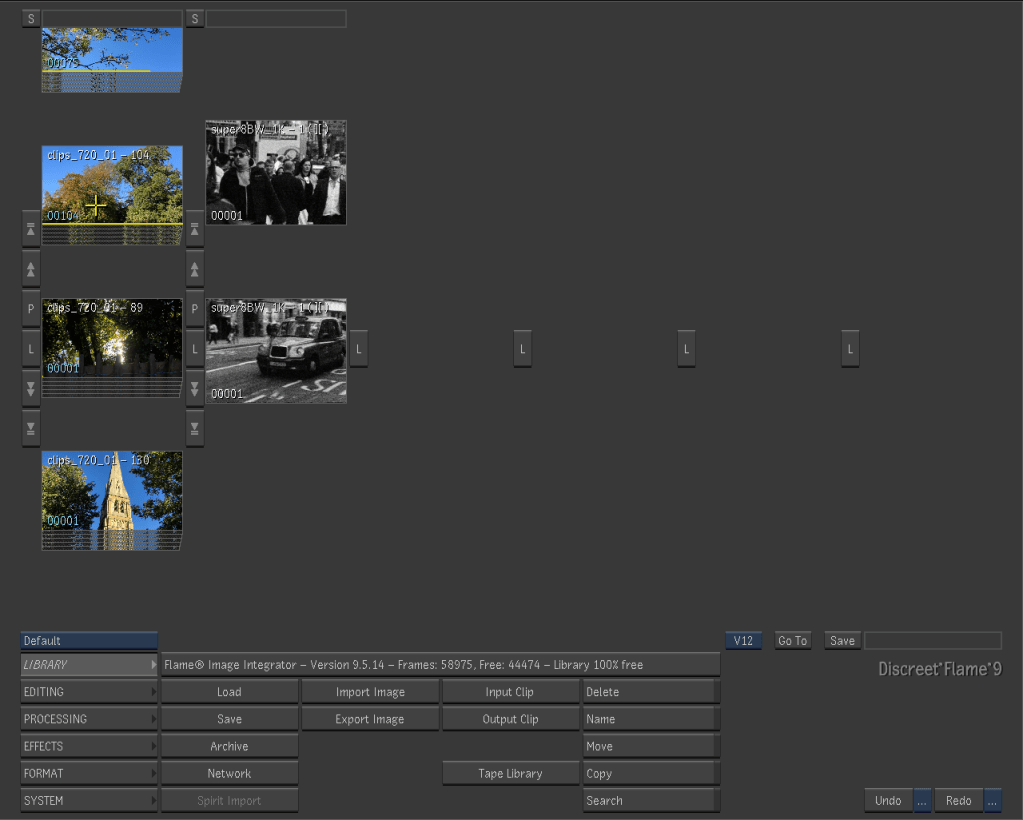
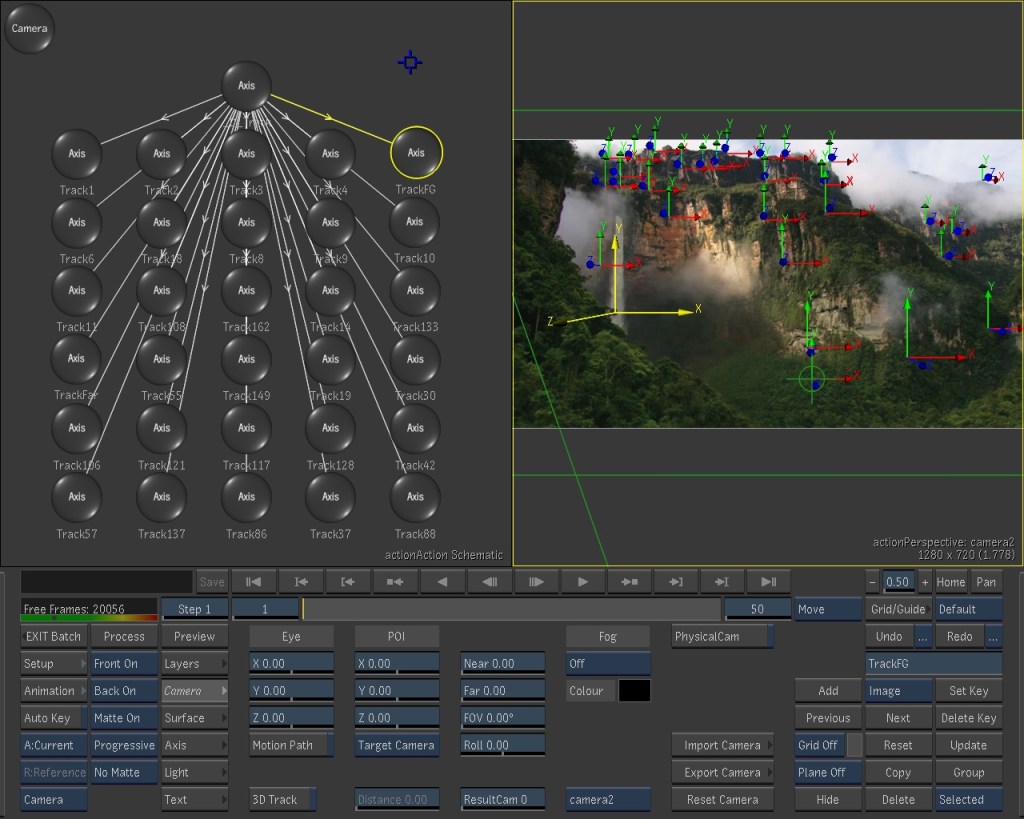
I copied via FTP a bunch of clips that I had in my photo library just to play a bit with the software. I am still quite impressed by the smoothness and responsiveness of playback, 3d space and painting tools.

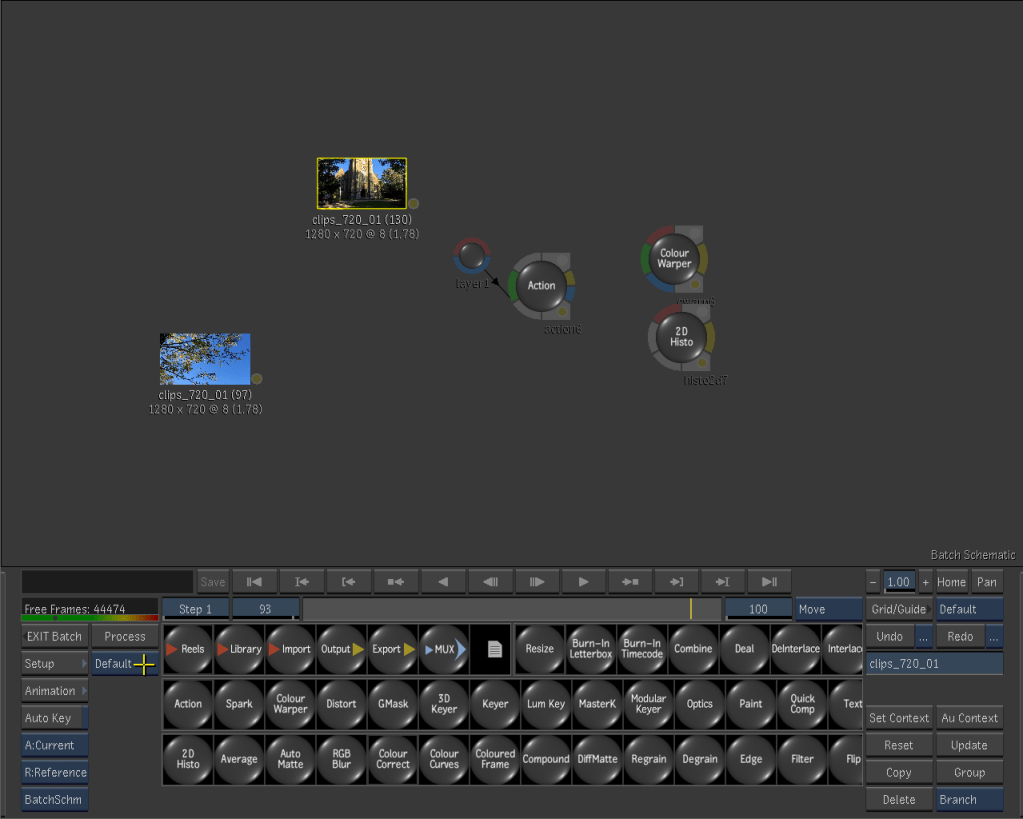
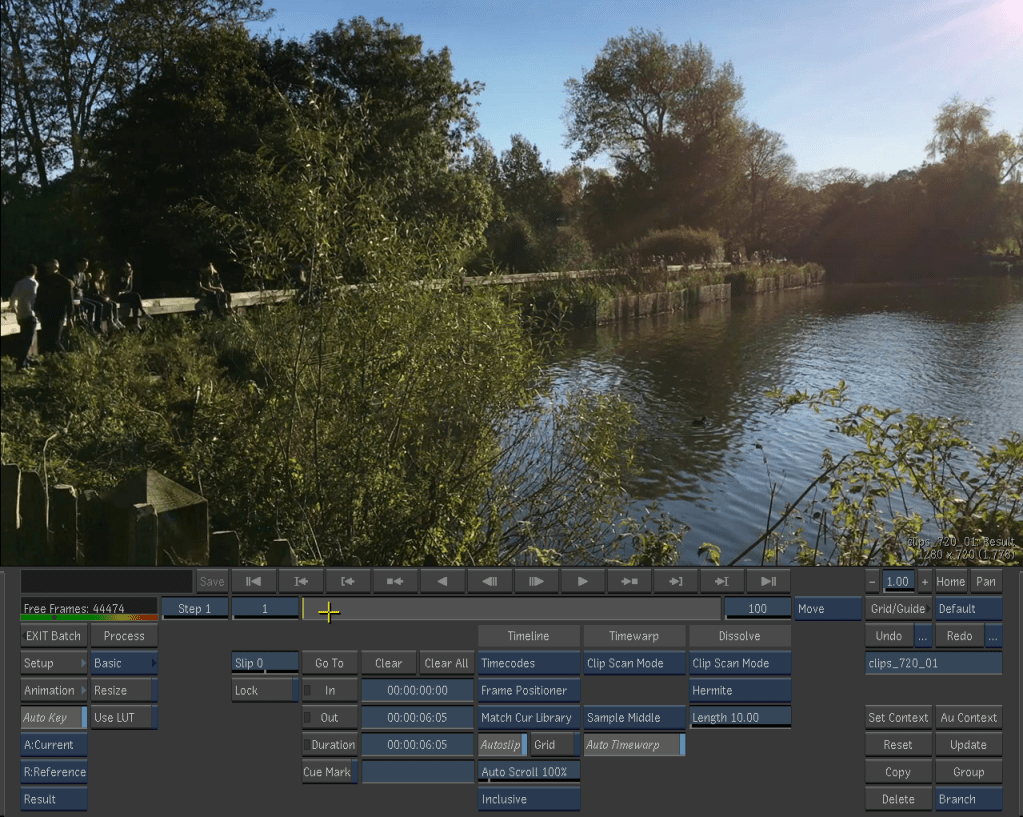
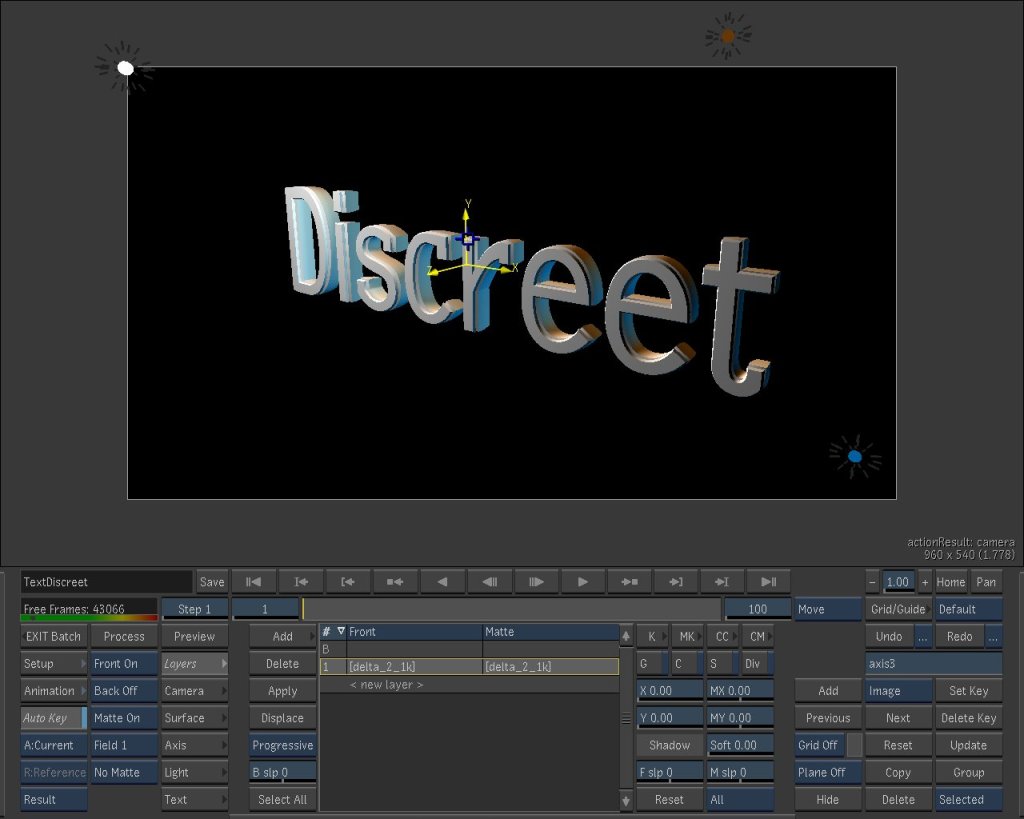
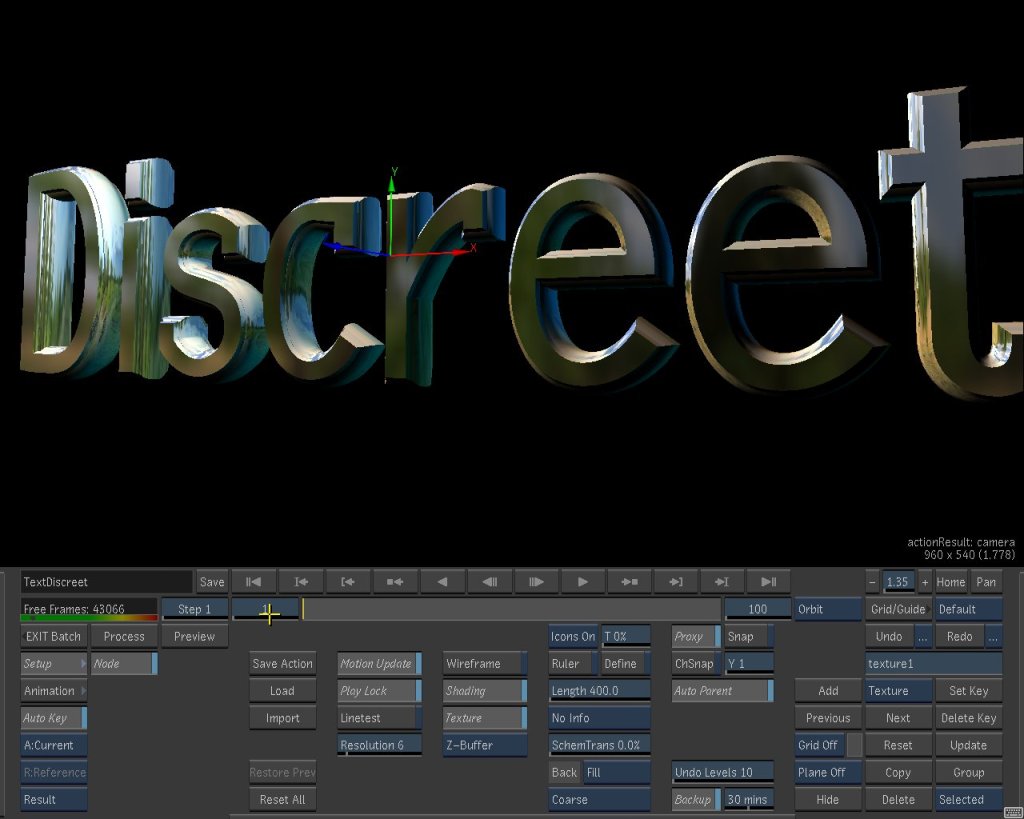
Quite shocking how the system handles real time reflections on a 3d object… on a video card with 32 Mb of memory of which only 8 dedicated to textures.. yes megabyte!




 [ 512 Lab ]