Solar System Simulator

I always been obsessed with space exploration and astronomy, and since I was a child I played with telescopes and optical instruments.

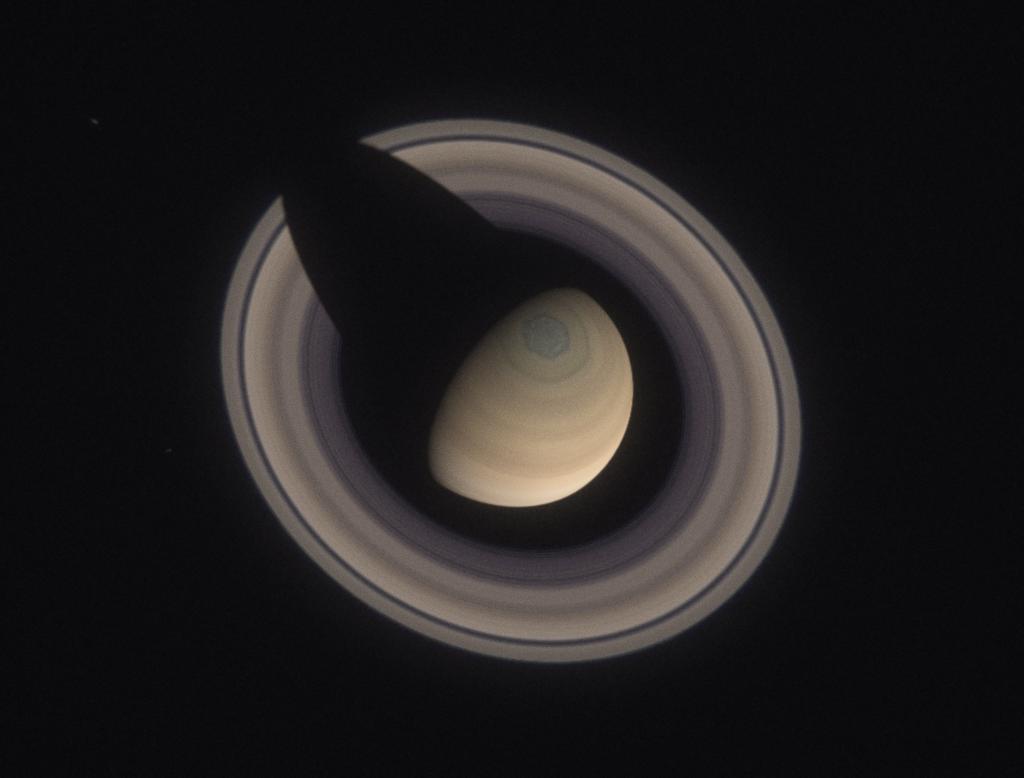
I was just trying to show to a friend what you can expect from a cheap telescope when looking at the planets. I quickly downloaded an image of Saturn and set up in Nuke a simple comp to get the scale right and the view from the ocular. Then I tried the same with an image of Jupiter… and another one… Obviously I went a bit too far and after a couple of days I ended up with a complete 3D solar system / telescope simulator in Nuke.

The tool is designed to mimic the view from earth of the planets through a telescope. You can play with the focal length, oculars and Barlow lenses. Tweaking other parameters it is able to render a view from a “probe” in Voyager style. This is Mars with a 2.000 mm focal length and a 2x Barlow lens.

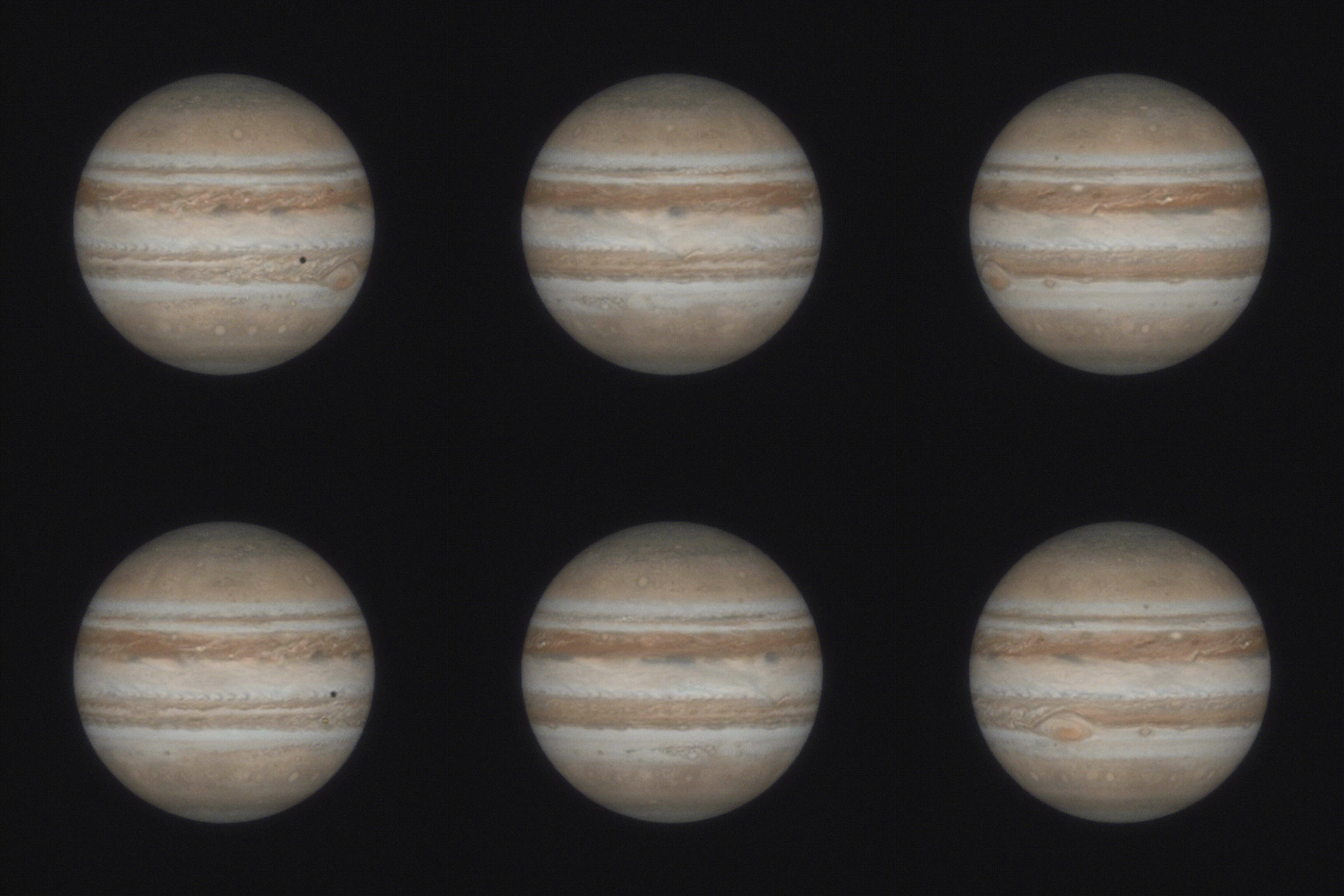
Clearly I had to be precise. Each planets has his own rotation, axis tilt and satellites. Please note the transit of Io in front of Jupiter and its shadow.
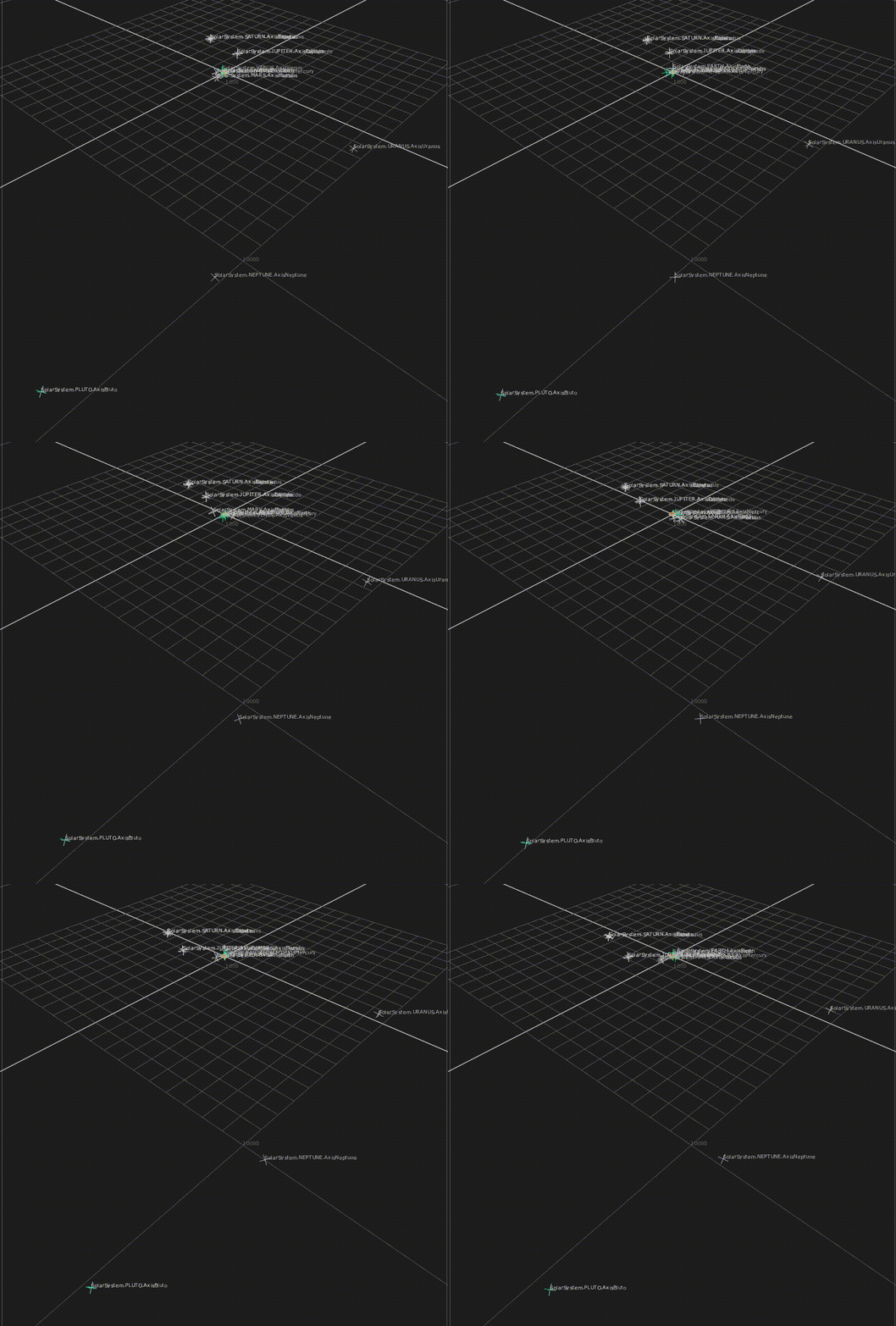
The entire system has also the correct scale. Each unit in nuke equals 1.000 Km, and each frame of the animation 1 hour. A bit of patience with some expressions and everything moves automatically. And yes, I also added Pluto, I felt sorry and re-introduced it in my solar system.
Mac Calligraphy

Here’s a quick sketch inspired by a cave painting.

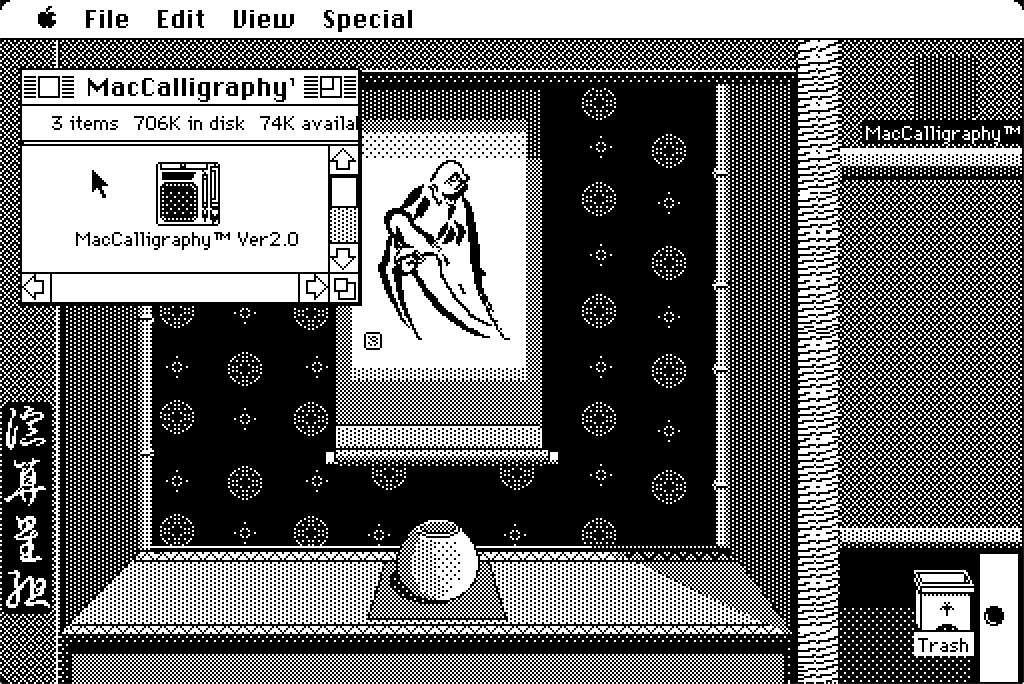
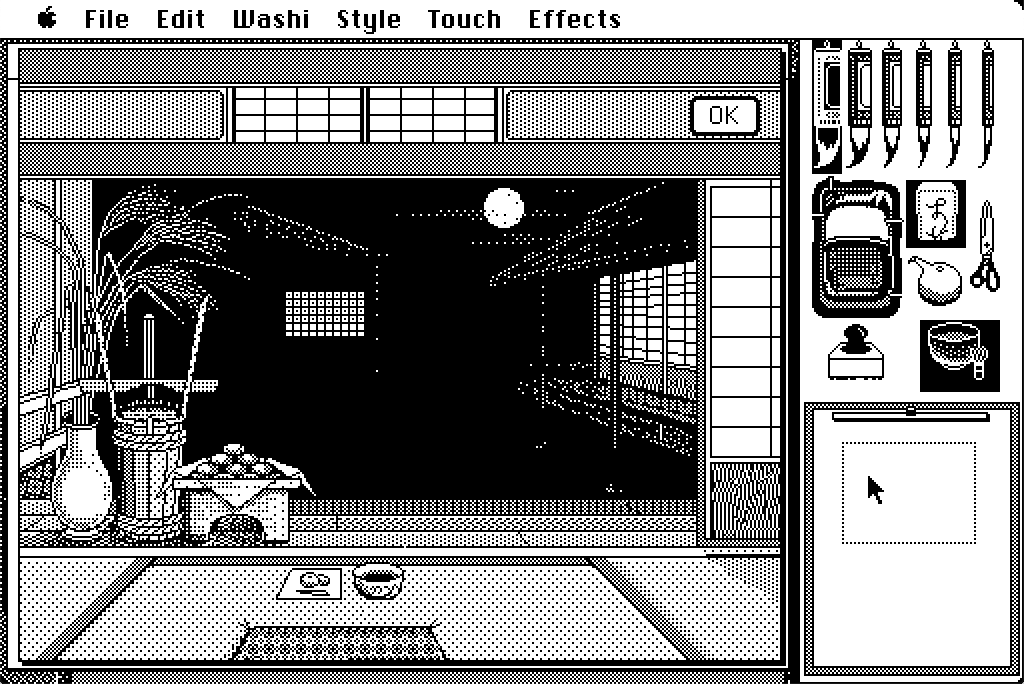
Mac Calligraphy is one of my favourite software on classic Macs. It is basically a Japanese version of MacPaint that allows you to modulate the “ink quantity” in an ingenious way. Drag you mouse fast enough and the brush will release just a little bit of ink. Go with slower movements and the stroke will be thicker. A very detail review by James Wages can be found at this link. Take your time and visit his channel!

To enjoy the full Mac Calligraphy experience boot your 68 Mac directly from the floppy disk, you will be welcomed with a custom System, with themed icons and desktop background. So far tested on a Mac SE. Something newer like a Classic or Classic II won’t boot from the disk.

Mission Octane 2

When I heard that one of the first studio where I worked shut down I needed to investigate since there was something I was looking for. Back in 2002 I started my vfx career learning Discreet Flint on a Silicon Graphics computer. I was still in contact with my boss and after a few calls I managed to acquire this beauty…

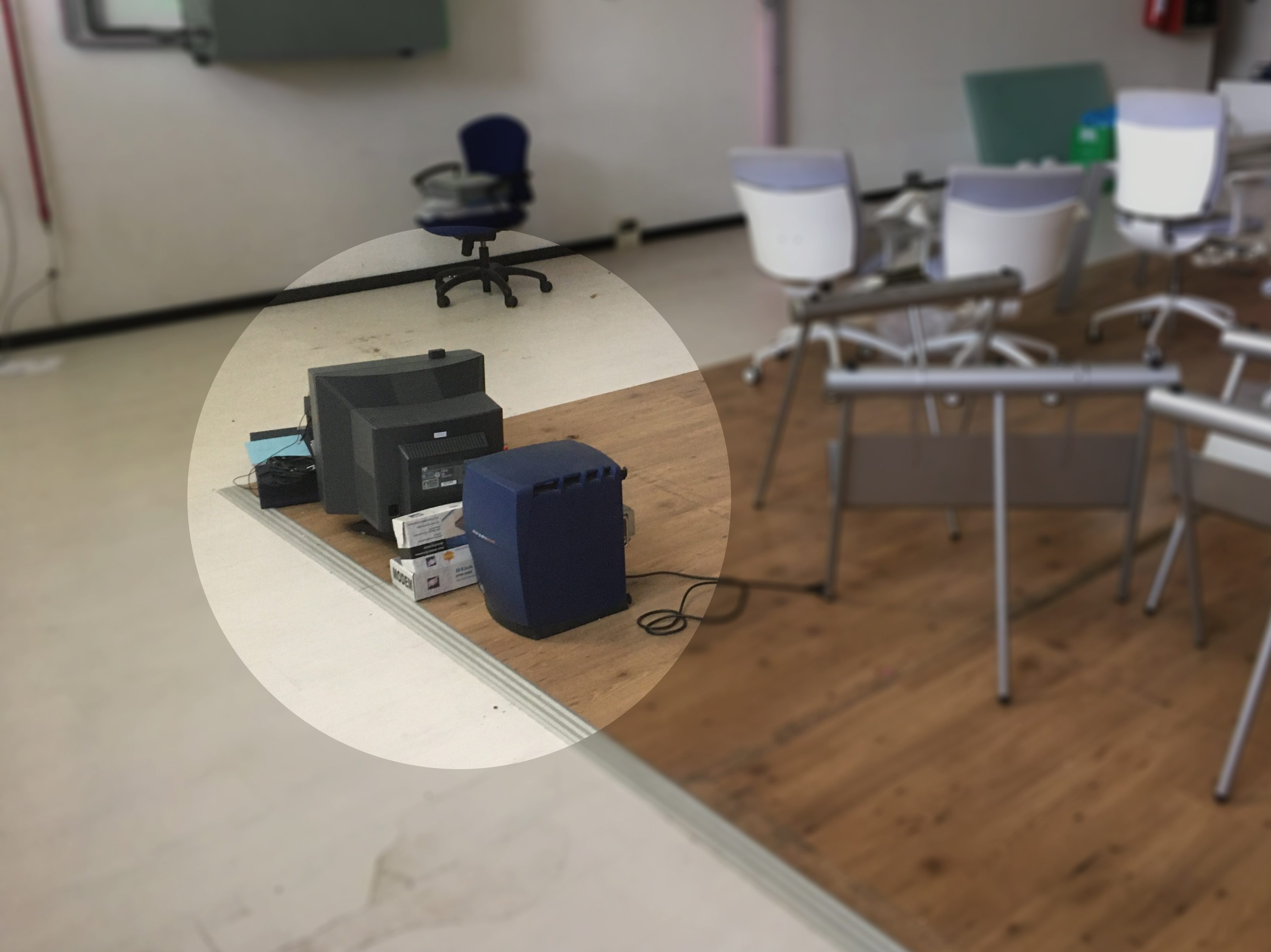
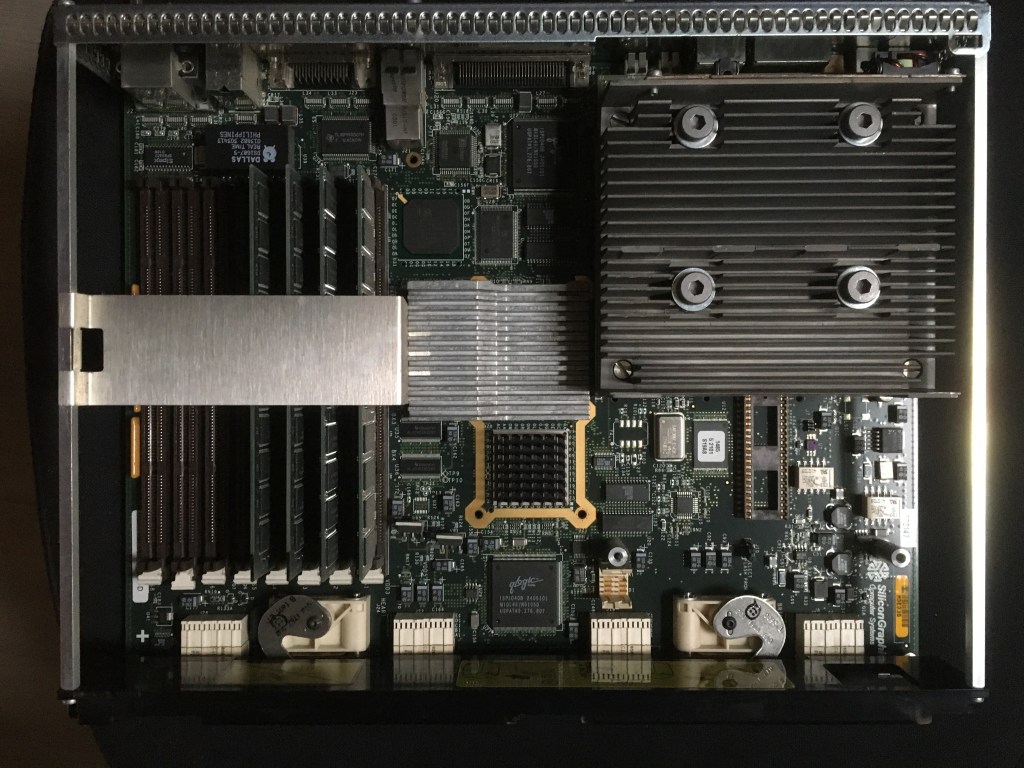
The poor abandoned sgi has been sitting in this warehouse for a few years. After loading almost a 100 Kg of hardware in the car, once at home I inspected all the components. Despite 15 years of inactivity the logic board was simply immaculate.

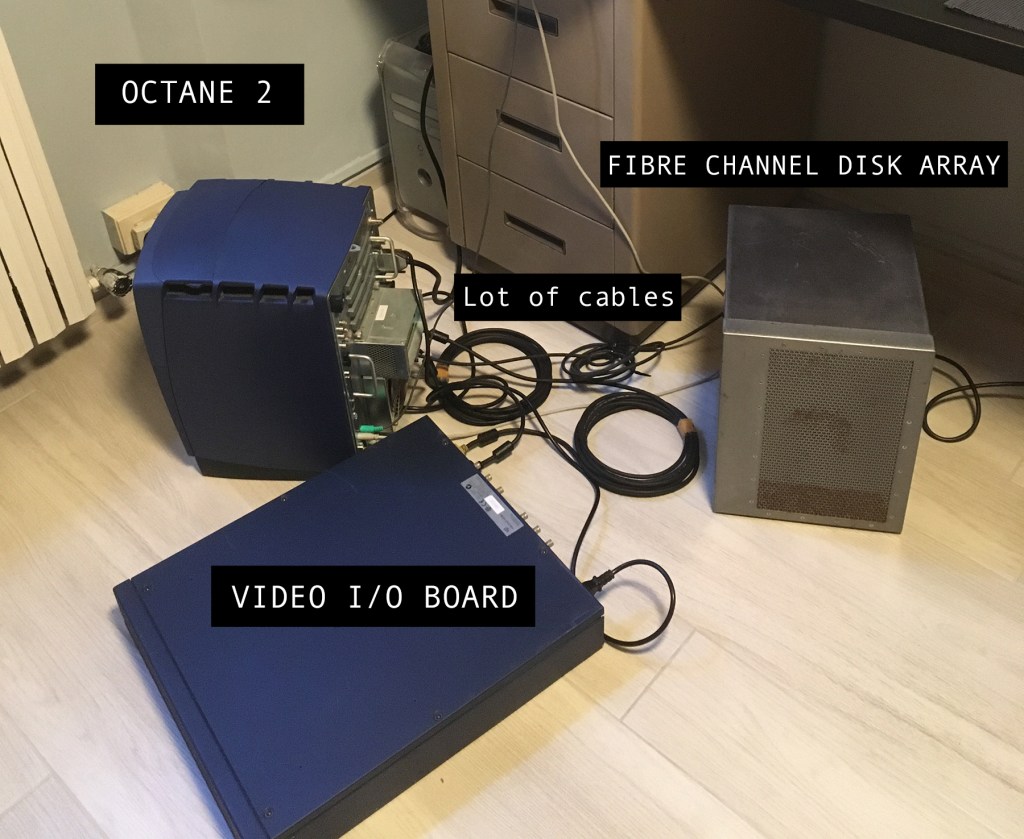
And here we are, all cabled for a first test. Octane 2, the Video breakout box, fibre channel disk array and, out of frame, the SGI Crt display. A couple of things have been lost, but I will hunt for an original keyboard and mouse on eBay.

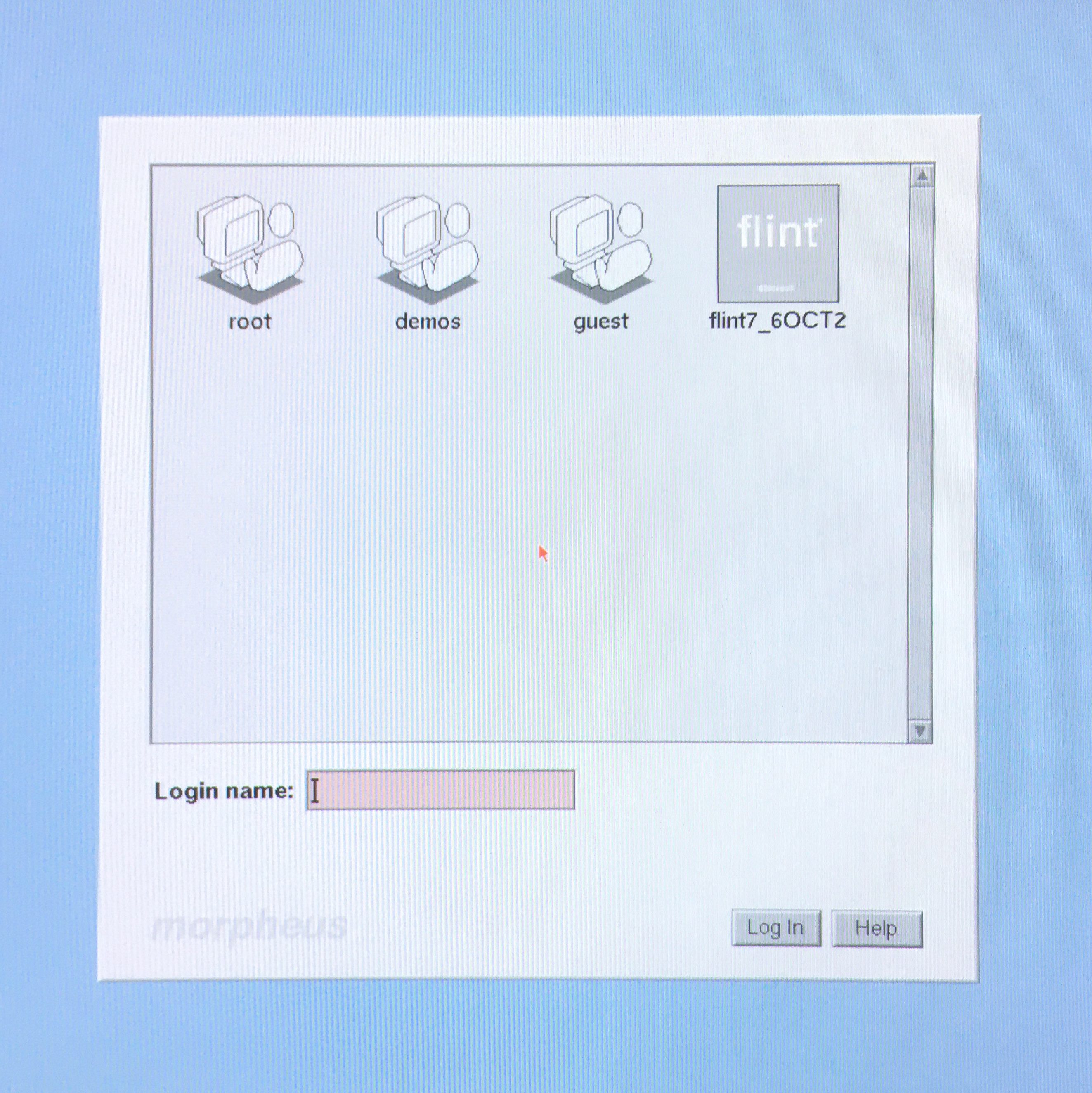
And… here we are. The machine was up and running perfectly. Well lost the root password, lost the hardware key for Flint, external CD drive not working, couldn’t set up the network.. basically a brick. But it was the first step : )

3D Solids

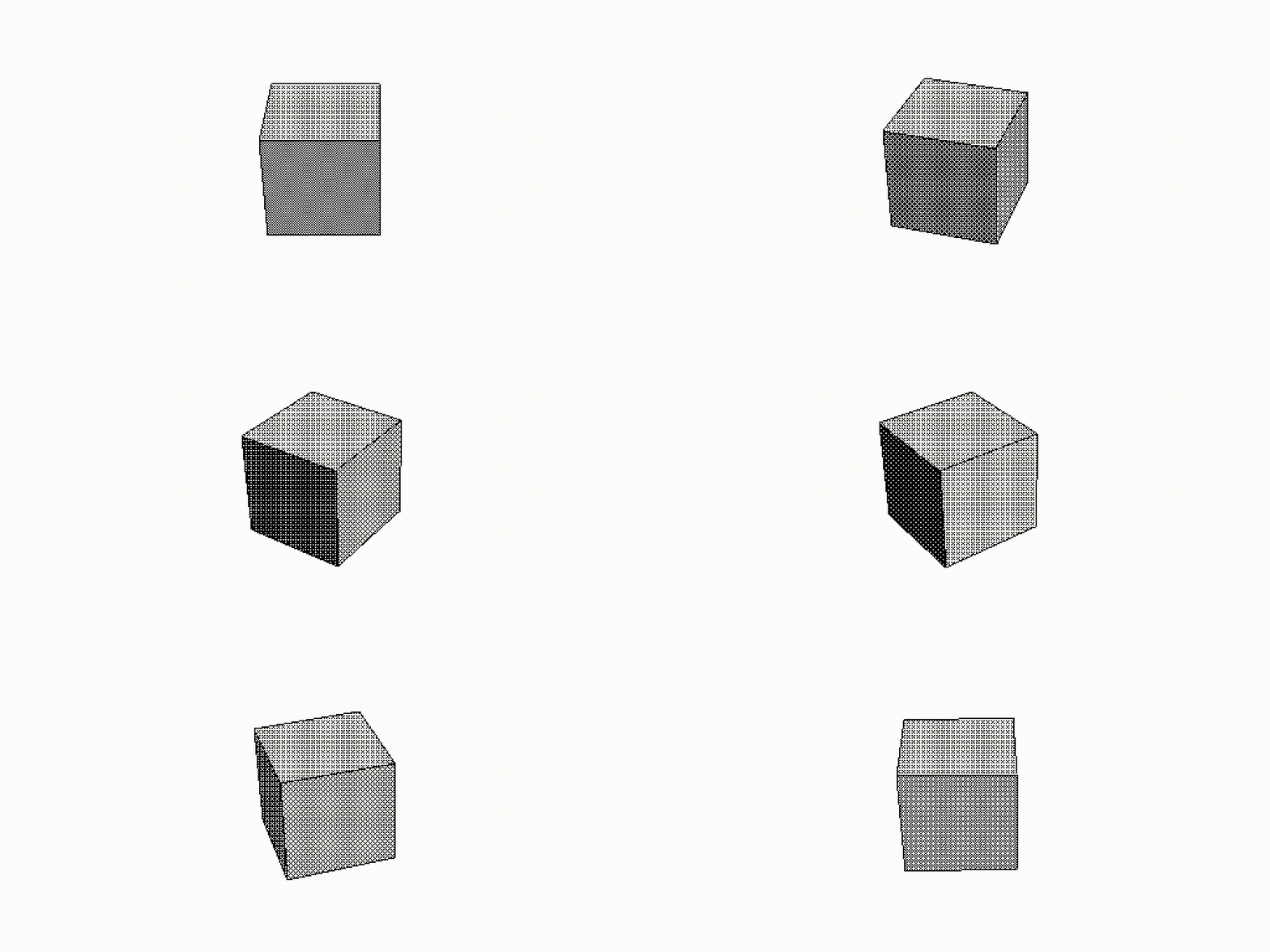
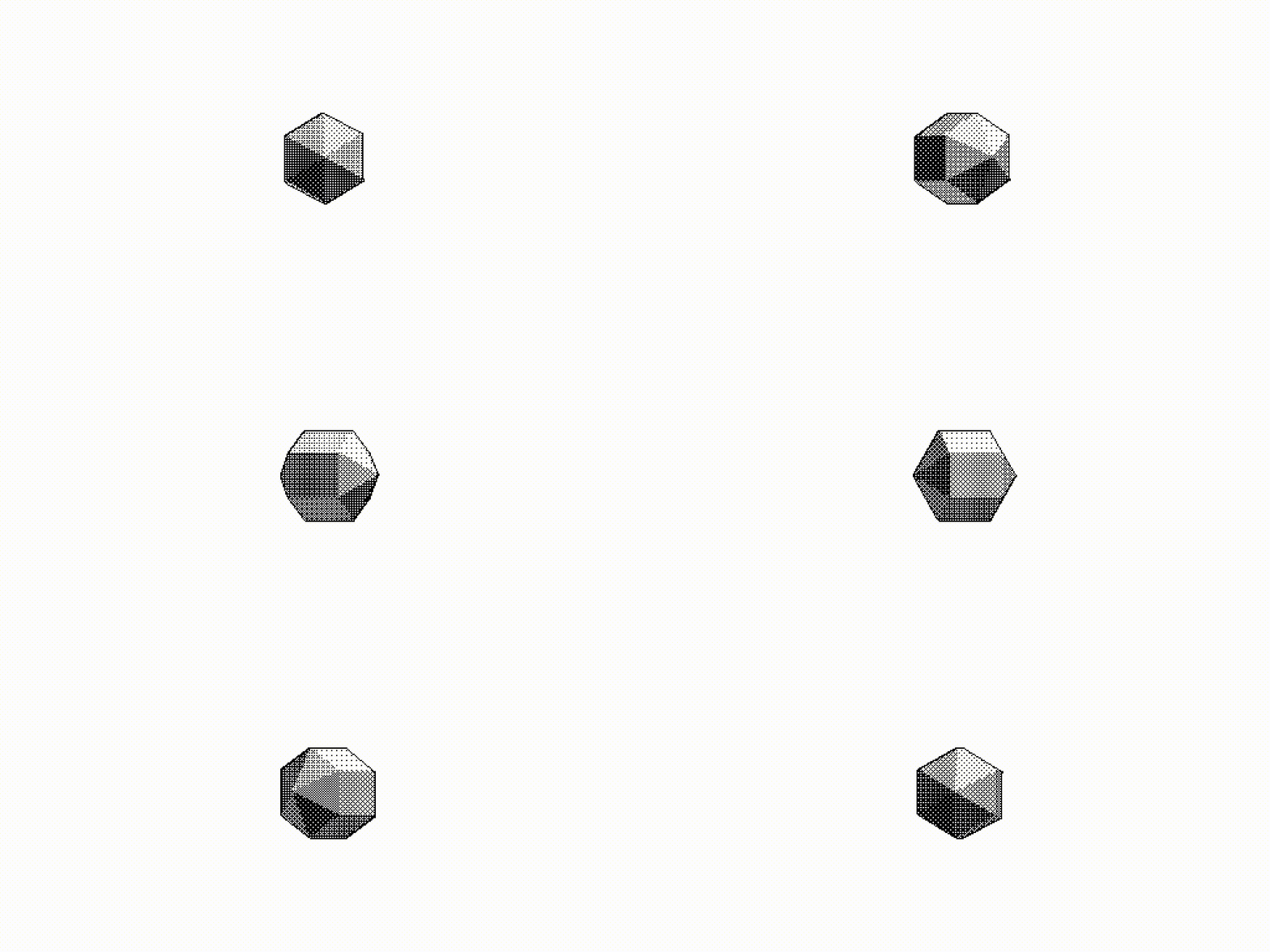
Yes. Just a couple of spinning 3d objects. Rendered with Swivel 3D on a 1987 Mac. The software is quite convoluted but it was one of the first tools for the non professional market. Odd coordinates system, worse keyframe editor, can’t rotate something more than 180 degrees without messing up the axis order… But still, quite fun : )

Mac SE

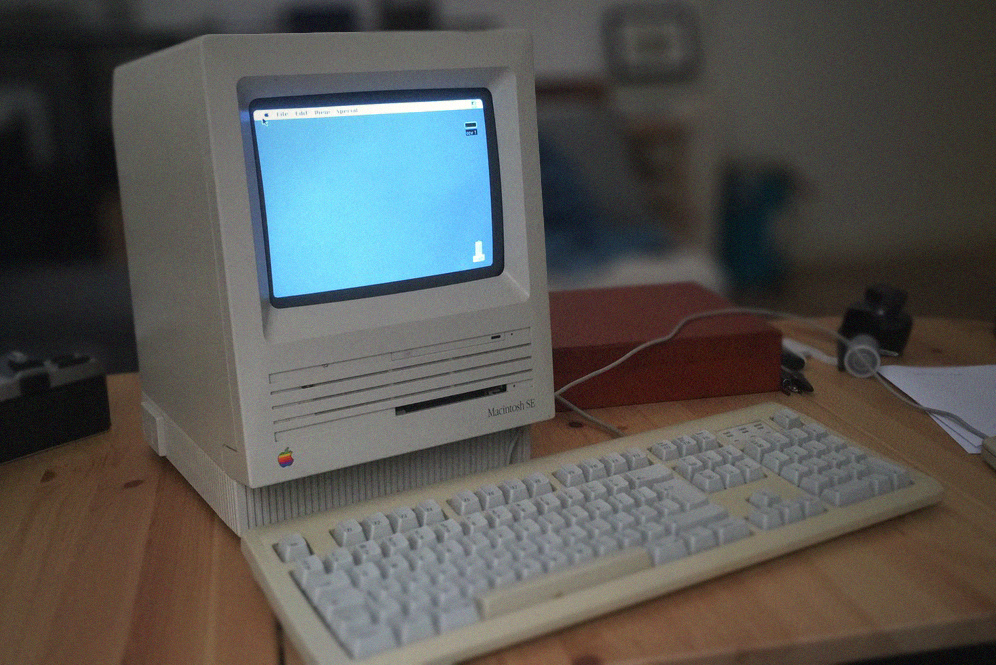
This Mac SE from 1987 is the first 68k Mac I acquired a few years ago.. and the one that sent me down the rabbit hole. 8Mhz cpu, maxed out with 4 Mb of ram and a 20 Mb hard drive. Yes megabyte.

The machine was in perfect working condition, but I am glad that I decided to open the case and have a look at the board. This is what a 30 years of dust looks like. Despite that not a single capacitor leaked.

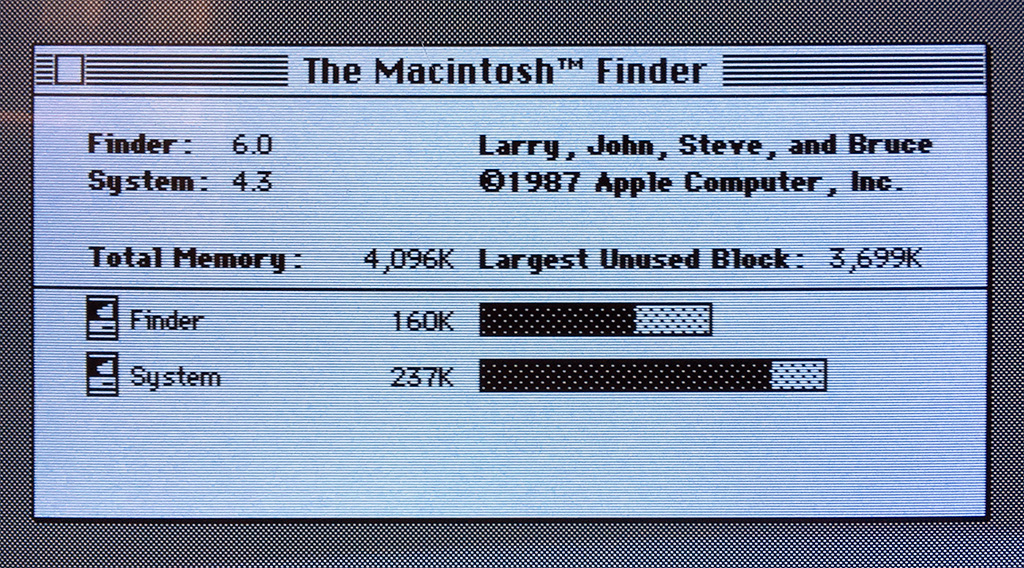
“About this Mac”. The original system 4.3 was still there, plus a bunch of files from the previous owner. I backed up everything.. one floppy at the time and updated the OS to System 6 : )

MacPaint

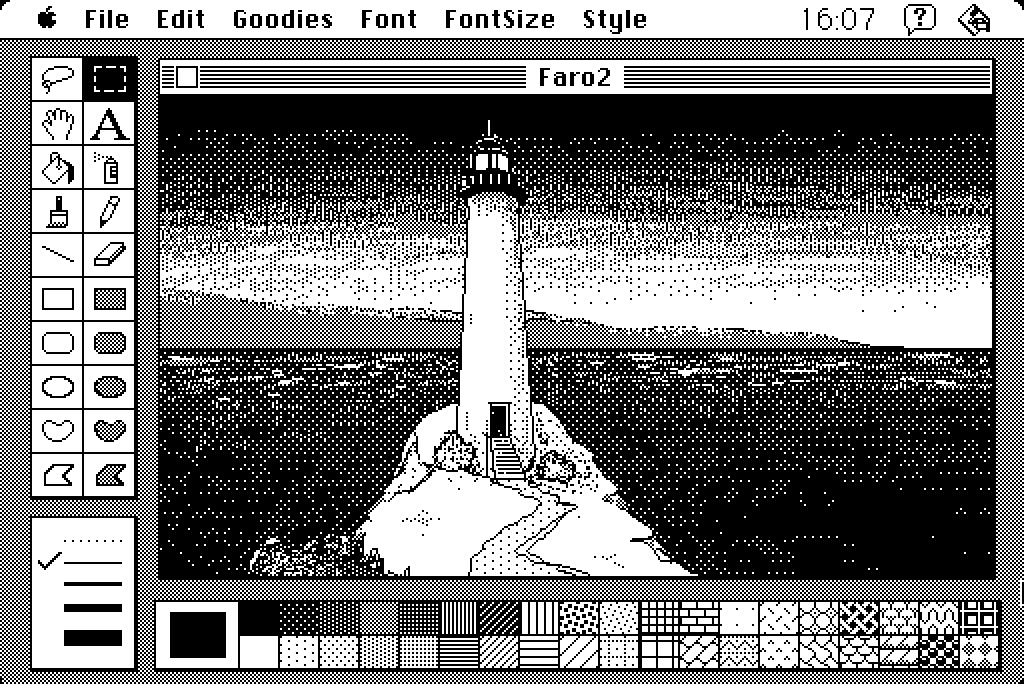
“Lighthouse” inspired by the game “World of horror”. Slowly painted with the mouse on a Macintosh Classic with MacPaint. Such a simple software but a real joy to use. I work at the very top of the visual effects industry and it’s so fascinating going back to something so essential. Black and white, 512 pixels on your screen, 4Mb of memory if lucky.

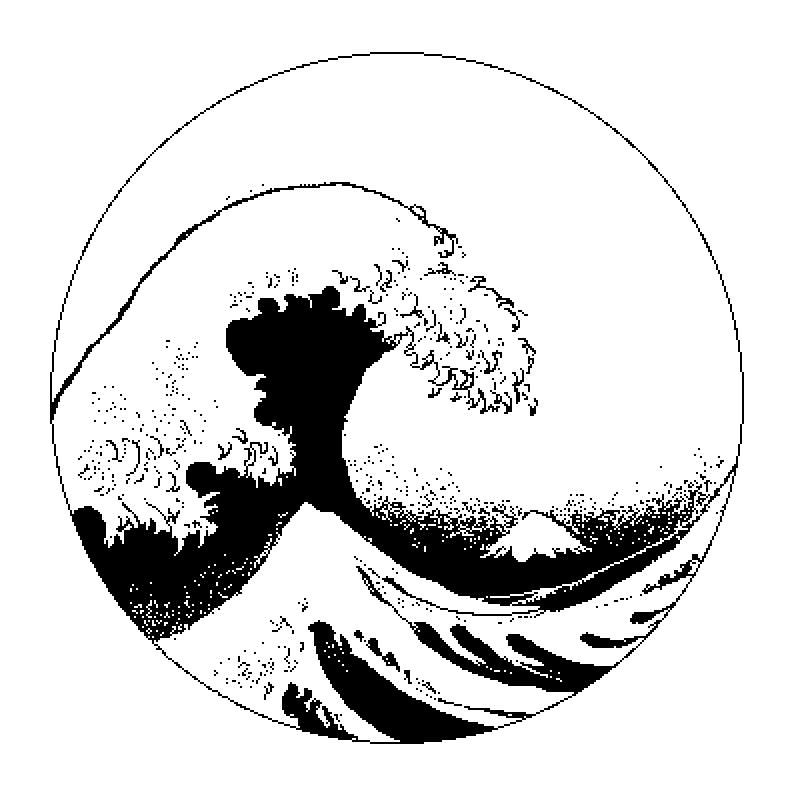
The great wave. Mouse only on a Macintosh SE.

Experimenting with some pattern. Since the only possible interpolation is “near” pixel, using the rotation tool it is possible to degrade the image and achieving interesting, organic results.