Mac SE 30 Repair

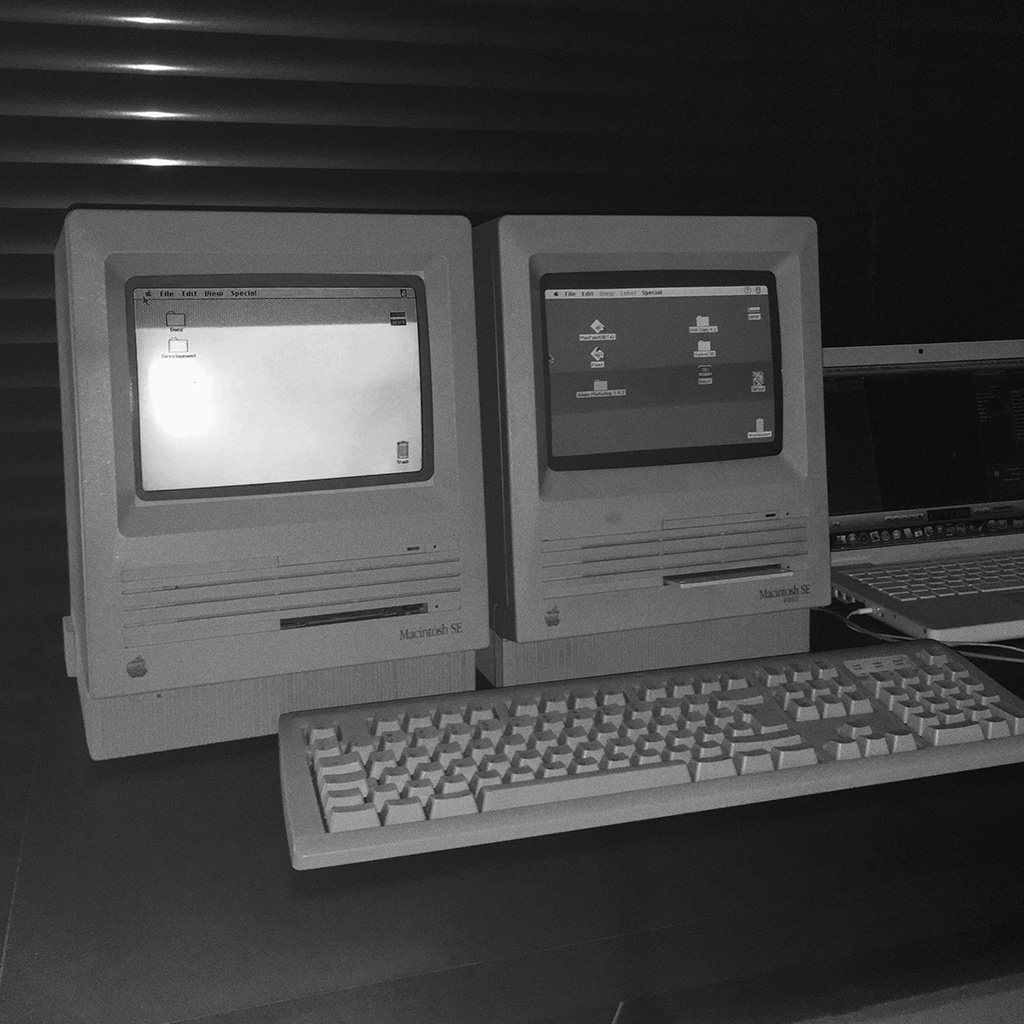
I found this Mac Se 30 on eBay, not the cheapest of my finding considering the seller stated it was broken, but looking at the pictures I knew I could probably repair it.. and accepted the challenge.

I already repaired Macs with similar issues, and also had a few spare chips in case the problem was the horizontal sync on the logic board…
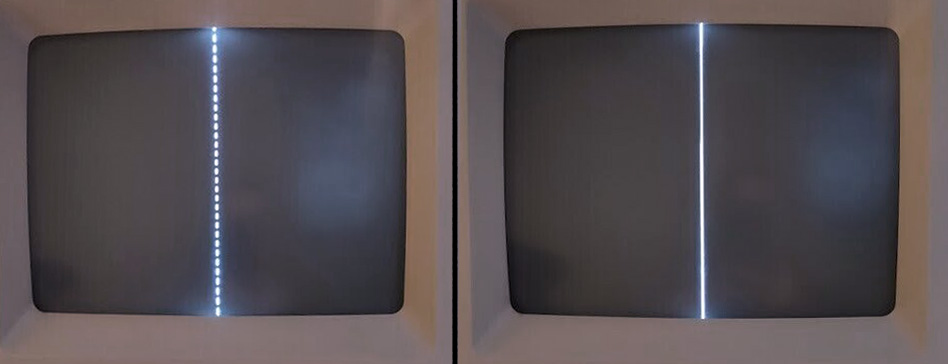
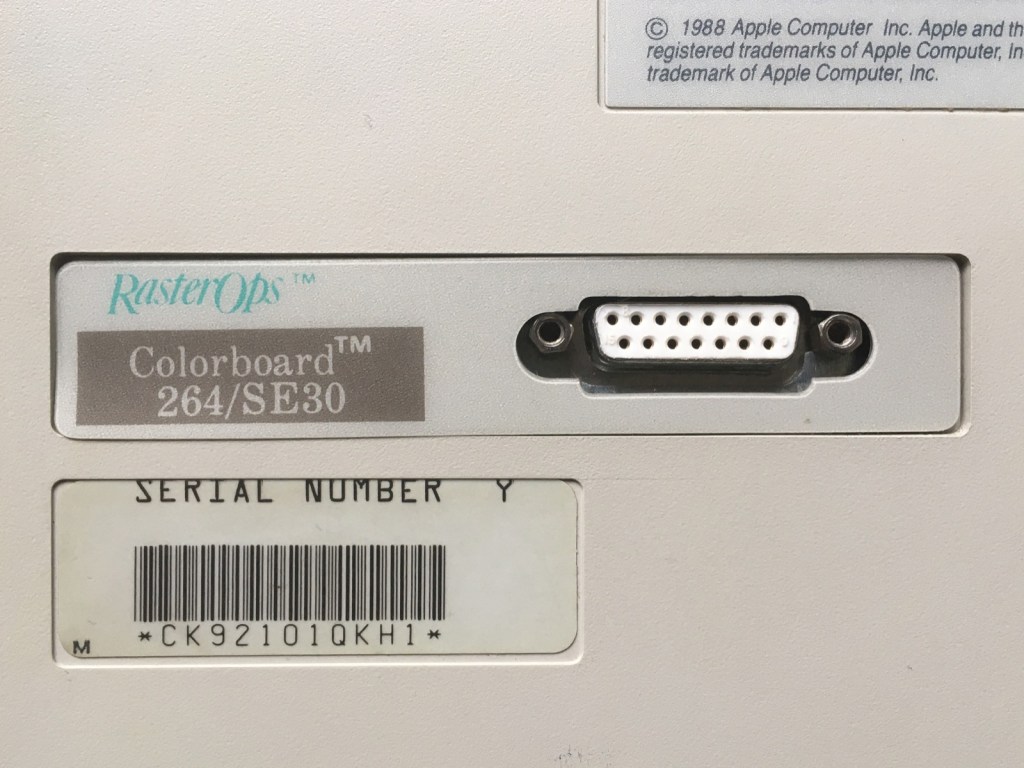
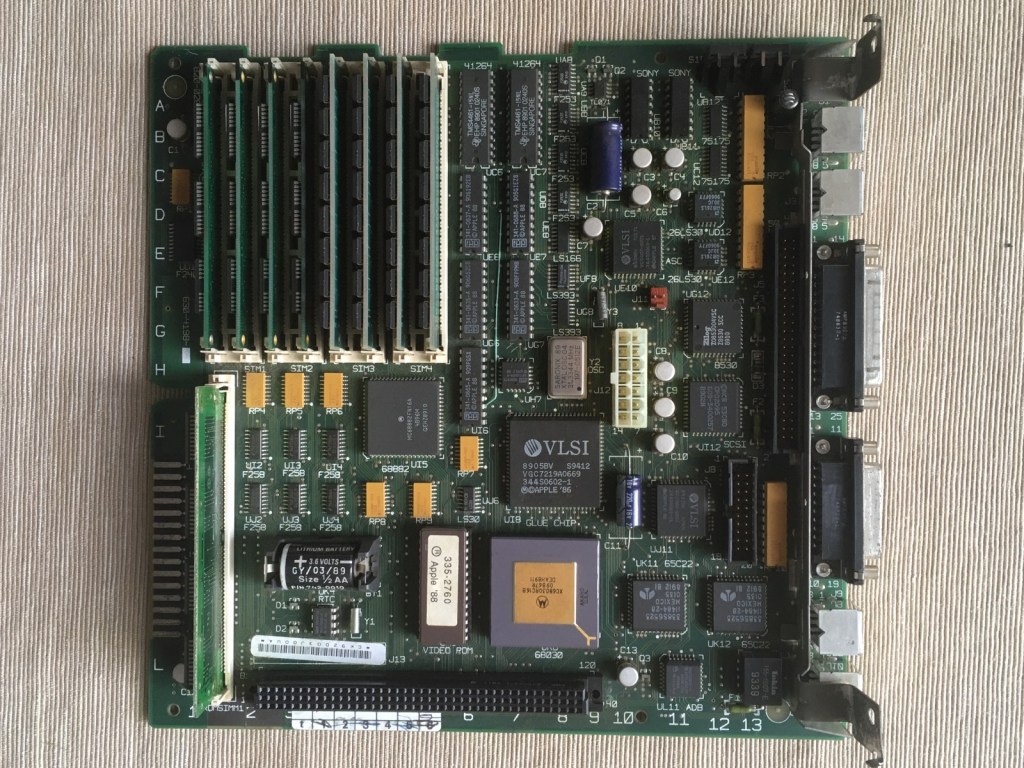
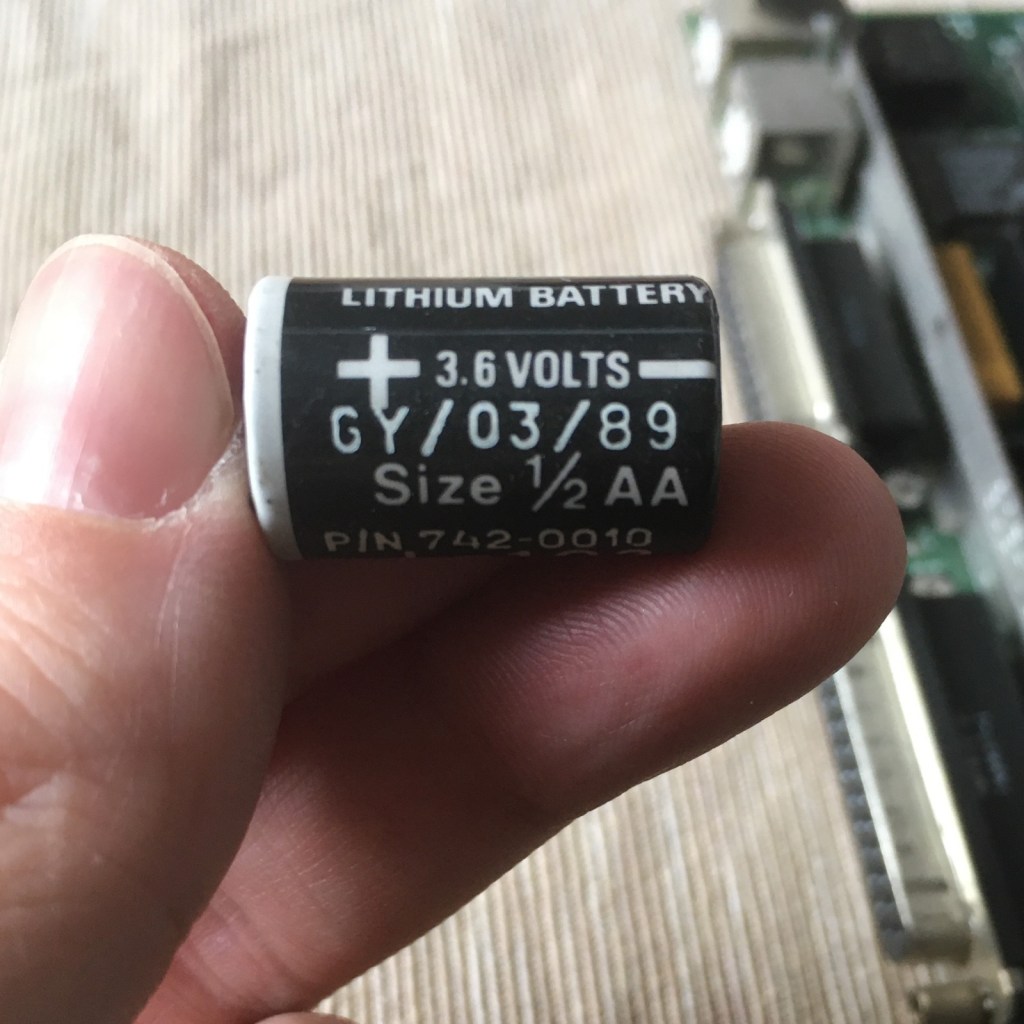
It arrived in a few days sitting on a bunch of cozy bubble wrap. Great cosmetic conditions! No scratches or labels, minimal yellowing. Once opened I noticed that the motherboard was almost in impeccable shape. The Mac had also a radeon Colorboard installed.. and the usual expired battery.
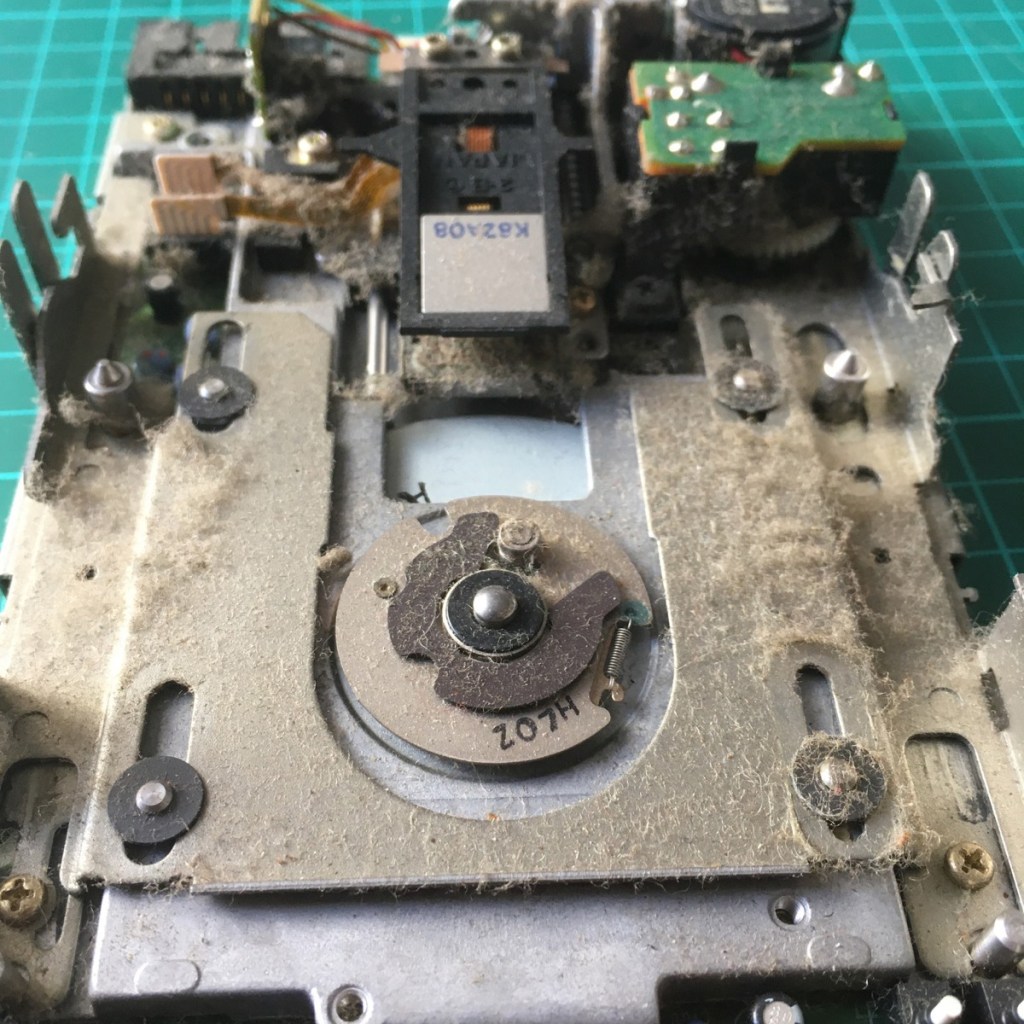
The floppy drive was in poor conditions, and with a system disk stuck in. I took it apart and patiently remove all the dust, clean the (extremely dirty) heads and lubricate again the slides and moving parts. Always disassemble and clean the drive before insert any floppy! The risk of damaging both the drive and the magnetic support is quite high when you have 30 years of dust stuck in the unit.
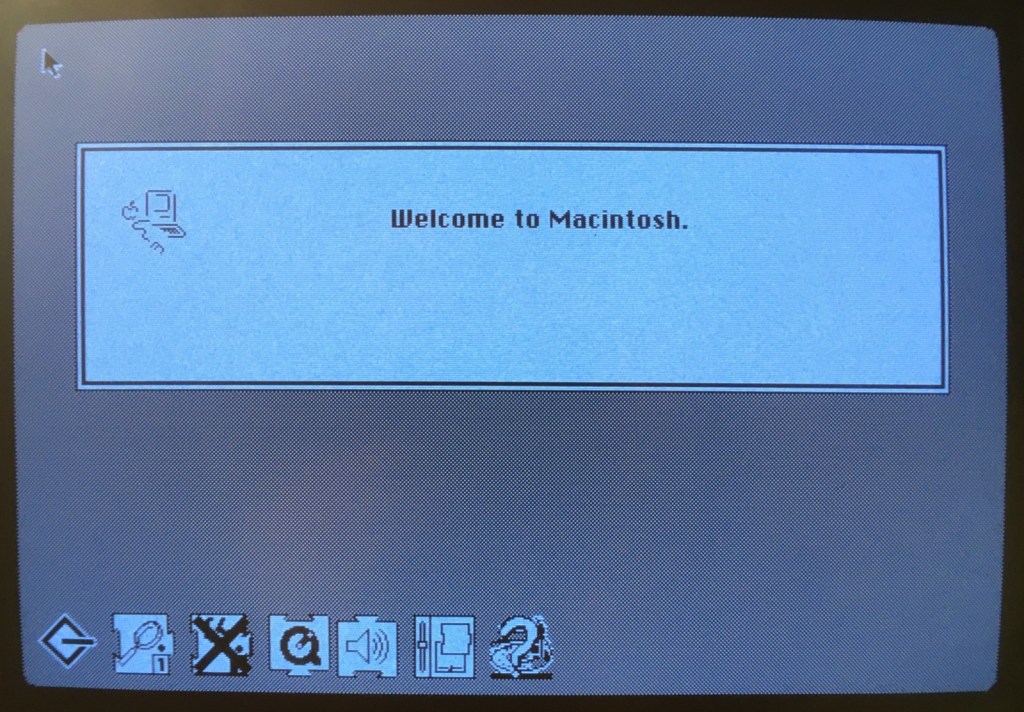
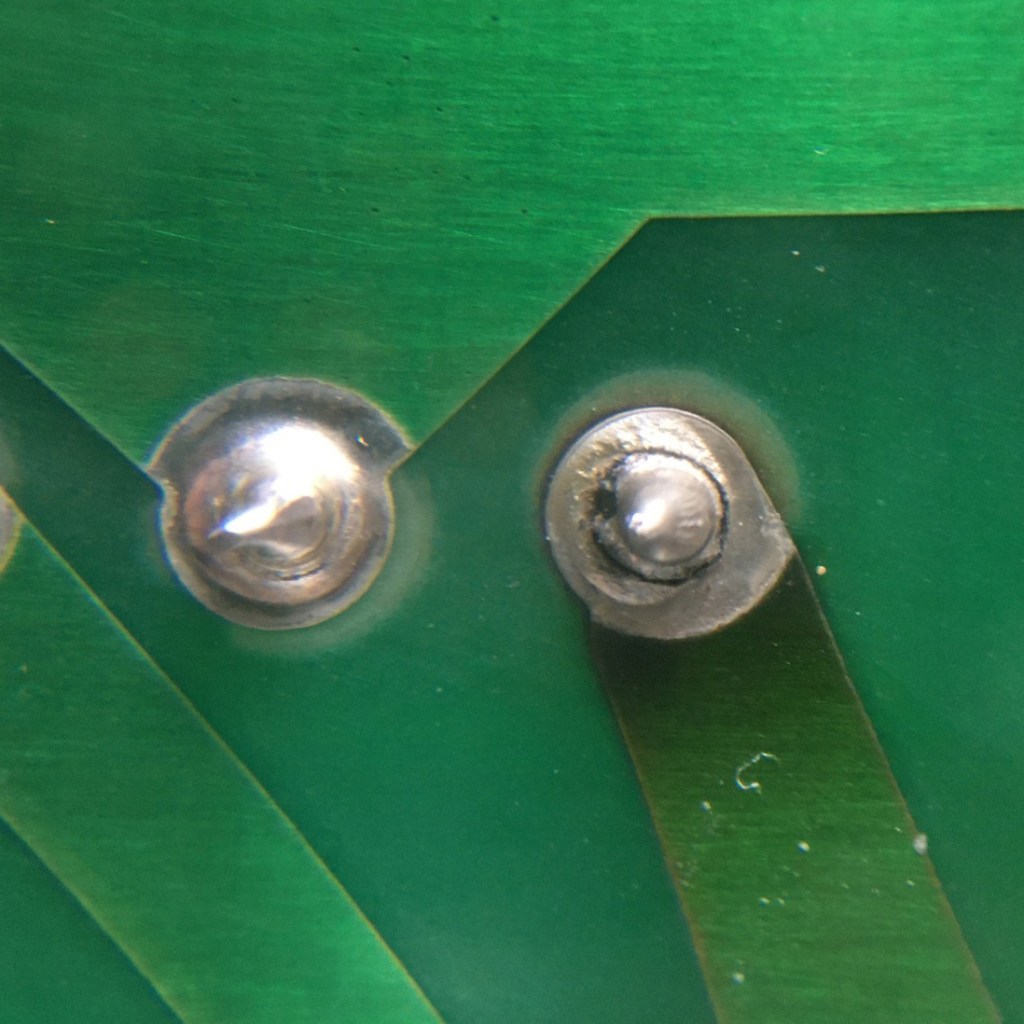
Moving on… The issue with the display has been quite easy to find, some solder joints on the analog board were cracked. After reflowing the joints I tried to turn on the machine and the screen was working.. showing the annoying checkerboard pattern, this happen with all the SE30 I tried. I simply replaced all the capacitor on the logic board and the machine worked properly.

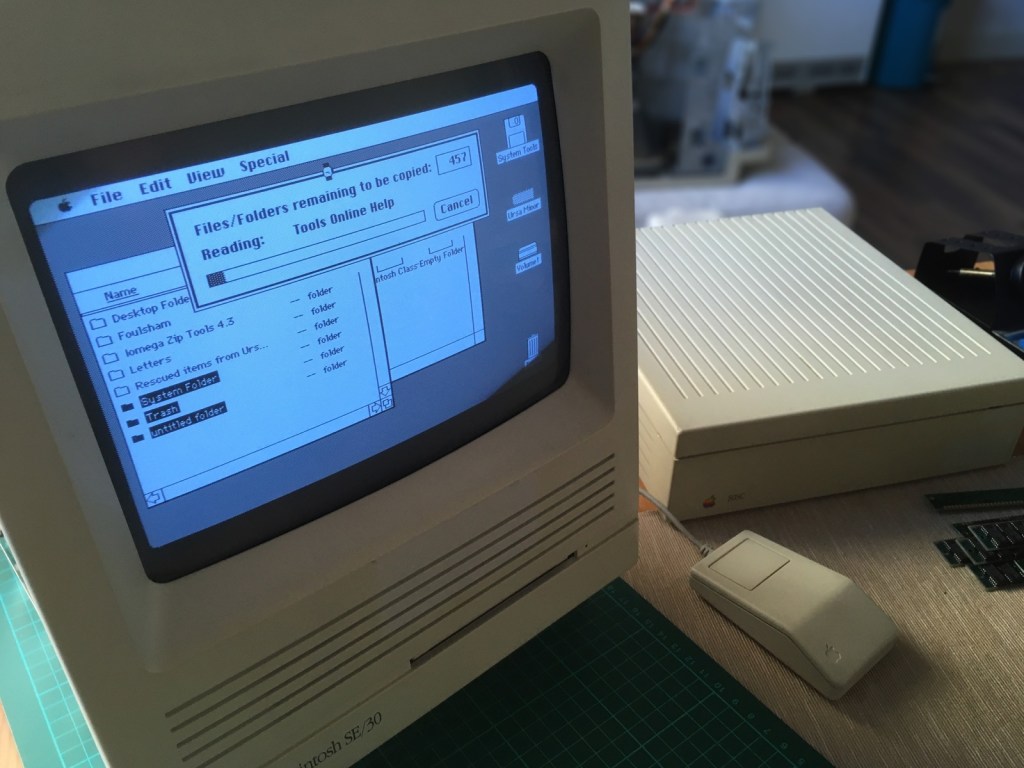
The entire process took around 3 hours. Once booted I discovered a nice 20Mb of memory installed in the system! I backed up all the files on my external drive and contacted the owner. I think he was surprise to find something this old still on the hard disk : )

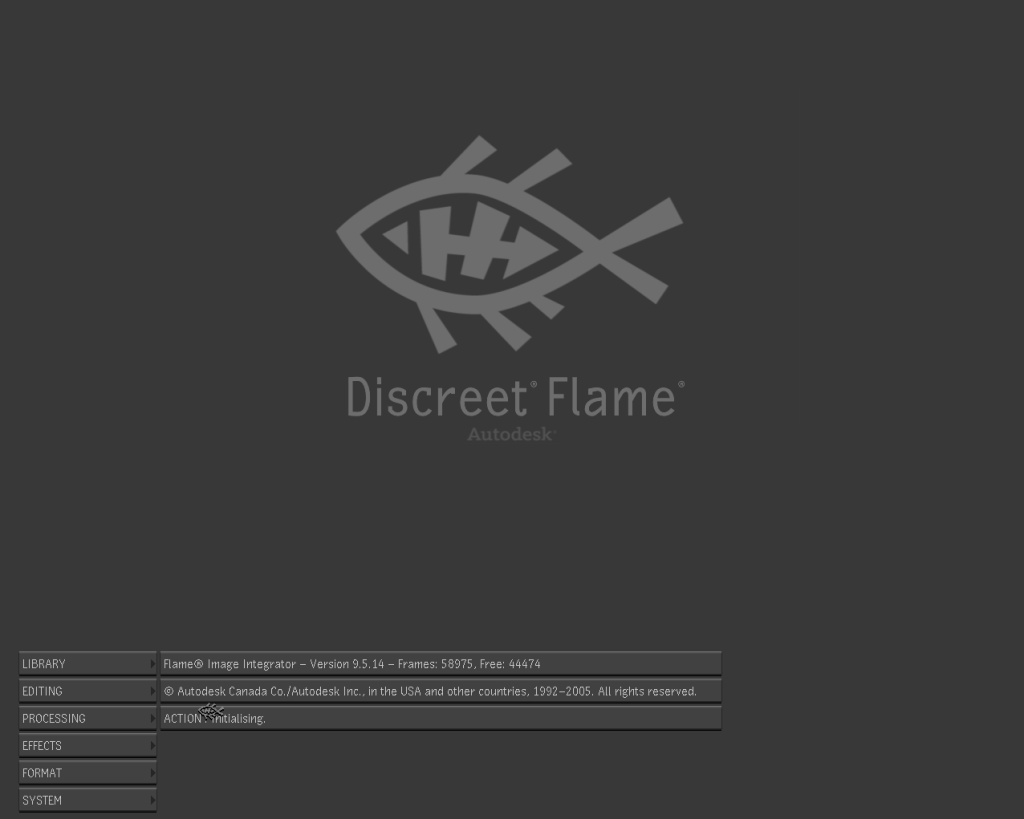
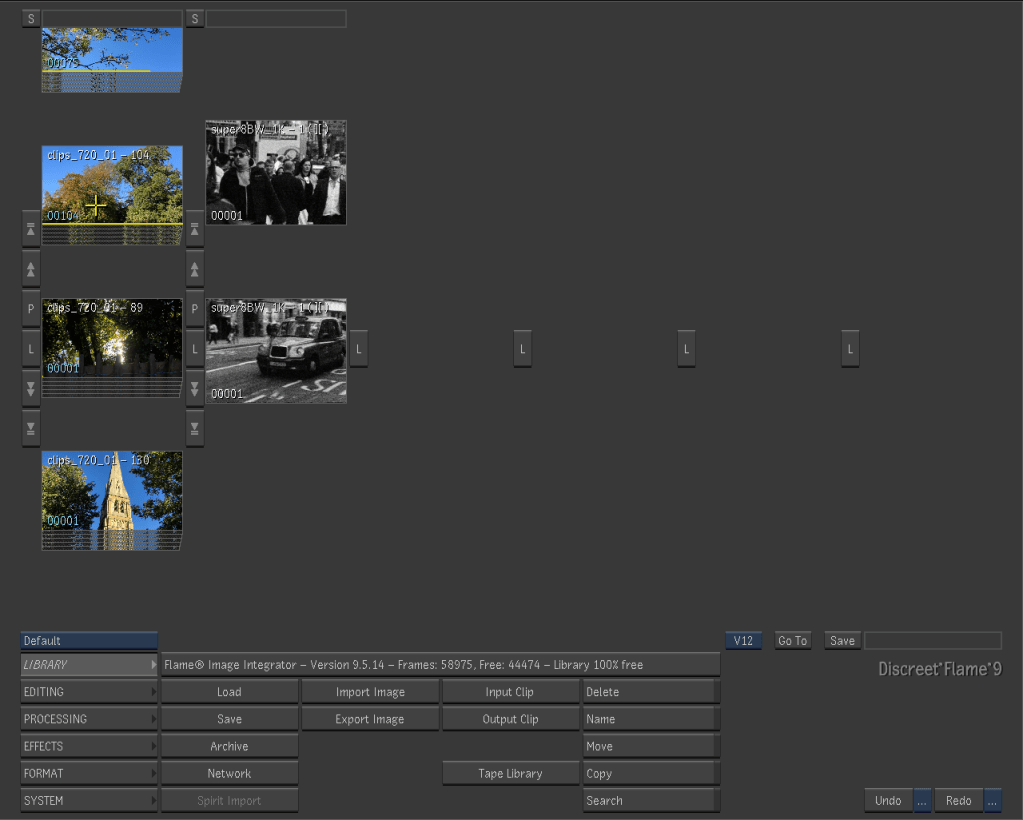
Discreet Flame 9.5

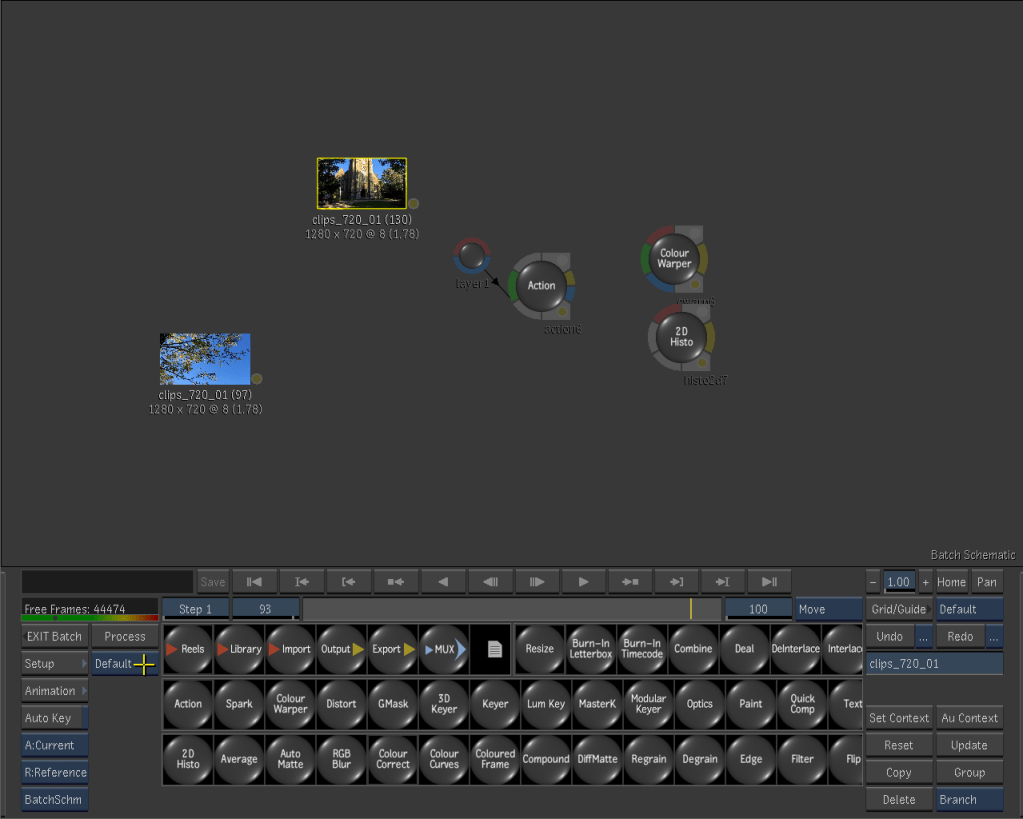
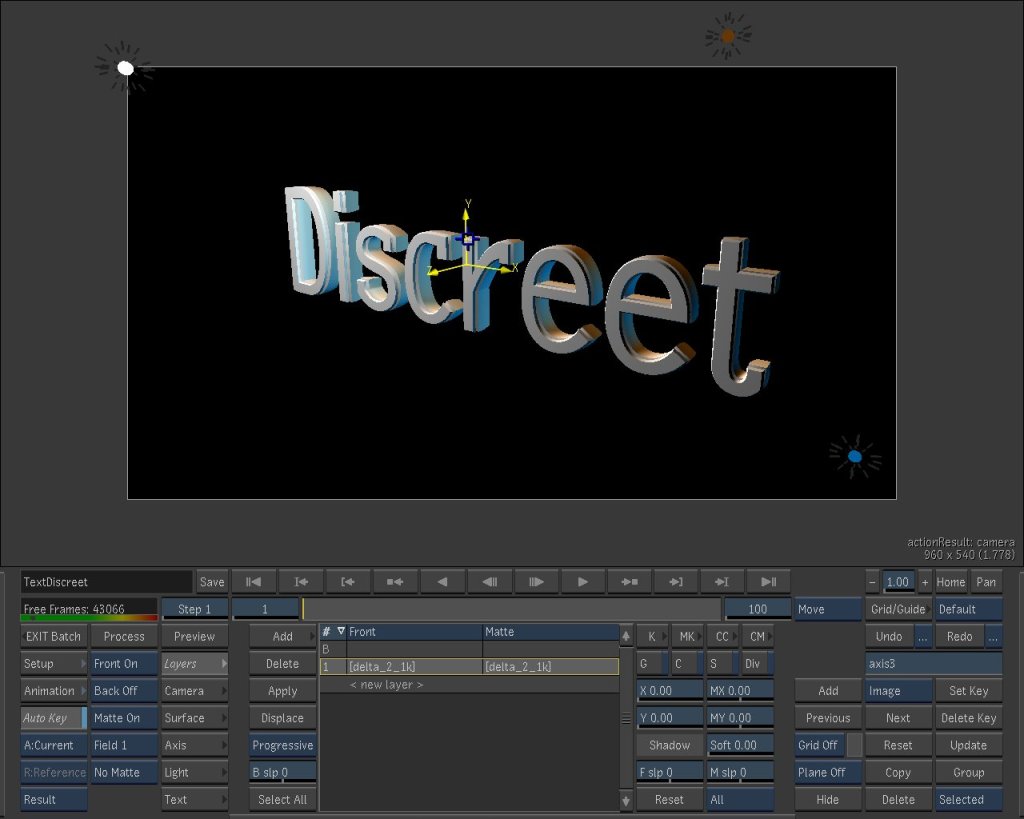
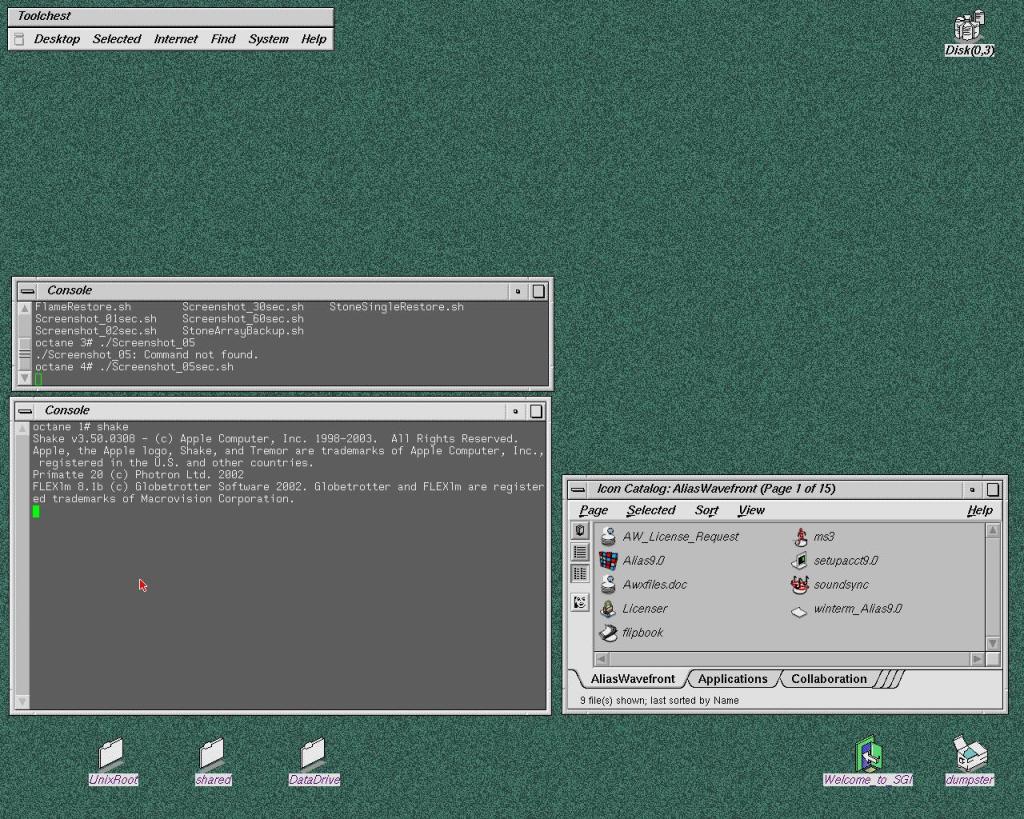
Behold the mighty Flame. After days of attempts I managed to install the software and have all the hardware and drives properly recognised and functioning. I can’t thank enough the people of the Irix NETWORK forum. Special thanks to gijoe77, def13 and irikinus for their direct help and support.

As a professional compositing supervisor it’s amazing to be able to play again with this software on the original SGI hardware.. actually in this case the very same machine I used 20 years ago.

The original workstation came with Flint 7.6 installed, after some testing and consideration the best version of a discreet product that can run well on my Octane is Flame 9.5 from 2005. Finally with the version 8 they introduced resolution independent projects management and v 9 was completely rewritten as a 64 bit application. After this release Discreet launched another 2 versions of Flint / Flame for Silicon Graphics hardware, the last one named Flame 2008. Sadly I would need more memory and a V12 graphic card instead of my V10… soon or later I will upgrade : P

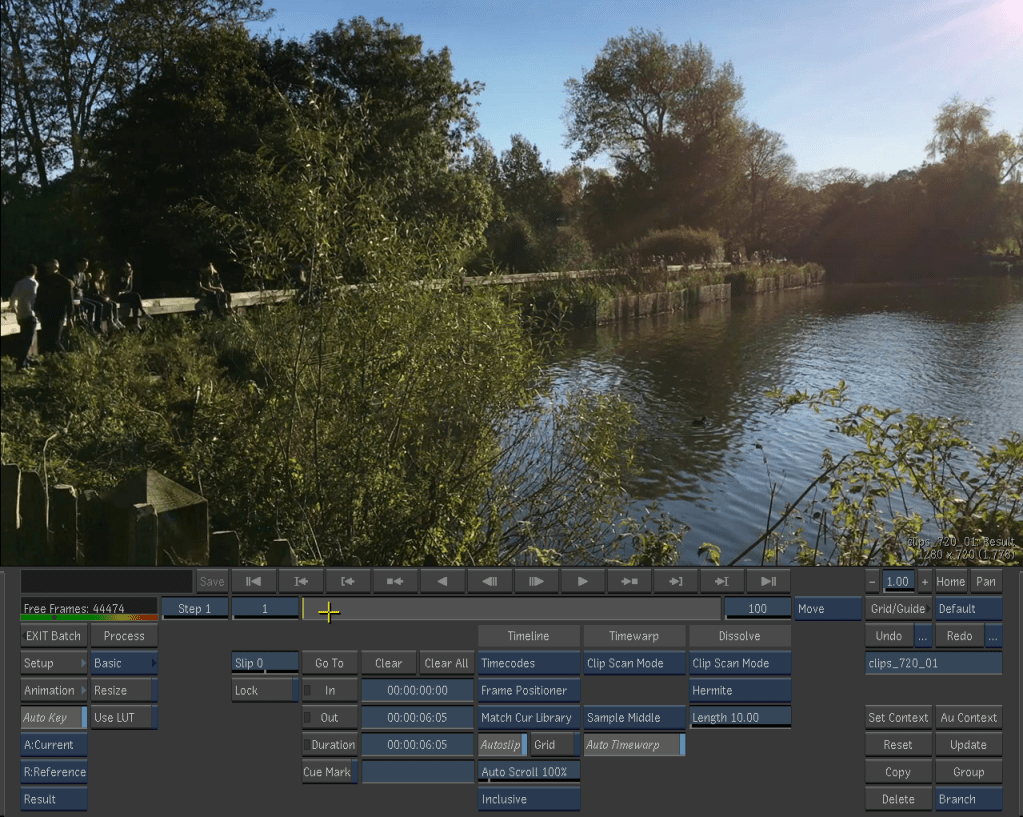
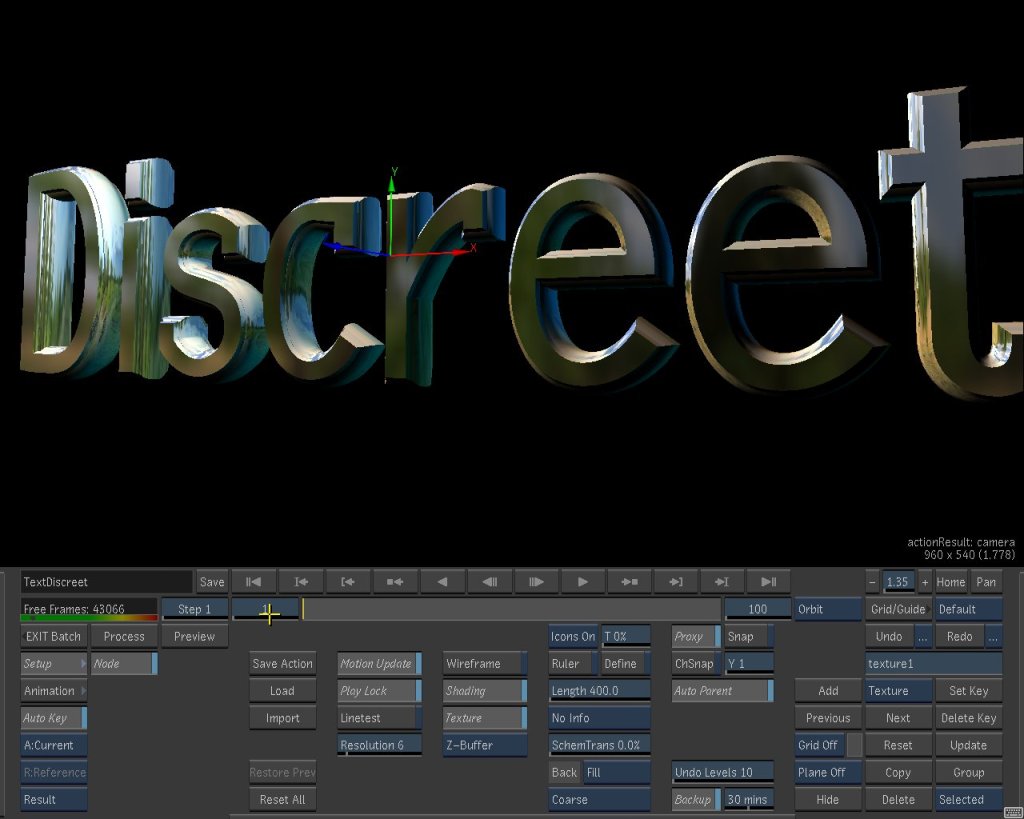
I copied via FTP a bunch of clips that I had in my photo library just to play a bit with the software. I am still quite impressed by the smoothness and responsiveness of playback, 3d space and painting tools.

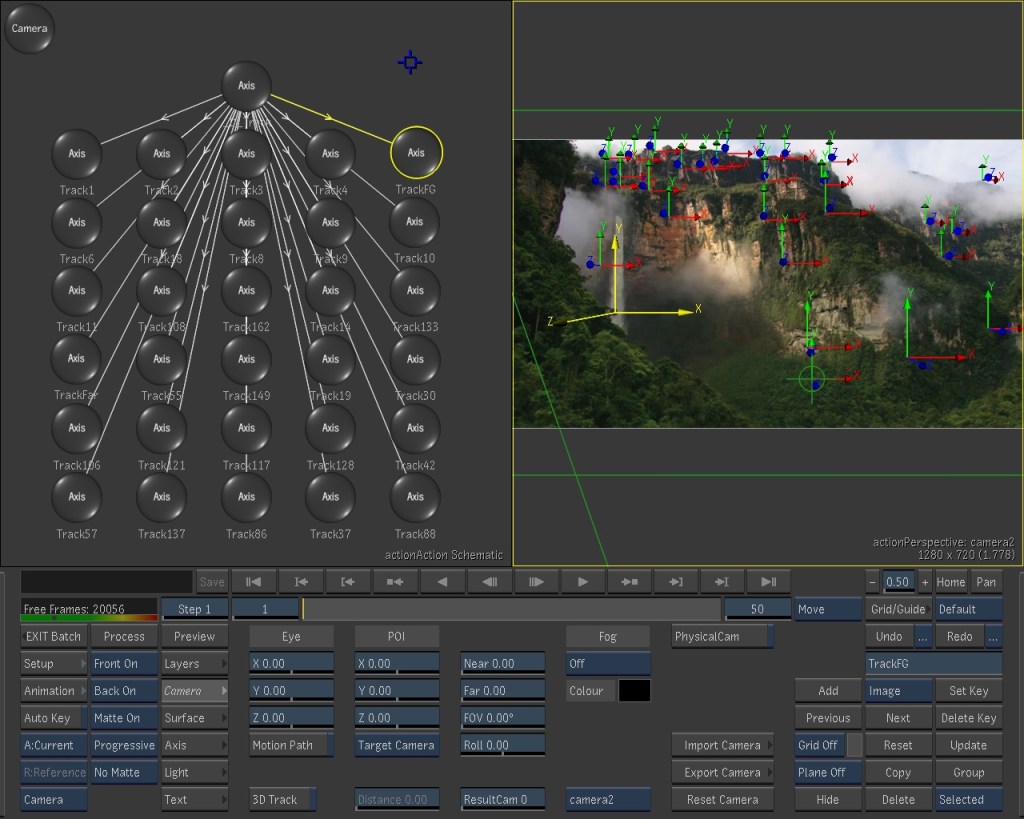
Quite shocking how the system handles real time reflections on a 3d object… on a video card with 32 Mb of memory of which only 8 dedicated to textures.. yes megabyte!

Voyager Explorer

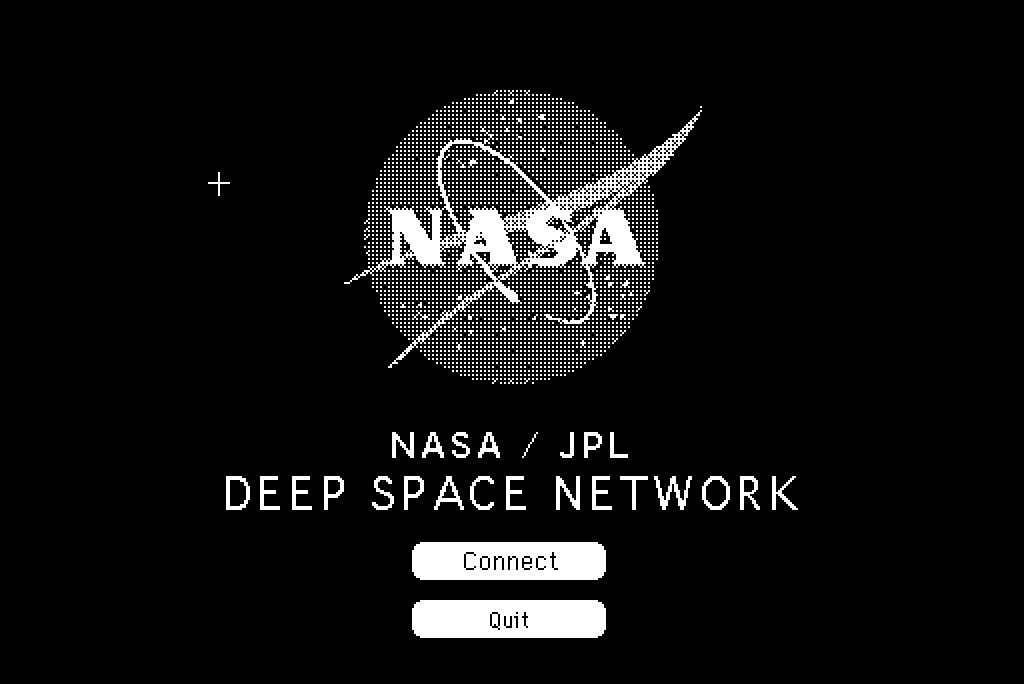
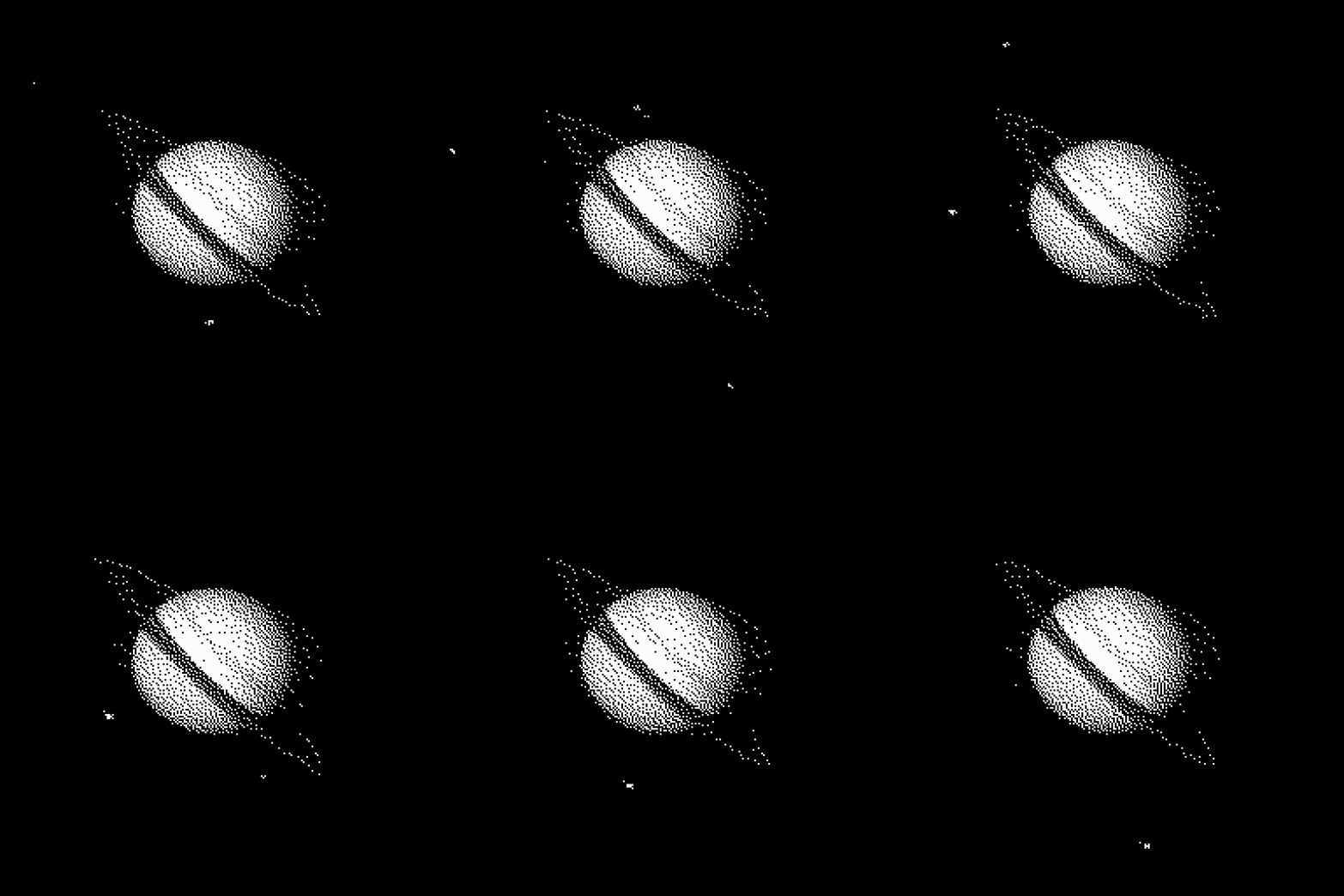
This is the kind of “game” I would have loved as a kid in the early 90s, pretending that a 68K Mac can connect to the deep space network and download images from it : P

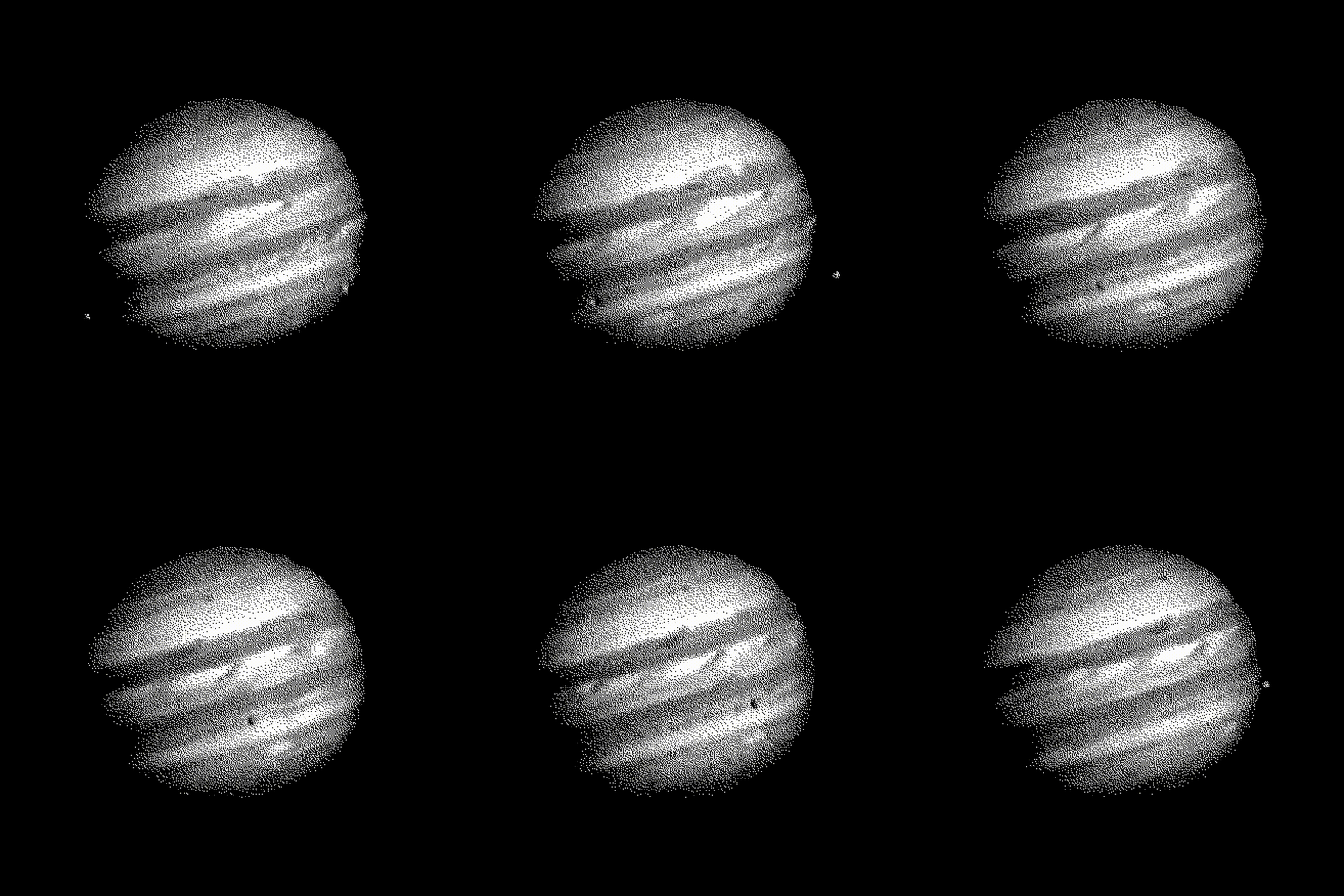
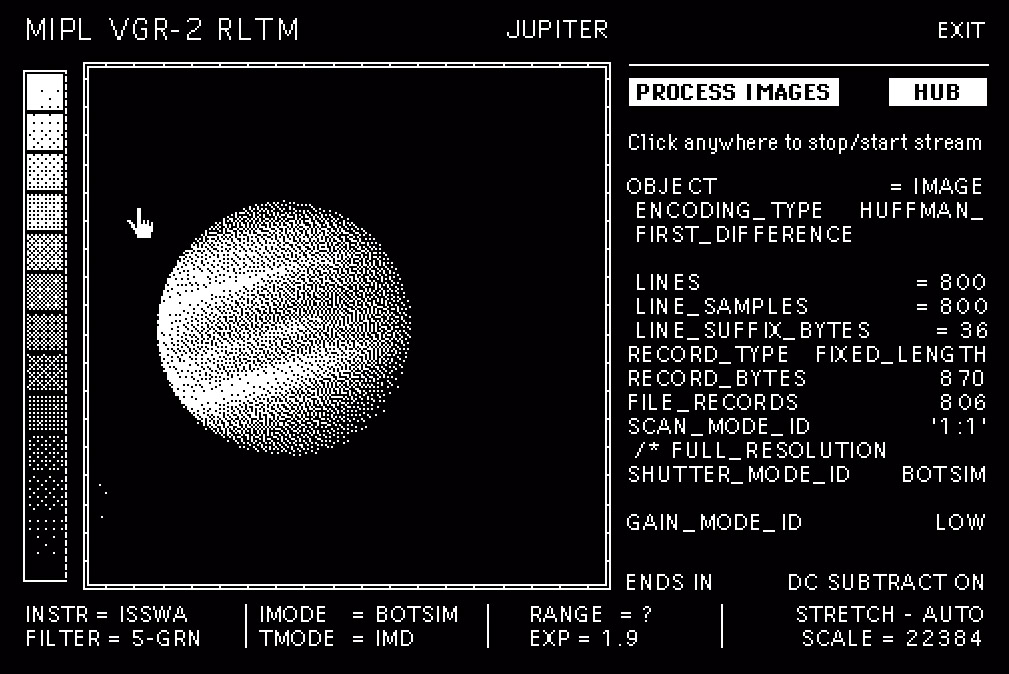
Starting from the raw images sent by the Voyager II probe I designed this simple educational game using Hypercard.

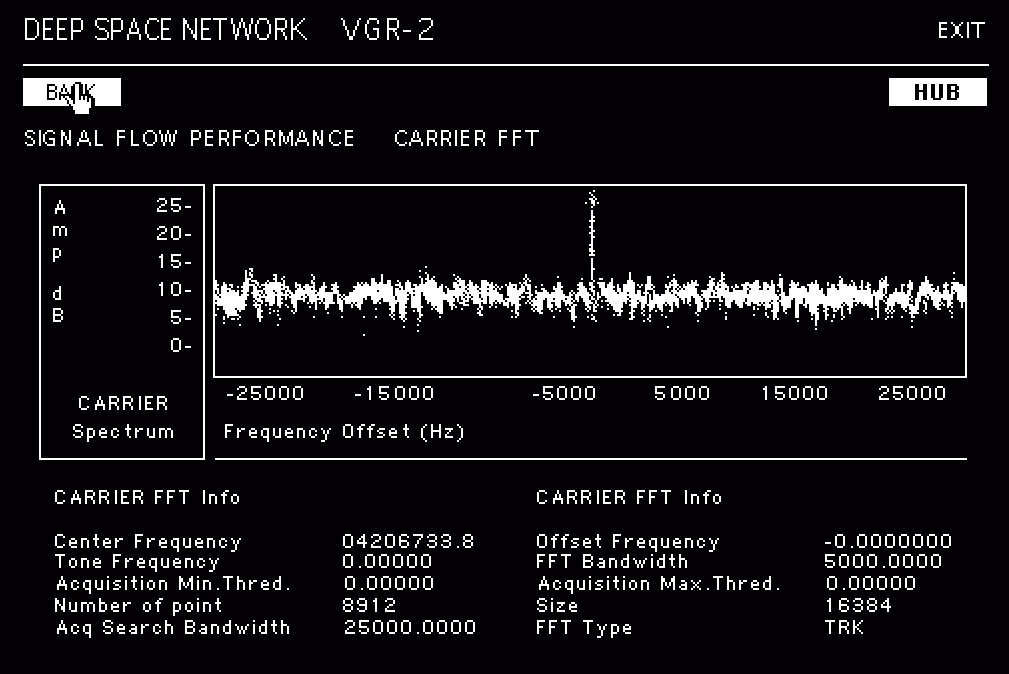
The idea is very simple, a library of animations and an interface to navigate different sections of this fictional hub. You can directly access the library , or “download” the data via a satellite uplink, and monitor the status of the signal. The interface is not completely fictional, it is actually inspired by the real calibration grids. VICAR (Video Image Communication And Retrieval) is the actual software that Nasa used to process the raw data from the probes.

For a “realistic” experiences I added loading screens and fake terminal logs as well.. and yes, it does fit in a 1.4Mb floppy.

All the text is not complete nonsense. For example the lingo and frequencies in the “deep space network” interface are all real. If you are curious about the tech behind the communication between Earth and the Voyager have a look at this video.

Hypercard is an amazing software, a hypertext editor where you can mix images, animations and buttons. Its scripting language called HyperTalk is very easy to learn, write and understand. The potential was (and is) infinite, you can write a simple database for your telephone numbers or a complete, interactive game with animated graphic. Just for reference the game Mist (1993)… yep! Originally developed with Hypercard.

If you are interested in the use of hypercard in game development check this Video. A great interview with Rand Miller on how Mist and his “predecessor” The Manhole has been created .

For more information about the Voyager missions please visit the Nasa and Jet Propulsion Lab websites. On the Planetary Data System website all the data sent to Earth by the probe is available for download in its raw format.

Irix 6.5.22

And after many hours of study and attempts I finally installed a clean Irix 6.5.22 on the Octane 2 : )

Step one: get some new SCSI2 drives to backup the current and ONLY functioning system I have. Eventually I bought 5 drives and relative sleds.. just to experiment a bit.

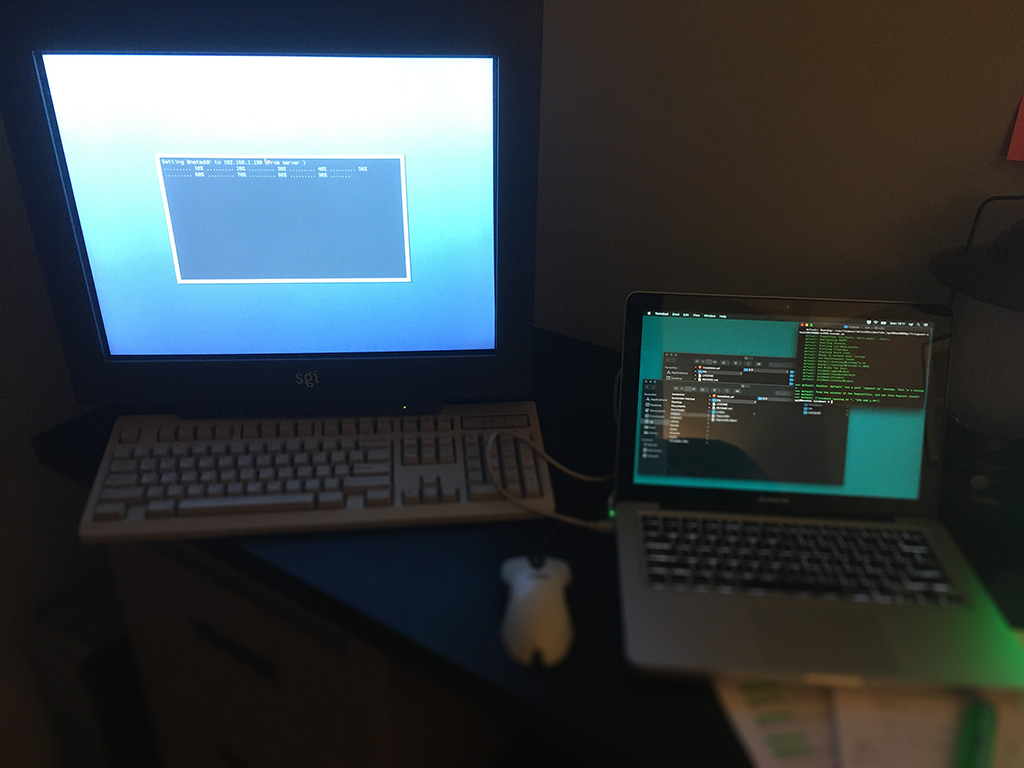
Step two: get the Octane on my network with setenv netaddr

Step three: on my Mac install the virtual box Vagrant and retrieve all the necessary Irix disk images required. Here’s the great IrixBoot by “halfmanhalftaco”. The easiest prepackaged vm installer you can find online.

Step four: patiently go through all the steps to install Irix. NOTHING is with a graphical interface, be patient and typo those commands. Recommended resource: Irikinus youtube channel.

Step five: After 40 minutes Irix is installed! Finally I can clone the original drive and save the data, mount it as second disk, access it and remove the damn forgotten password of those ancient accounts!

Step six: Tweak the OS at will. Configure the accounts, change the interface settings and make sure that the connection via FTP is running. That’s the easiest way to exchange data with any Sgi machine.

It sounds easy, but it took me several attempts to have a nice conflict free installation that will work with all the softwares I want to test.

Finally I can play with this workstation, install all sort of abandonware and test all the hardware that came with, from the video I/O box to the fibre channel array 😀

Power Book 170

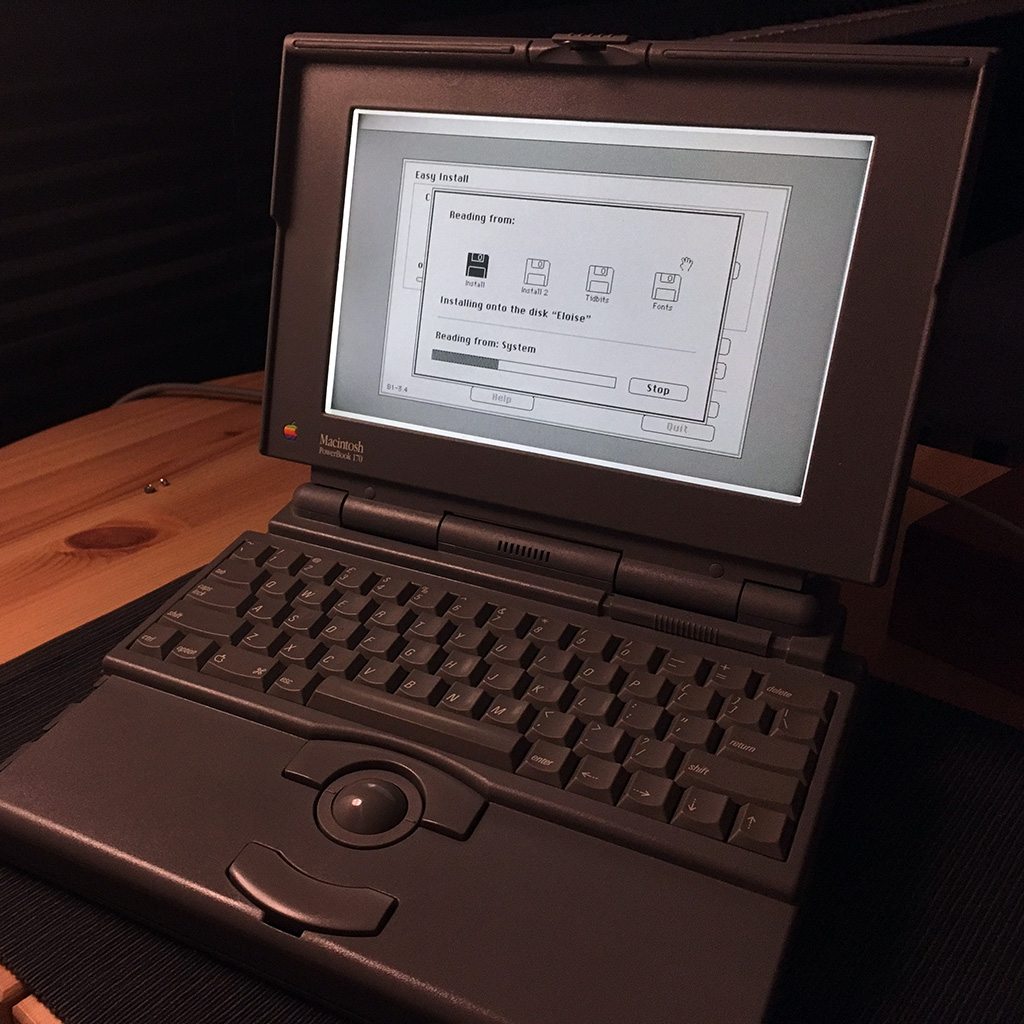
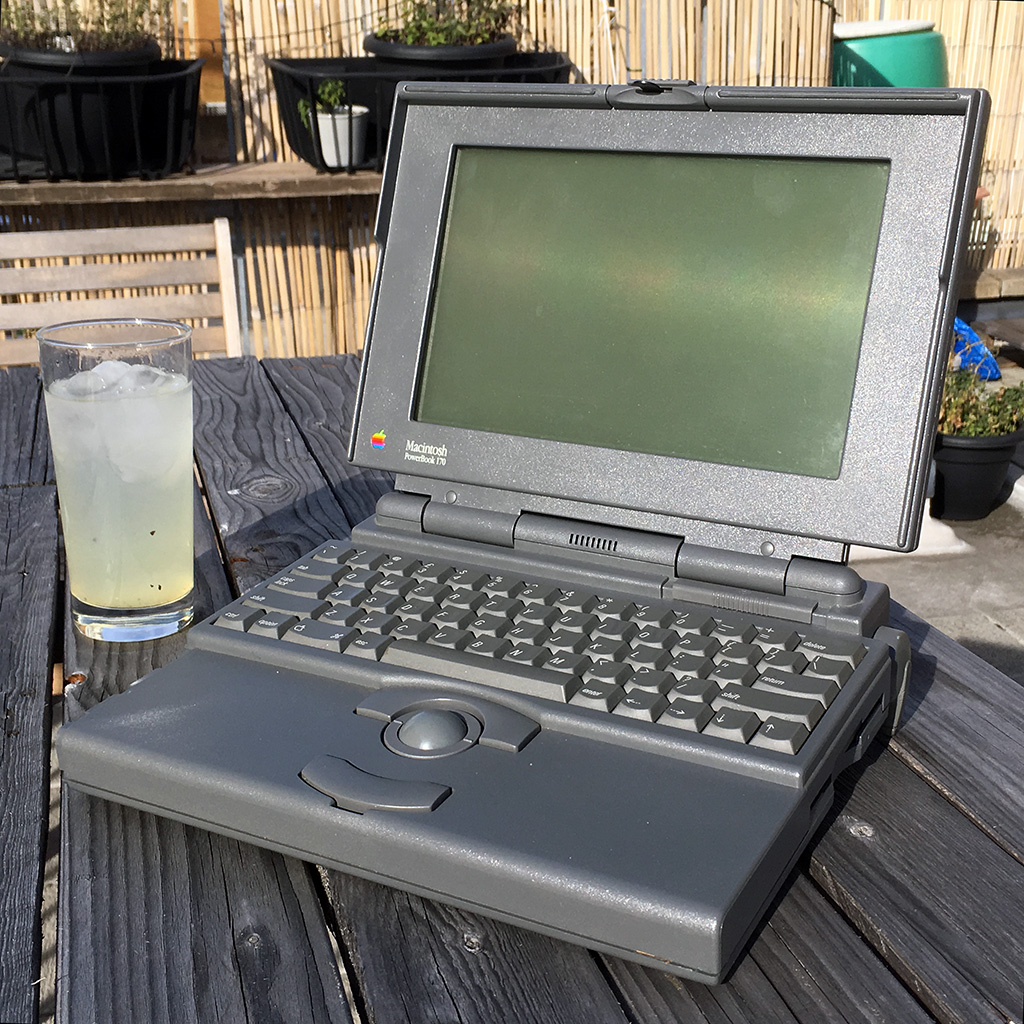
I found this PowerBook 170 a few years ago on eBay. Put a bid of 50£, forgot about it and discovered after a day that I won . The laptop is in great shape but the screen after some use gets darker around the corners, a well known issue with such old active matrix panels.

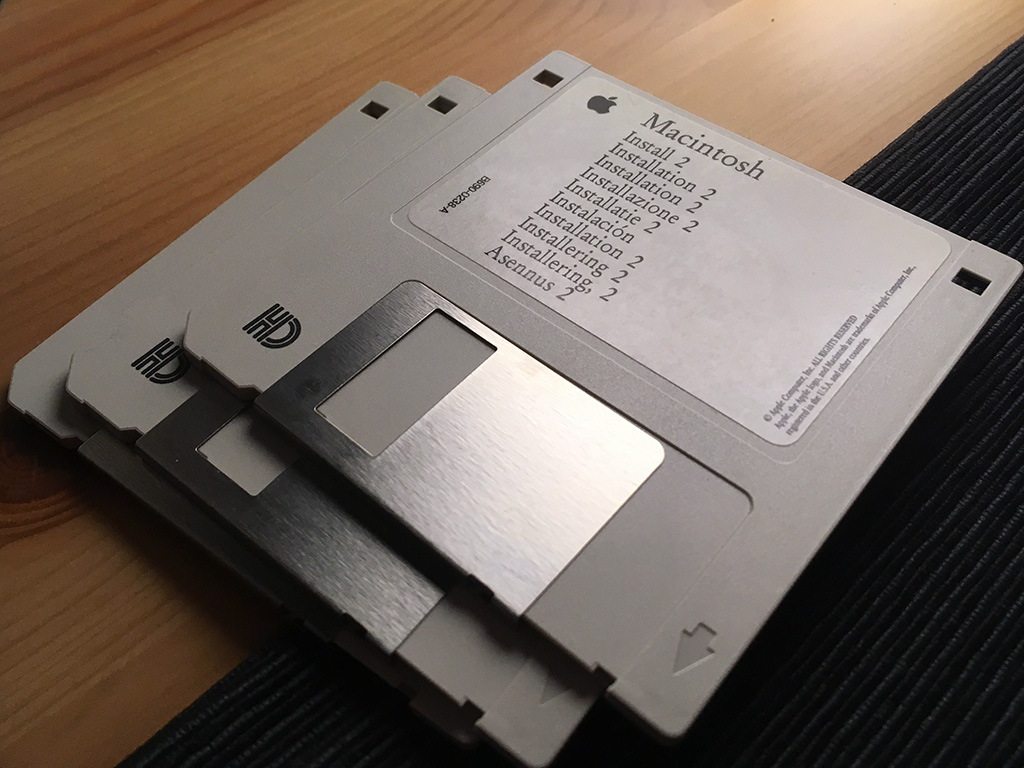
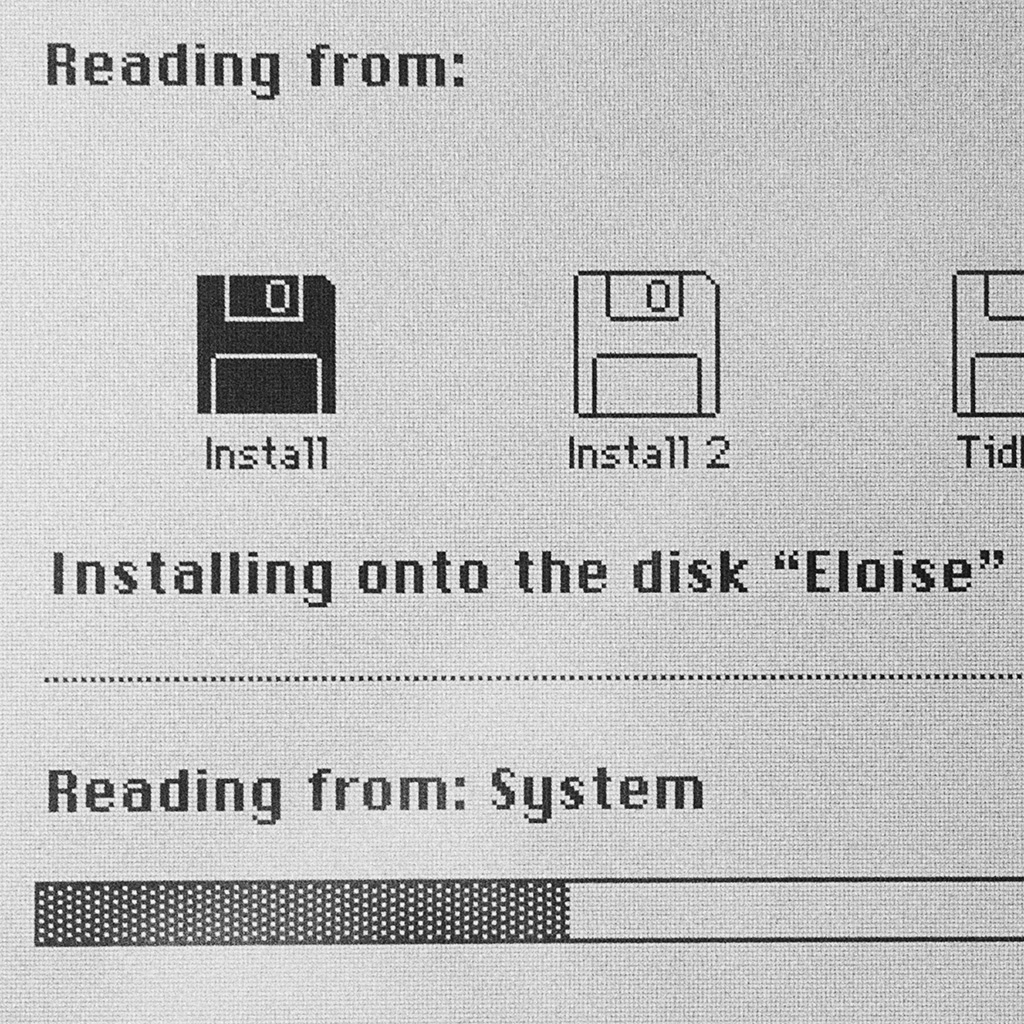
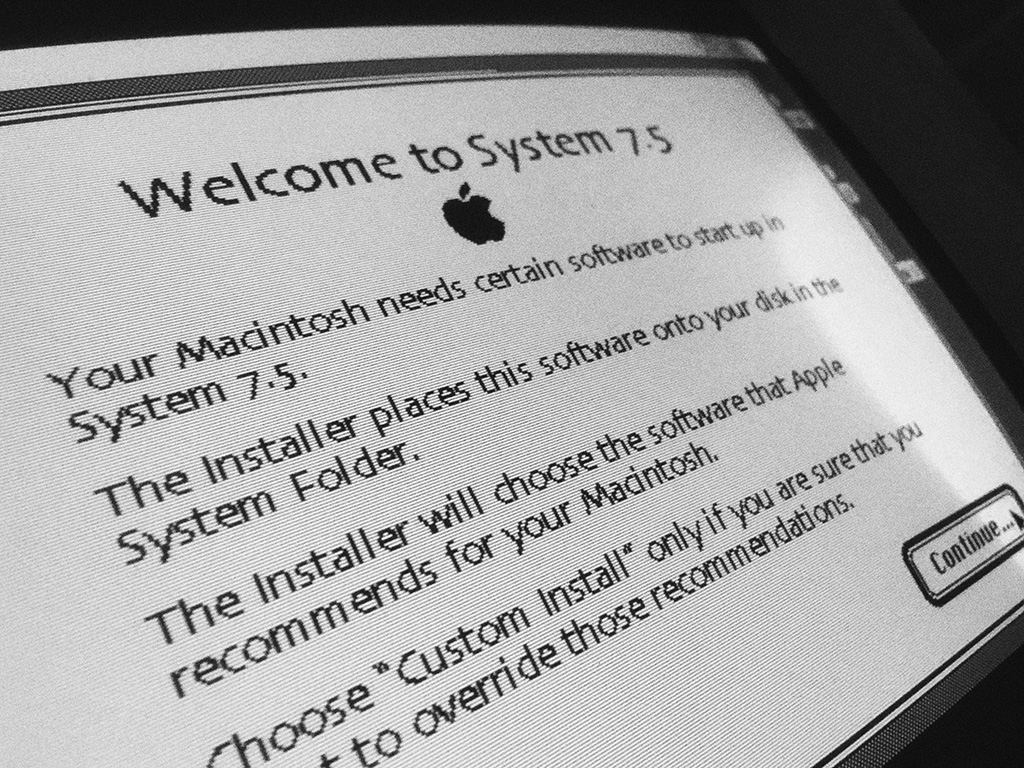
Apparently this Mac has been used in some university, I’ve backed up the content of the hard drive labelled “Eloise” and installed a fresh copy of MacOS 7.5 on the partially glitchy hard drive.

This configuration has an expanded 6Mb of ram and a 40Mb hard drive. With a 25Mhz 68030 cpu this is by far the fastest Mac classic I own.